Showoff instead of Jitter

Animation made for devices: entrances, loops and camera moves on real 3D models, without keyframes. Launch videos come from your AI.

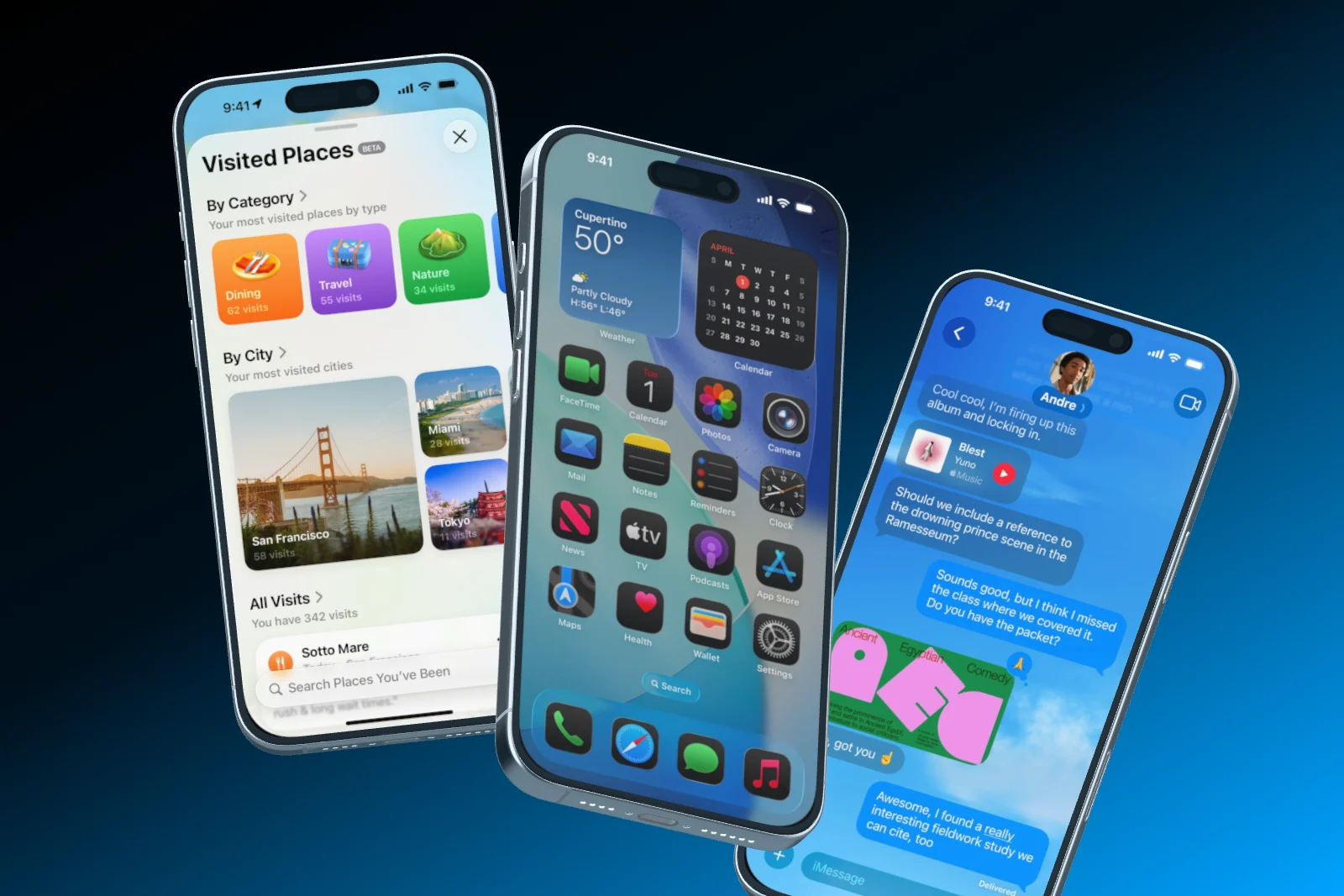
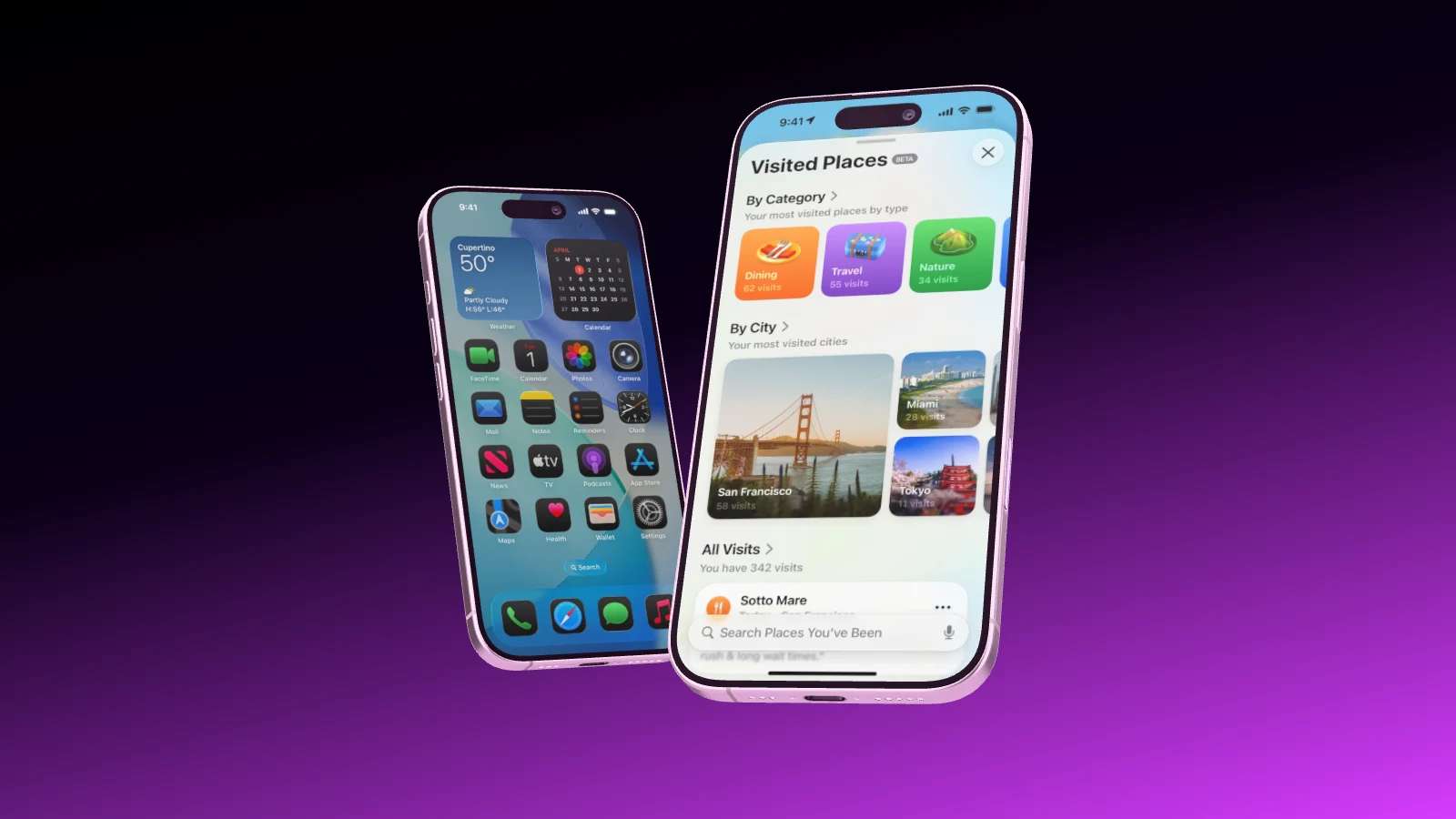
Three iPhones rising into view one after the other
Two iPhone 17 rolling into the frame one after the other
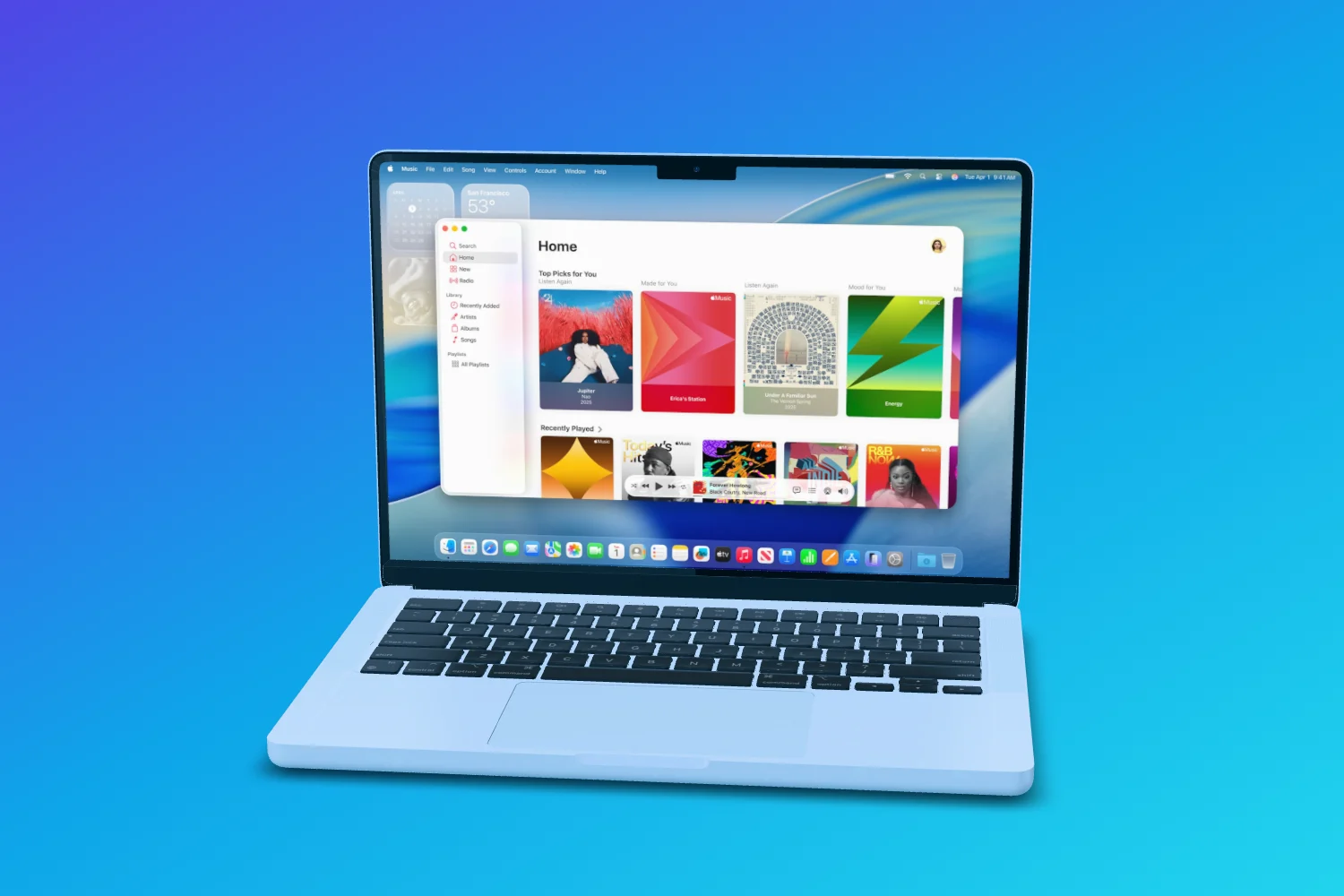
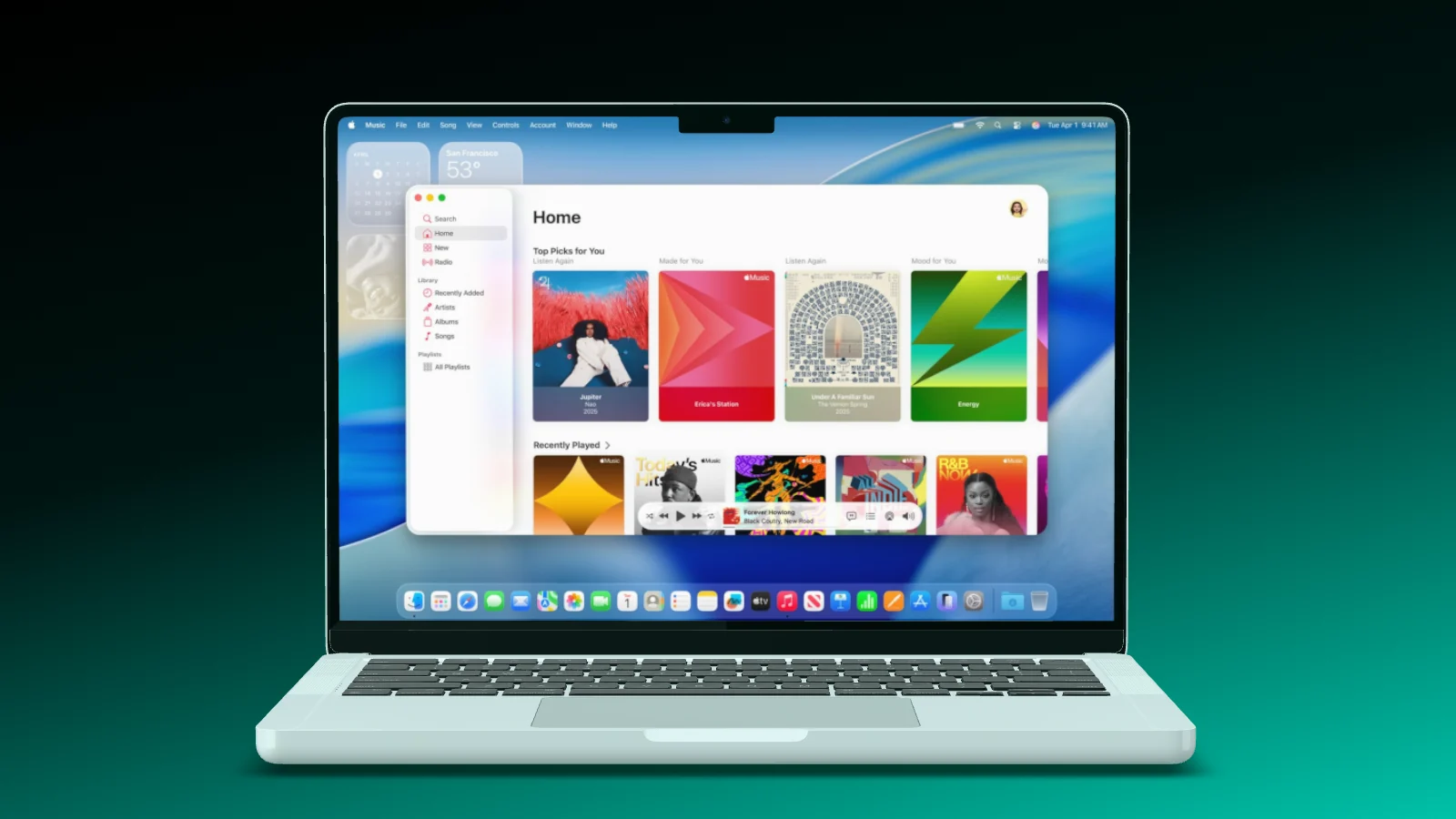
A MacBook Pro opening its lid
About Jitter Jitter

A collaborative, browser-based motion design tool for creating animations.

Runs on Browser

Visit Jitter

Where Showoff comes in

Showoff is made for devices: your screens play on an iPhone, iPad or MacBook in 3D, and motion comes from entrances, loops and a camera that travels across marked areas. Instead of animating layers, you set up a scene and the film comes out of it.

App Store sets

Every image for the store. In every language.

Create a set, drop in your screenshots and write the headlines. Showoff puts one big phone into every image, adds one highlight across two images and exports every size for the App Store and Google Play as one ZIP.

  • Up to ten images on one stage, one highlight across two
  • Headlines in several languages, one folder per language
  • Sets for iPhone, iPad, Mac and Google Play
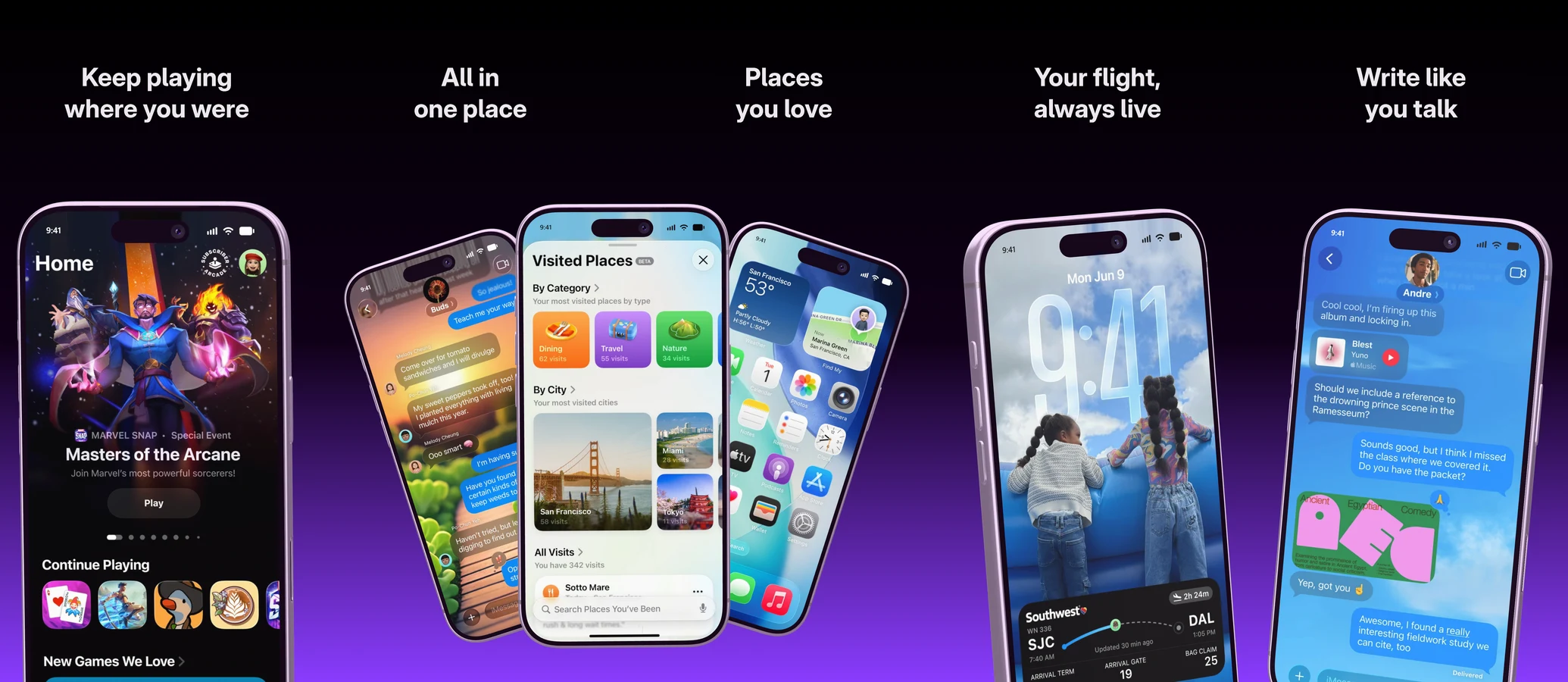
Five images of an App Store set side by side on dark violet. Four show one big iPhone each, images 2 and 3 share a fan of three iPhones across the seam.
Auto motion

Mark what matters. The camera does the rest.

Draw a few areas on the display, and Showoff turns them into a camera move with real perspective, from one area to the next. The same scene becomes a video without a single keyframe.

  • Areas drawn straight onto the screen
  • Real 3D perspective, not a panned picture
  • Roll again for a different move over the same areas
A MacBook with a website on its display, the camera moving across it
Pair your phone Soon

Your phone becomes the remote.

Scan the code from the editor with the Showoff app. Your phone’s screen streams live onto the device in the scene, and when you turn the phone in your hand, the device on stage turns with it.

  • Live screen, or a screenshot at full resolution
  • The device follows your hand
  • Paired in seconds with a code
A Pixel phone on a pink stage, turning like a phone held in a hand
Phone paired Pixel 11 Pro Live
Move your mouse
Launch videos

Your launch, as a film. Cut to your song.

Hand your AI a few screenshots and a song. It builds a launch video in which the device lands on the drop and the camera glides from shot to shot without a single cut.

Launch videos come from your AI via MCP: part of Pro, and free to try for 3 days.

The Showoff trailer: a phone turns out of the dark, then a MacBook and a chat with Claude
0:00
0:00
AI and MCP

Build, edit, cut. All in one conversation.

Your AI works in Showoff the way you do. It creates projects, puts screenshots on devices, sets camera and background, highlights details and builds whole App Store sets. Before anything is saved, Showoff checks the picture like an art director.

  • App Store images, website mockups and launch videos, all through the same connection
  • Watch live what your AI is working on, and bring back any earlier version
  • Free to try for 3 days
Claude Connected to Showoff

Make me an App Store image with three iPhones and these screenshots.

3 screenshots
  • Project created
  • Screenshots uploaded
  • Three iPhone 17 fanned out
  • Picture checked, all good

Done: three iPhone 17, fanned out, with your screenshots. The project is waiting in your editor.

Three fanned-out iPhone 17 with the screenshots, built by the AI

What you get In the browser, from the free plan up

Feature Showoff
Devices How your screen is shown 17 real 3D models you can turn
Camera move Motion for a film Builds itself from marked areas
AI builds mockups Via MCP from Claude, ChatGPT or Cursor Yes
App Store sets iPhone, iPad, Mac and Google Play, every language Yes
Websites on the MacBook Full width, menu bar, browser recording Yes
Motion blur Videos that look filmed, 24 to 60 fps Yes
Live collaboration Several people in one scene Yes
Installation What you need to get started None, runs in the browser
Watermark Even on the free plan None

Switch in three steps Nothing to redo

  1. A phone with an empty display
    01

    Bring your screens

    The same screenshots and screen recordings as before, just drag them in.

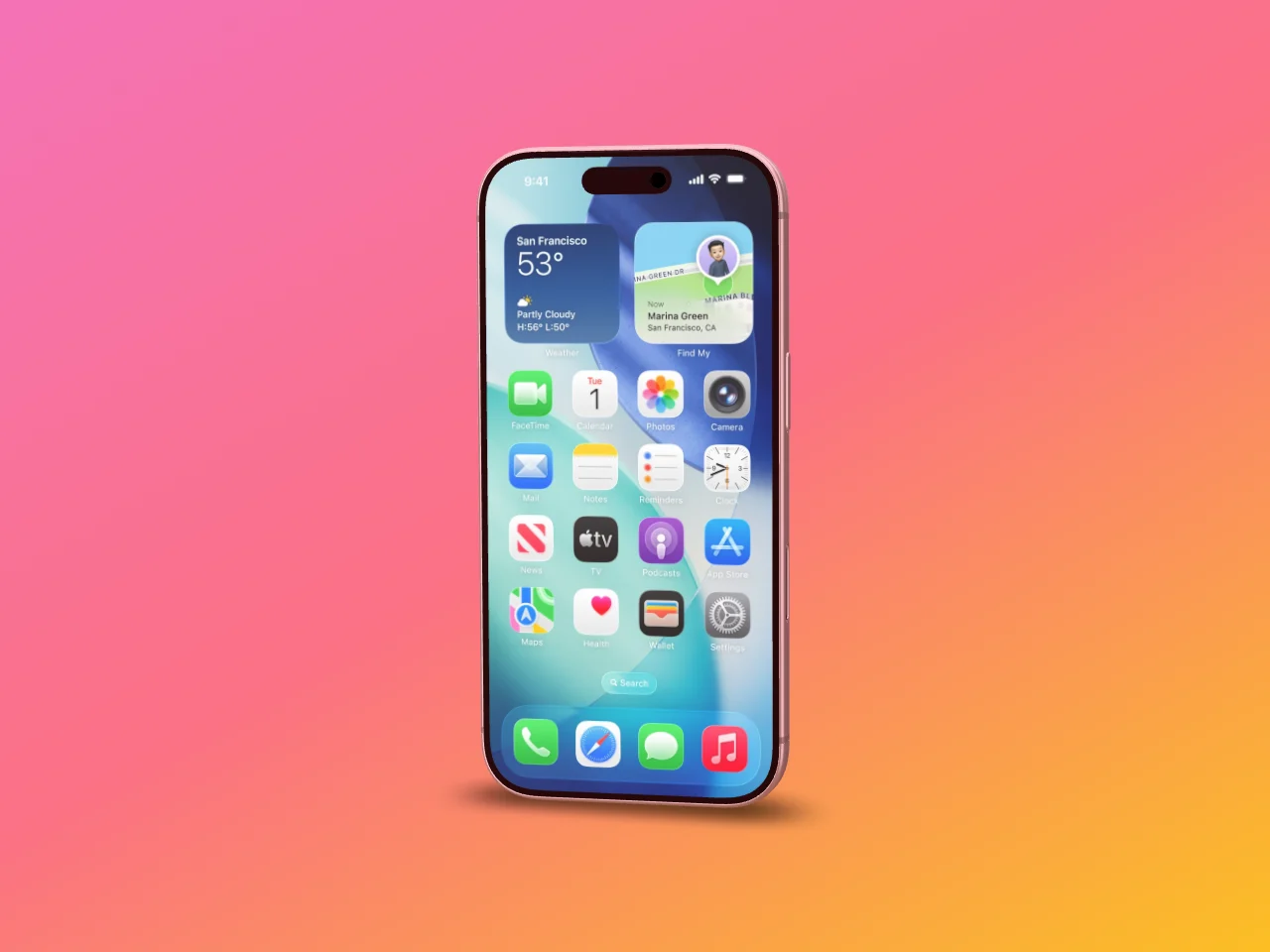
  2. The same phone with the screen on its display
    02

    Pick a template

    A finished scene to start from, or start empty. Your screen fits the display exactly.

  3. A MacBook with a website the camera moves across
    03

    Export

    As an image or a video in the size of your channel, rendered in your browser.

Switching from Jitter

Showoff has a free plan with every device in every color, unlimited exports in 720p and no watermark. Pro adds full-quality exports up to 4K, 60 fps, motion blur and your AI via MCP.

Projects do not move between tools. Your screenshots and screen recordings do: drag them into Showoff, start from a template, and the scene is ready in minutes.

No. Entrances, exits, continuous motion and a camera that travels across marked areas do the job, and every position stays editable.

Yes, with Pro: as WebM the background stays transparent, as PNG for still images.

Ready to launch.