Launch video maker Your launch, cut to your song.

Hand your AI a few screenshots and a song. It builds a launch video in which the device lands on the drop and the camera glides from shot to shot without a single cut, vertical for Reels or wide for your website.

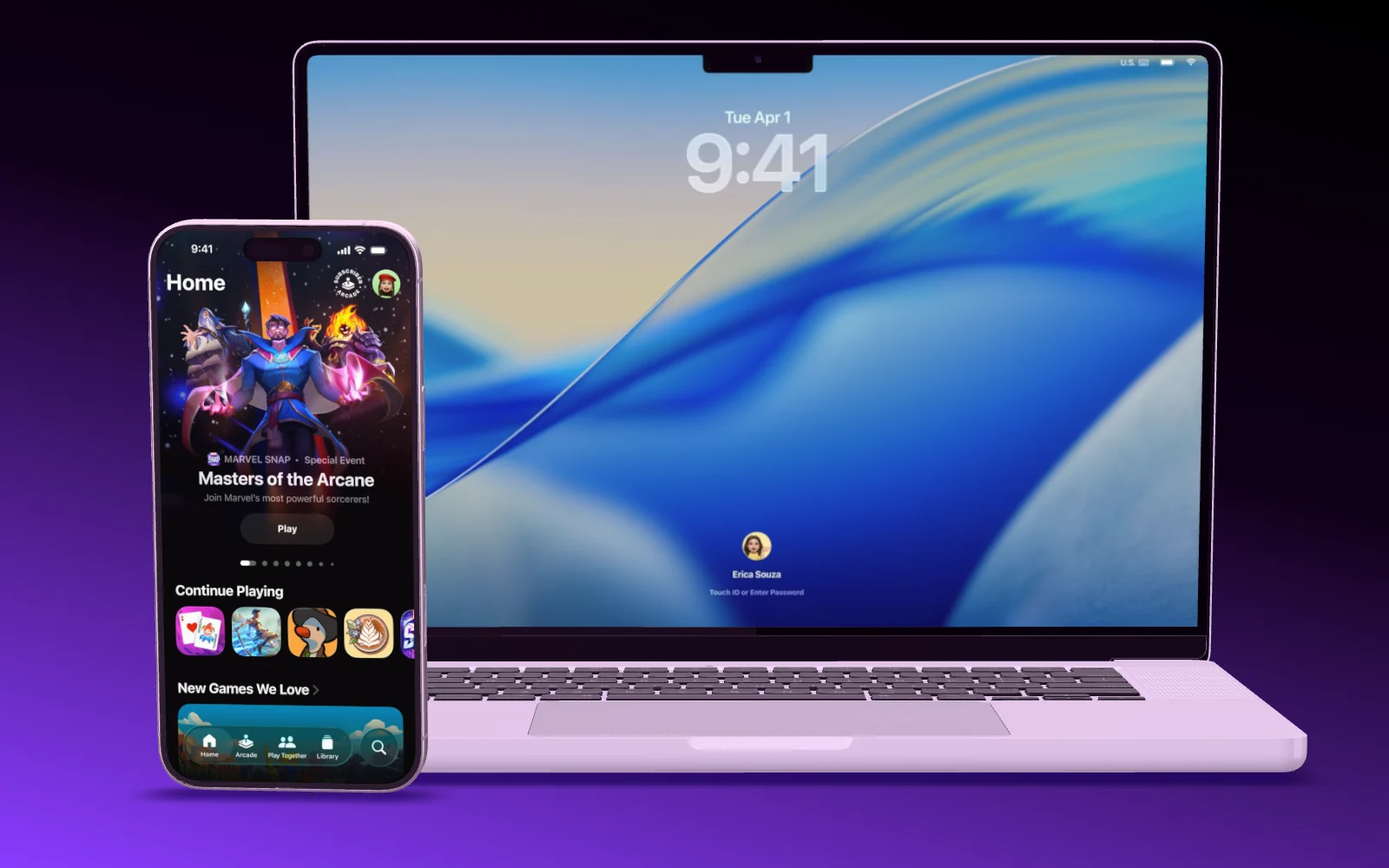
The Showoff trailer: a phone turns out of the dark, then a MacBook and a chat with Claude
On the beat

Every move lands on the beat.

Showoff finds tempo, beat and drop in your song by itself. The hero shot lands on the drop, and every camera move after it hits the beat. Pick another part of the song and the film follows.

  • MP3, M4A or WAV
  • Around 30 to 45 seconds, or a short teaser
  • Lines of two to four words, in the language of the video
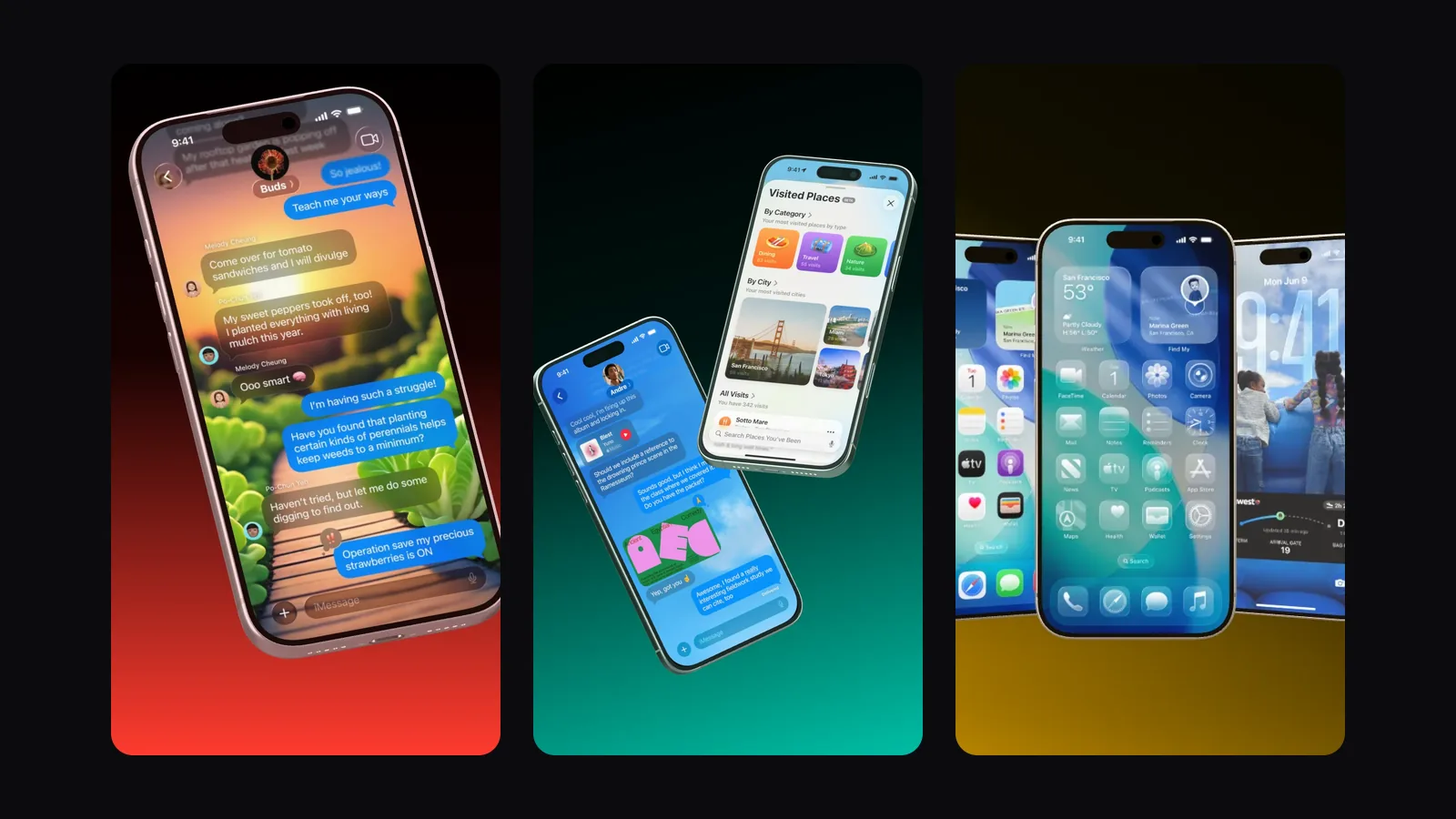
Three vertical frames of a launch video: a chat, a phone with places and a row of phones
Song Tempo, beat and drop found
Blocks

Built from shots that already work.

A launch video is a row of blocks: the hero shot, a scroll through a feed, a flow of taps, before and after, notifications, a spotlight on one spot, a duo or a lineup on MacBook, tablet and phone, and the end card with your name and web address. No block cuts to the next, the camera swings, sweeps or flies through.

  • Phones and tablets for apps, MacBook and browser windows for the web
  • A dark look like the Showoff trailer, or a light gradient that opens on the drop
  • Your accent color throughout
A MacBook Pro opens its lid, then an iPhone flies in next to it
Blocks Hero · Flow · Duo · End card
Formats

Vertical for Reels, wide for your site.

1080 × 1920 for Reels, TikTok and Shorts, or 1920 × 1080 for your website and YouTube. 30 frames per second, 60 with Pro, and the song is in it.

  • 9:16 or 16:9
  • A 12 to 30 second teaser of one to three blocks
  • Renders in your browser and downloads as an MP4
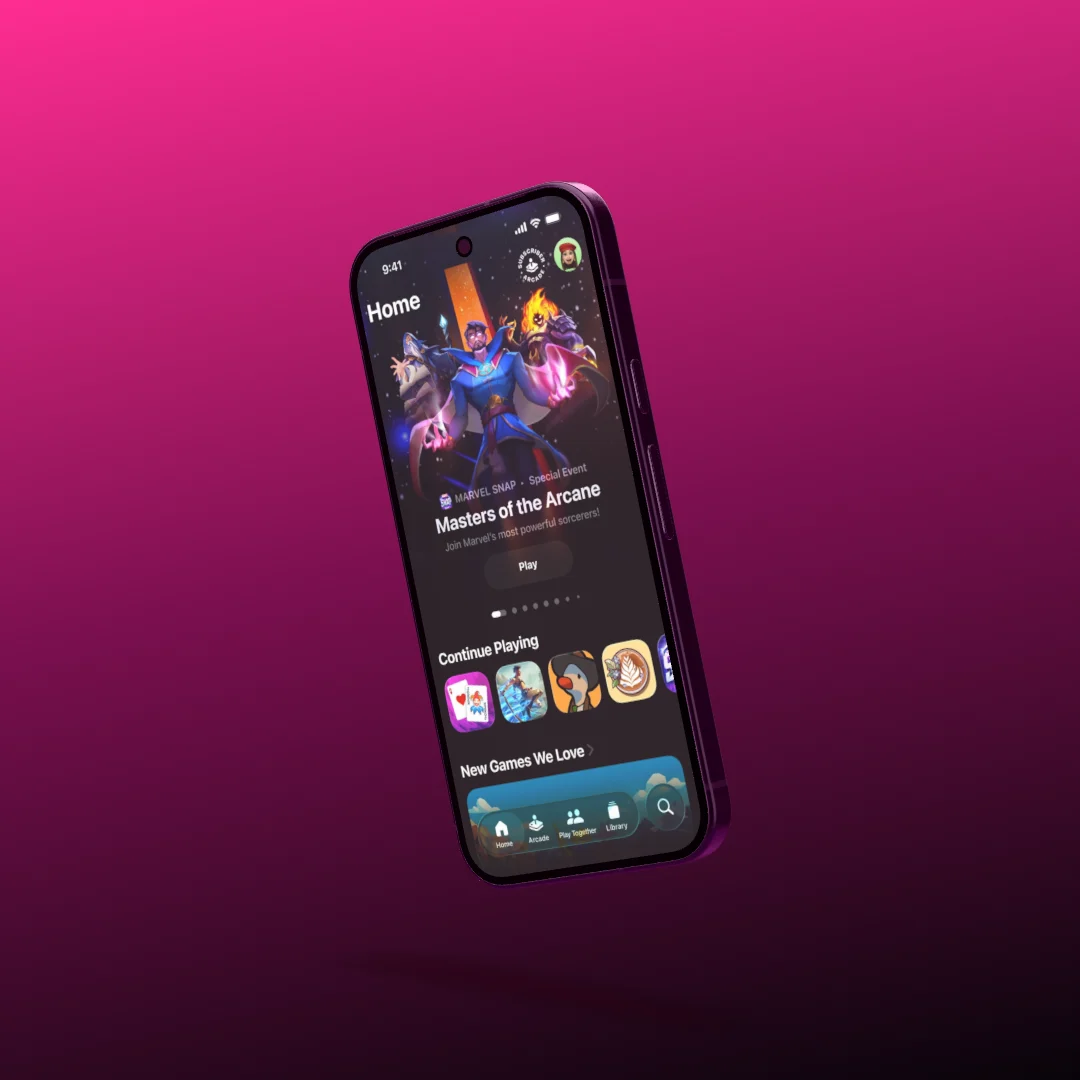
An iPhone tilted on a pink to black gradient, a game on its screen
Format 9:16 · 1080 × 1920

Works with the AI you already use.

Showoff is an MCP server. Any AI that speaks MCP can run it, and all it needs is the address.

Plus Kiro, LM Studio and any other program with MCP.

How to set it up

Your launch video In three steps

  1. Server address https://showoff.dev/mcp
    01

    Connect your AI

    Launch videos come from your AI over MCP. Add the server address to Claude, ChatGPT, Cursor or another client.

  2. You Make a launch video for my app, dark, with this song.
    02

    Screenshots and a song

    Hand over two to four screenshots and your song, and say what the product is about.

  3. Render page Launch video · MP4 · 1080 × 1920
    03

    Render it

    Open the render page your AI hands you. Your browser renders the video in a few minutes and downloads it.

Questions about launch videos

Open the documentation

Launch videos come from your AI over MCP. In the editor you can build any film yourself, with motion, a camera move and music, and export it as a video.

Around 30 to 45 seconds. A teaser of one to three blocks runs 12 to 30 seconds.

Vertical at 1080 × 1920 for Reels, TikTok and Shorts, or landscape at 1920 × 1080 for your website. 30 frames per second, 60 with Pro.

Launch videos are part of Pro, because your AI builds them. On Free you can try it for 3 days. The videos stay afterwards, and you render them in 720p as often as you like. In 1080p each one counts as a full-quality export.

Yes. Ask your AI to change one block, the text, the device, the look or the part of the song, and the video is rebuilt.

With your AI

How to ask your AI for one.

Which screenshots to hand over, how to change a single block, and how to get a teaser or a wide version for your site.

Launch day, on the beat.