AI mockup animation Describe the motion. Your AI builds it.

Ask Claude, ChatGPT or Cursor for a film: three iPhones that rise in one after another and float, or a MacBook that opens its lid. Your AI builds it in Showoff over MCP, checked before it is saved, and you export the video.

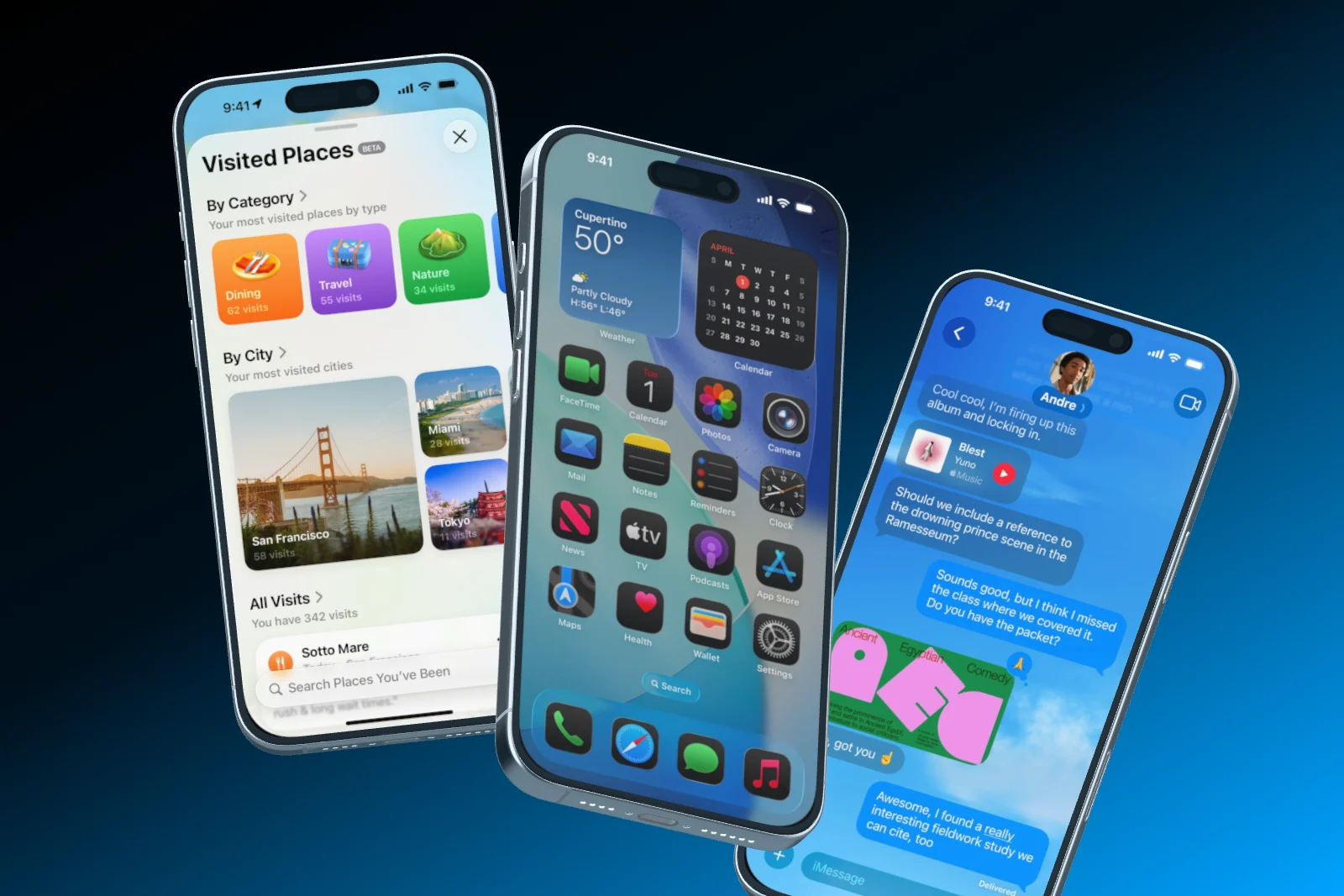
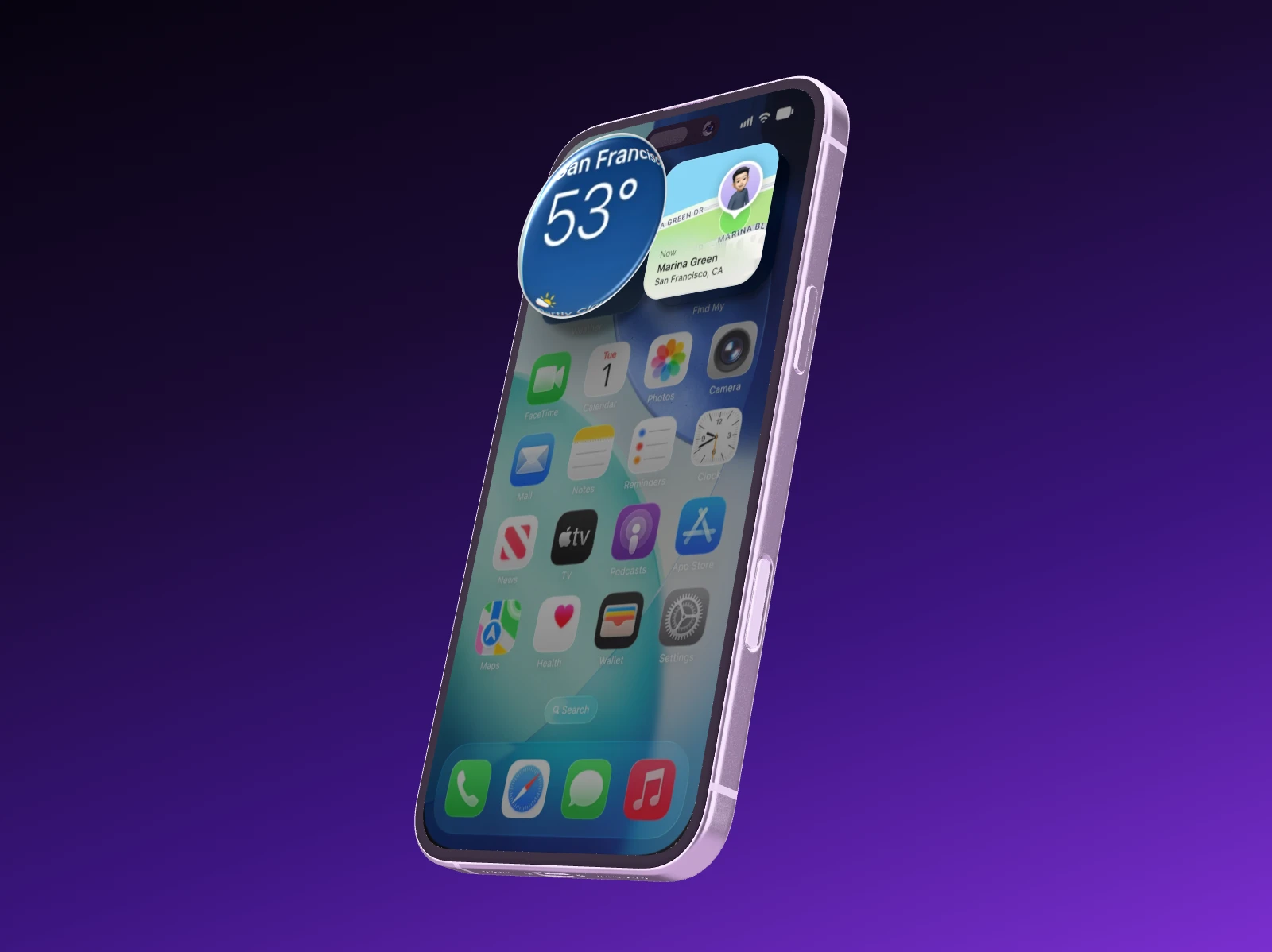
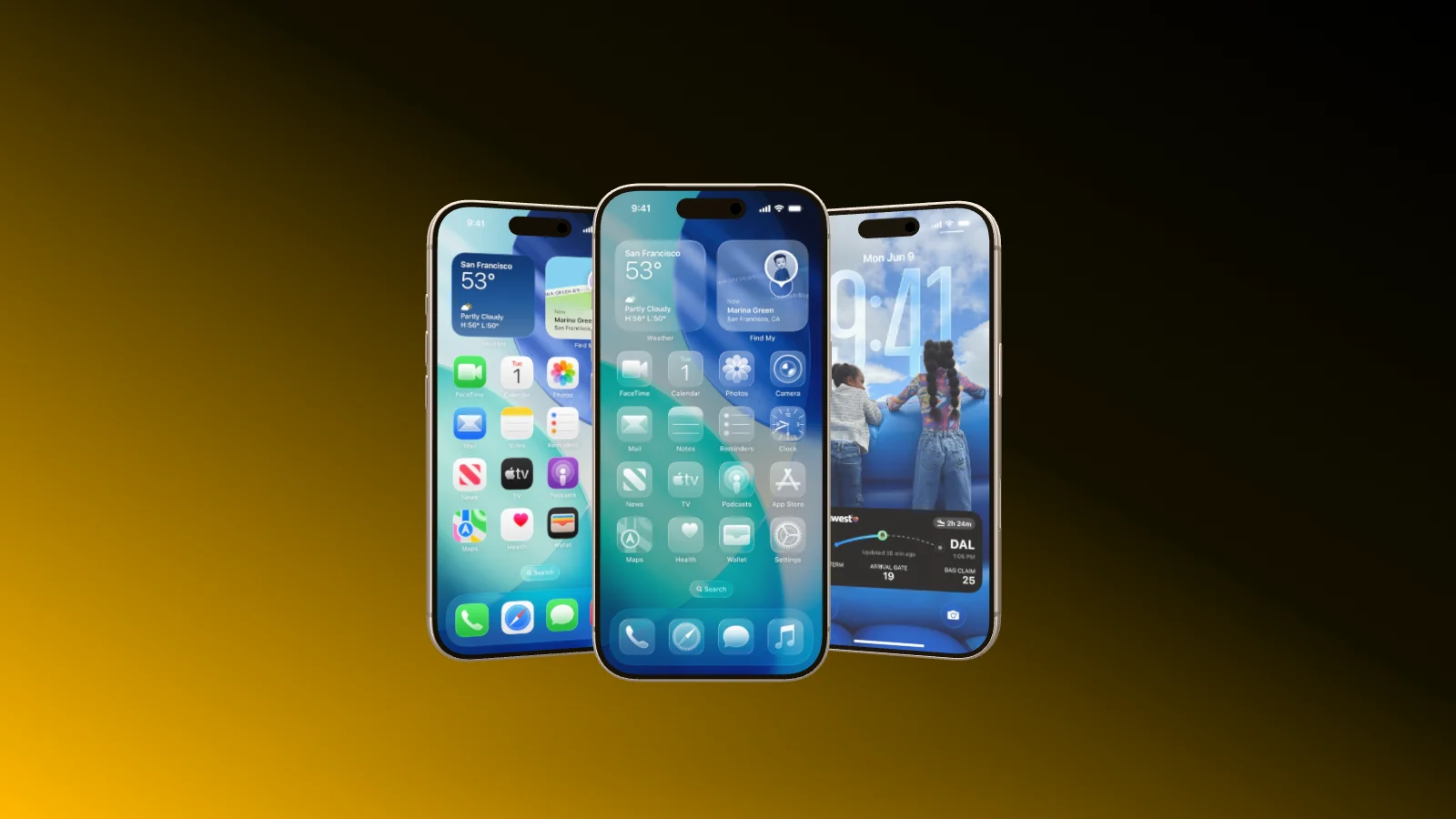
Three iPhone 16 Pro Max rise into view one after the other, float and disappear again
Motion in words

Entrances, loops and exits, from one sentence.

Your AI sets an entrance for each device, adds continuous motion like floating and rocking, and an exit at the end. Entrances and exits always run on soft, long landings.

  • Floats and rocks can be combined
  • A film can loop without a seam
  • Your screenshots on every device
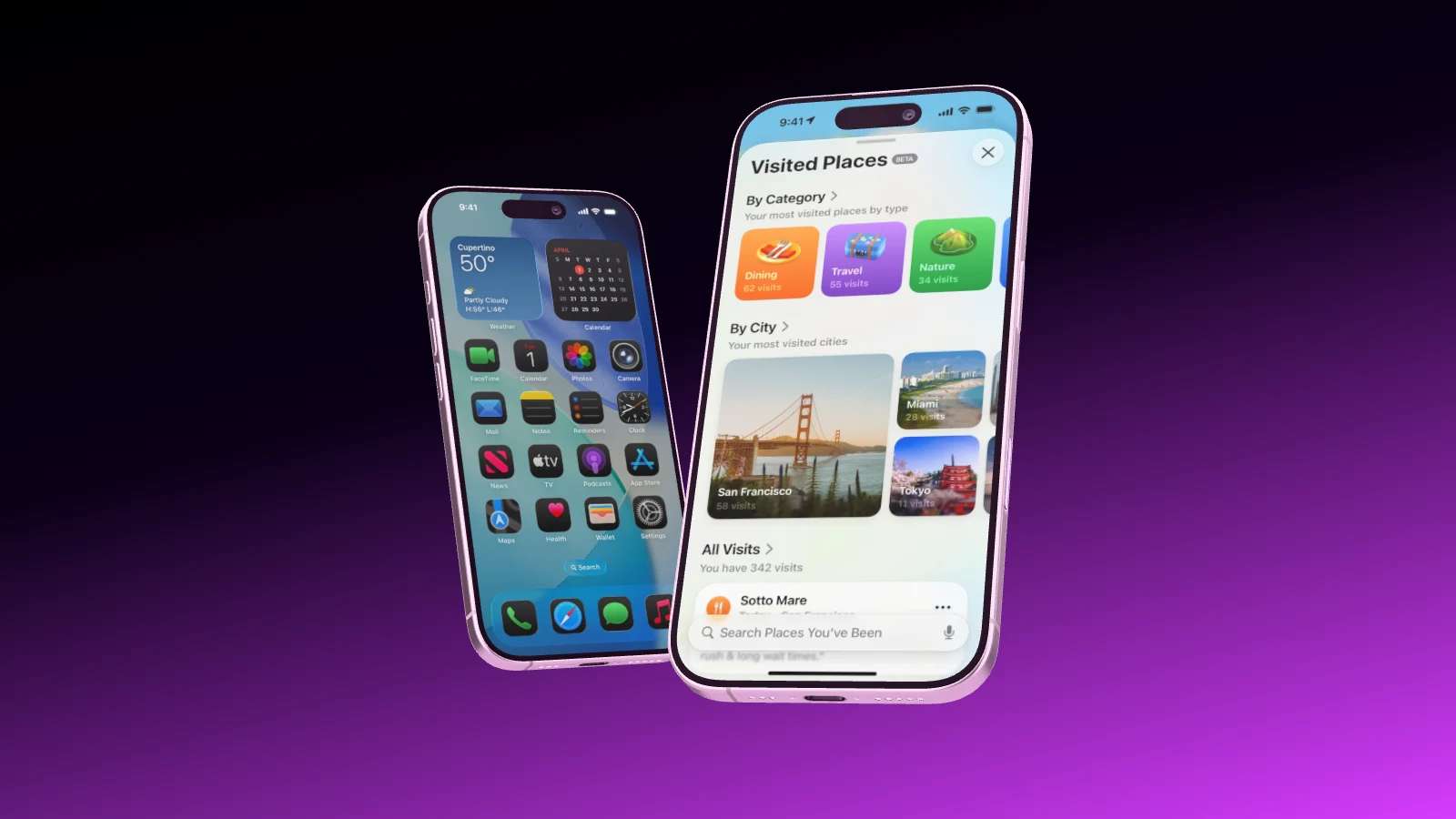
Two iPhone 17 roll into the frame one after the other and settle side by side
Codex Adding motion
Animation templates

A finished animation, with your screens.

Your AI knows Showoff’s template catalog, stills and animations, each with its own page. Ask for ideas and it suggests two or three fitting ones by name, then starts the one you pick with your screenshots on its devices.

  • Lid Open, Desk Reveal, Orbit, Cascade and more
  • The motion is already in place
  • Change anything afterwards, by asking or in the editor
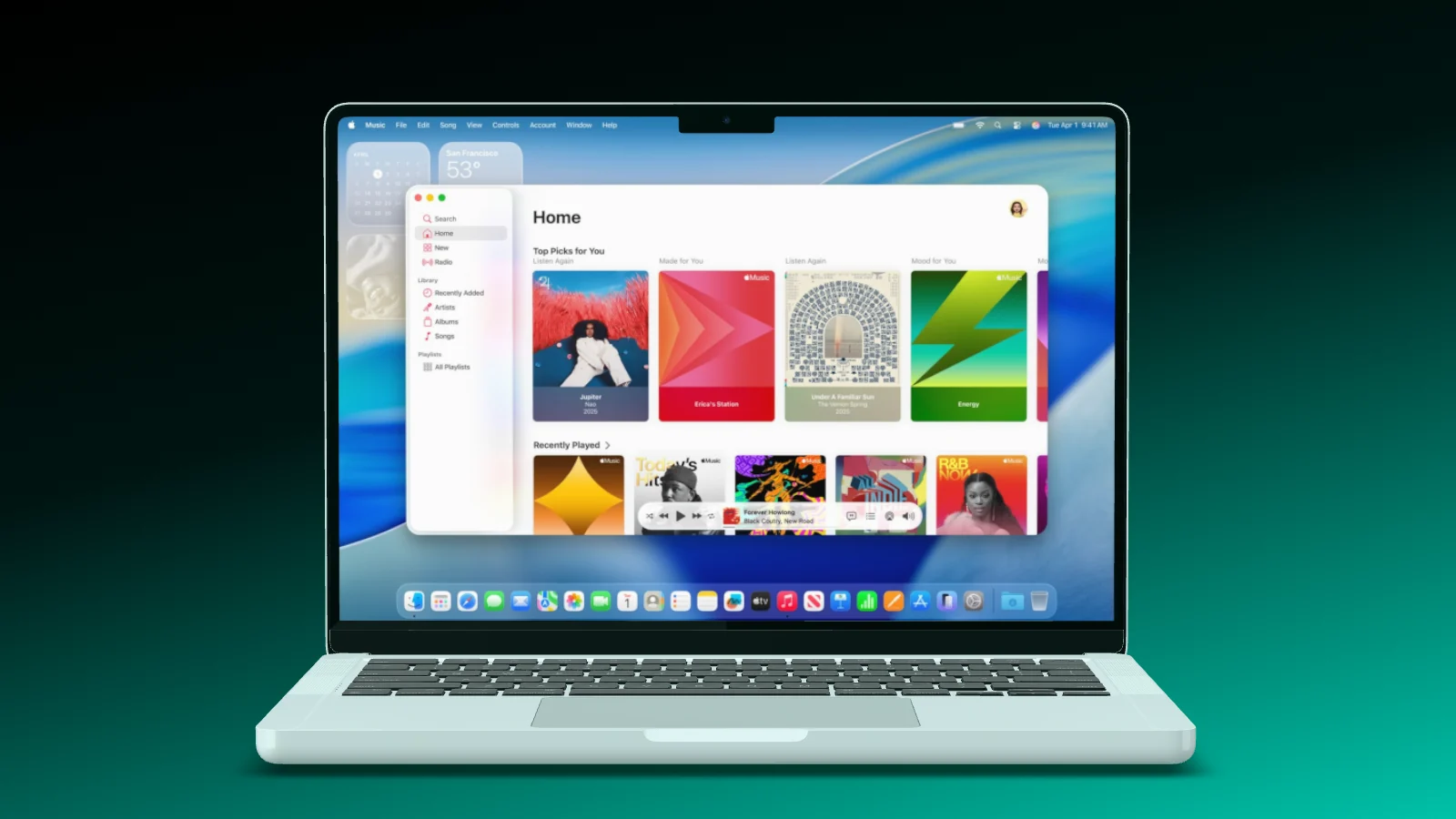
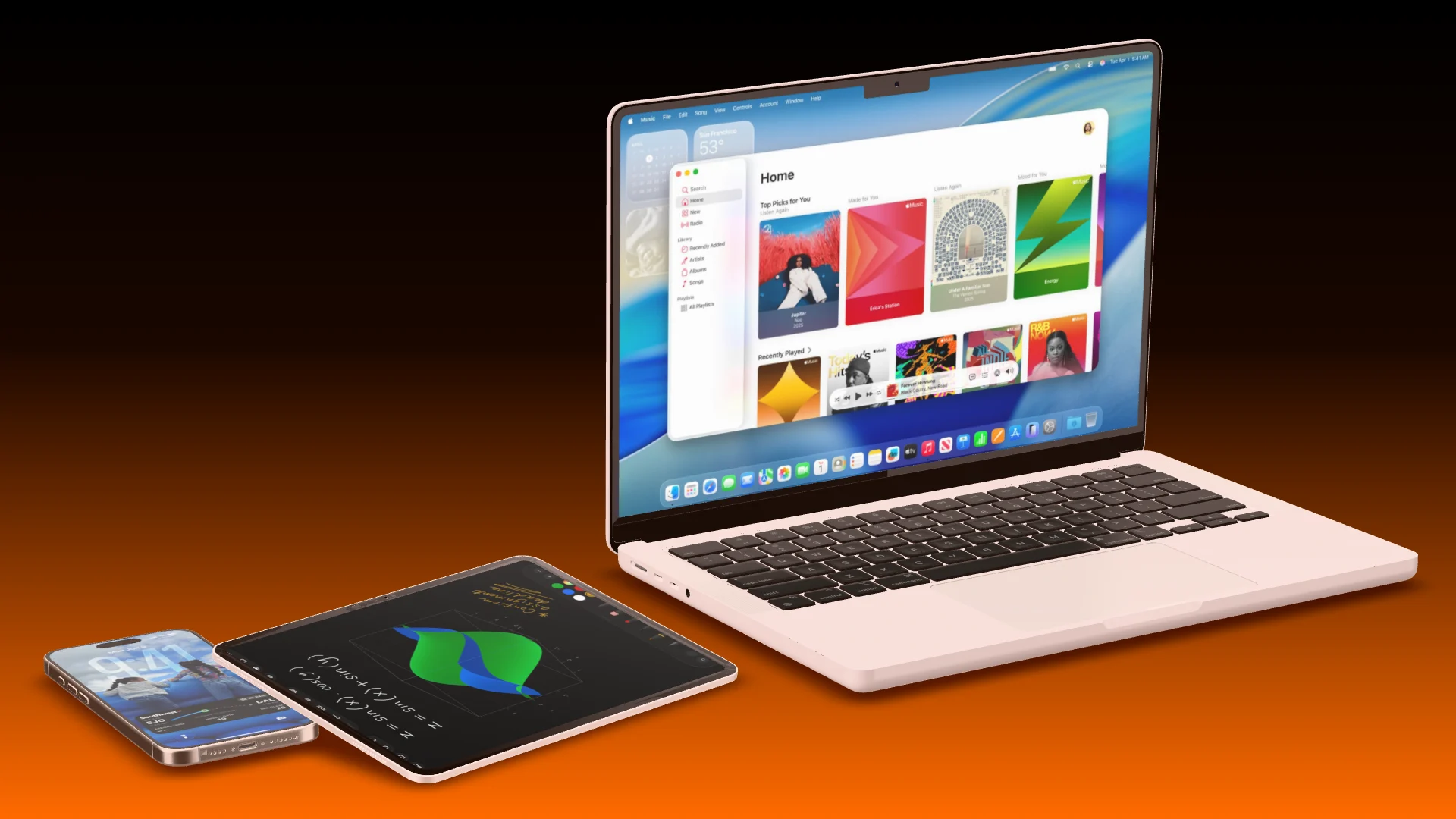
A MacBook Pro opens its lid, the camera moves in, and the lid closes again
Lid Open Animation template
You export

The video renders in your browser.

Your AI builds the film and checks it. You open the project in the editor, watch it, and export it as MP4 or WebM in the size and frame rate you need.

  • Watch your AI work in the scene live
  • Every AI session becomes a version you can bring back
  • Up to 4K and 60 fps
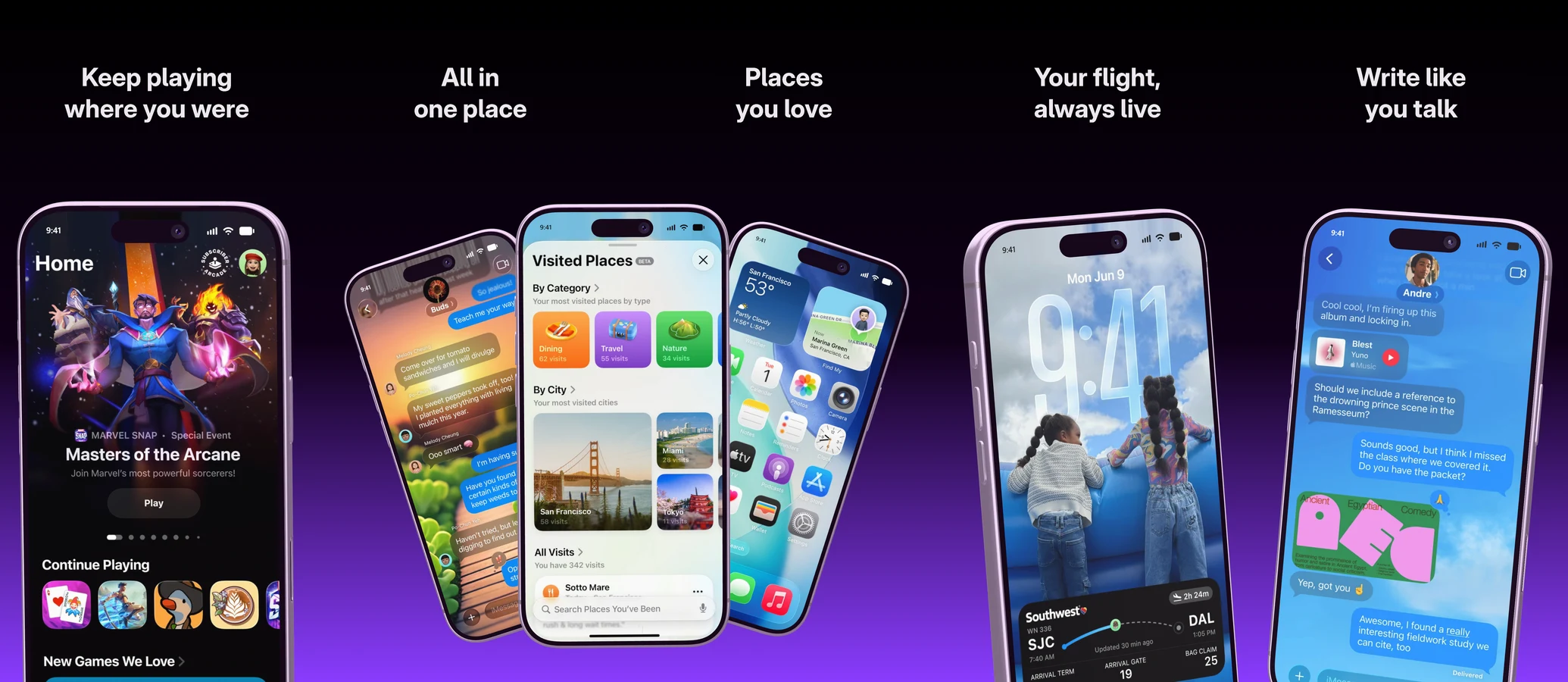
An iPhone very close to the camera, drifting slowly
Export video MP4 · 60 fps

Works with the AI you already use.

Showoff is an MCP server. Any AI that speaks MCP can run it, and all it needs is the address.

Plus Kiro, LM Studio and any other program with MCP.

How to set it up

Your AI works right in your projects. Watch every step, and take over whenever you like.

Your first AI animation In three steps

  1. Server address https://showoff.dev/mcp
    01

    Connect Showoff

    Add the server address to your AI and sign in once in the browser.

  2. You Three iPhones that rise in one after another and float, with my screenshots.
    02

    Describe the film

    Say which devices, which screens and what should move. Or ask for an animation template.

  3. Export video MP4 · 1080p · 30 fps
    03

    Export the video

    Open the project in your editor and export it. Your browser renders the film.

Questions about AI mockup animation

Open the documentation

No. Your AI builds and checks the film, and it can export still images. The video renders in your browser when you export it from the editor.

The same as in the editor: entrances, continuous motion such as floating and rocking, exits, the MacBook lid and the camera.

Claude, Claude Code, ChatGPT, Codex, Cursor, Gemini CLI, GitHub Copilot in VS Code and any other client that speaks MCP.

MCP is part of Pro. On Free your AI can work for 3 days, counted from its first request, and whatever it built stays in your projects.

In the editor

Animate it yourself.

Entrances, loops, exits and camera moves on a timeline, without keyframes.

Let your AI set it in motion.