

Showoff instead of Placeit
Your screenshots on 17 real devices in 3D, at any angle, in any light, as an image or a film. Made for apps and websites.
An online design platform by Envato offering mockup, logo, video and design templates.
Runs on Browser
Visit PlaceitWhere Showoff comes in
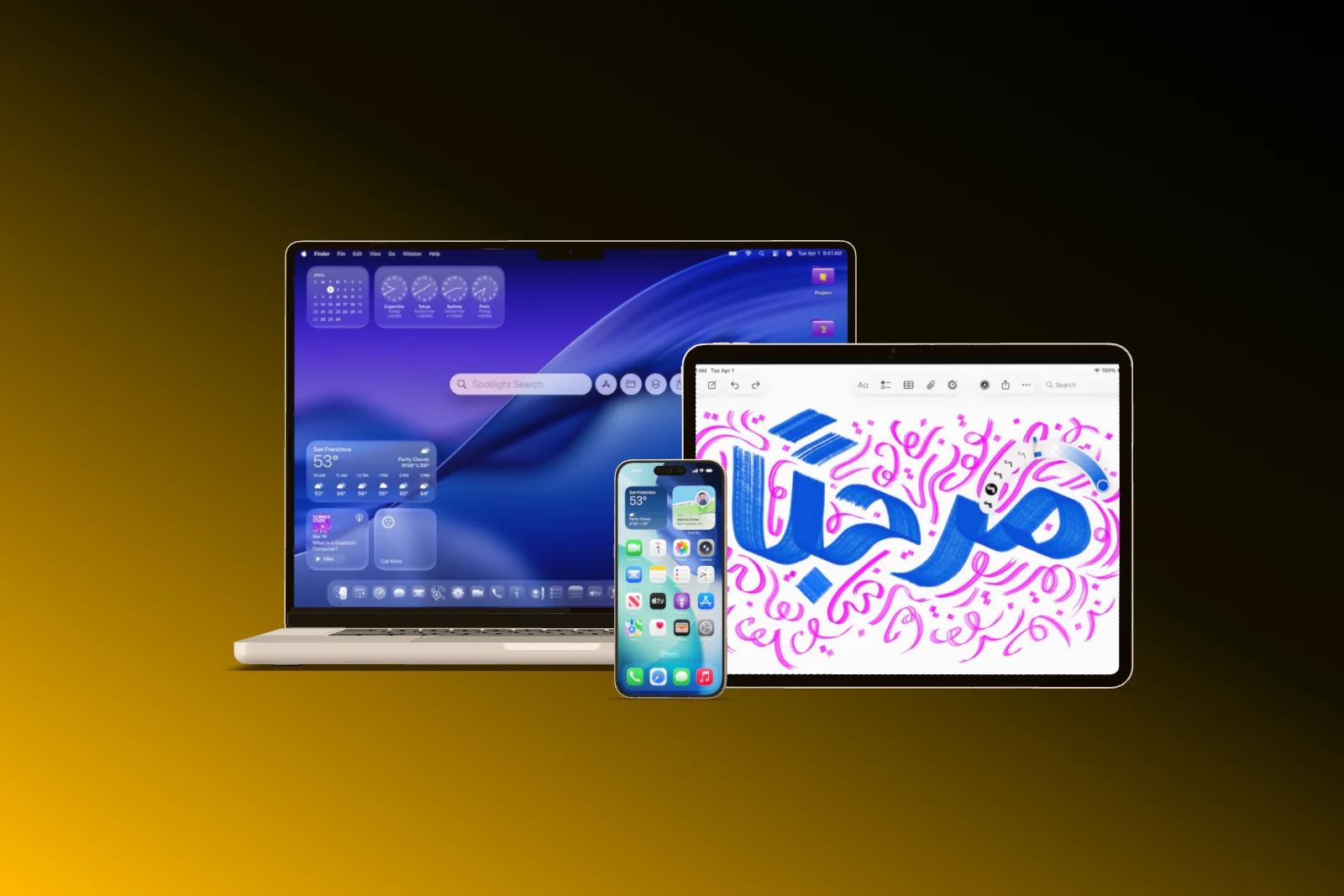
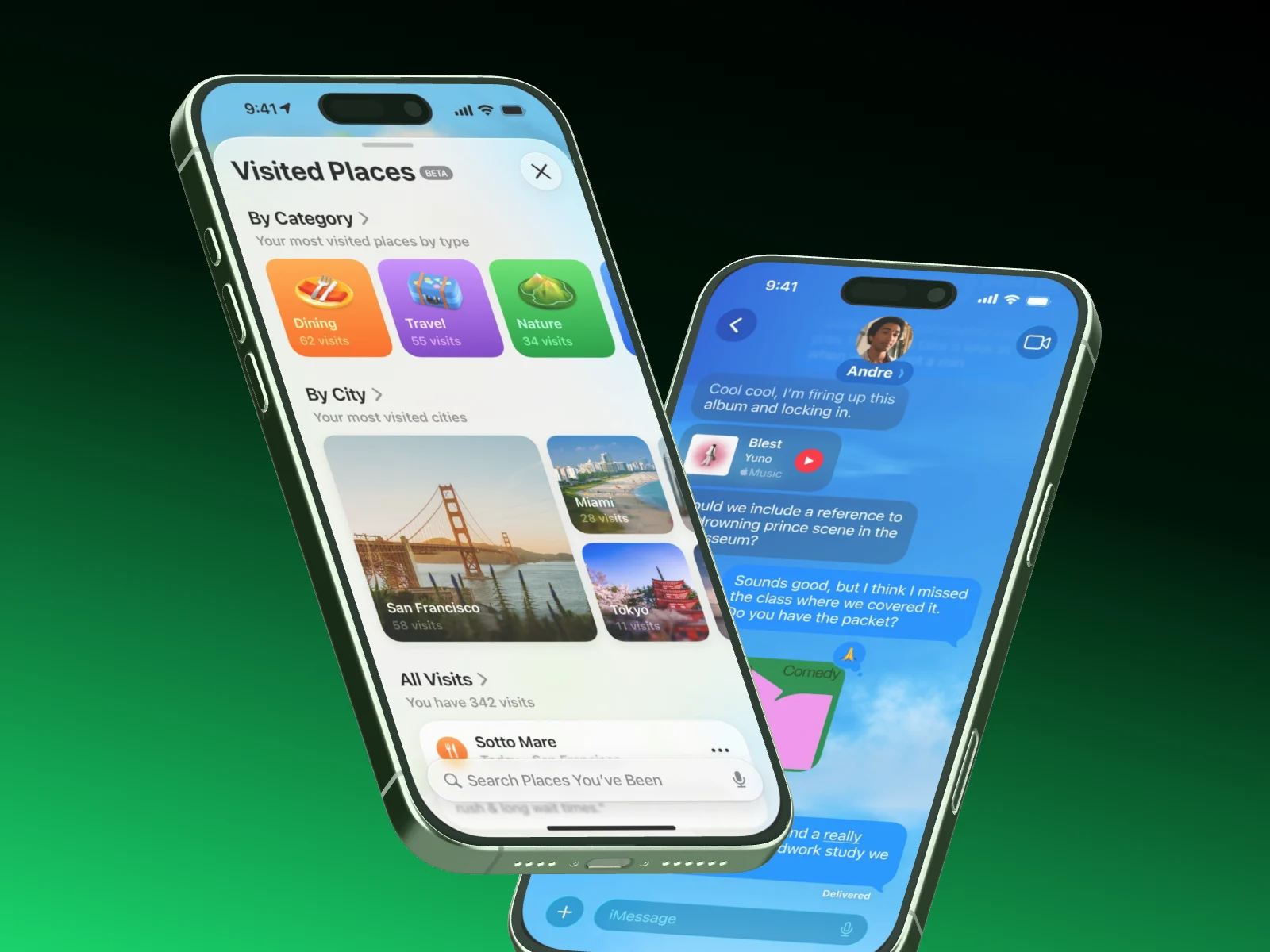
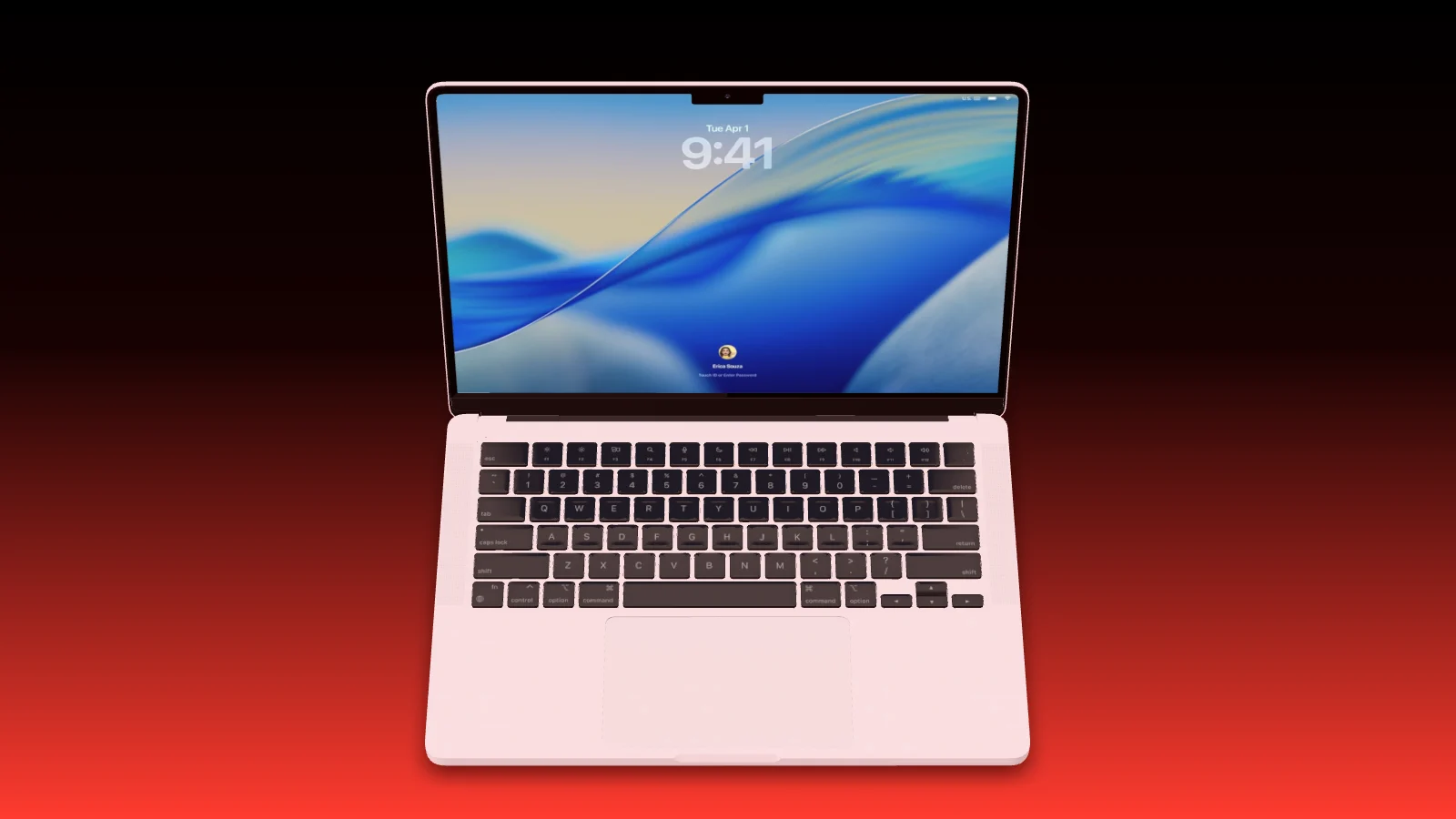
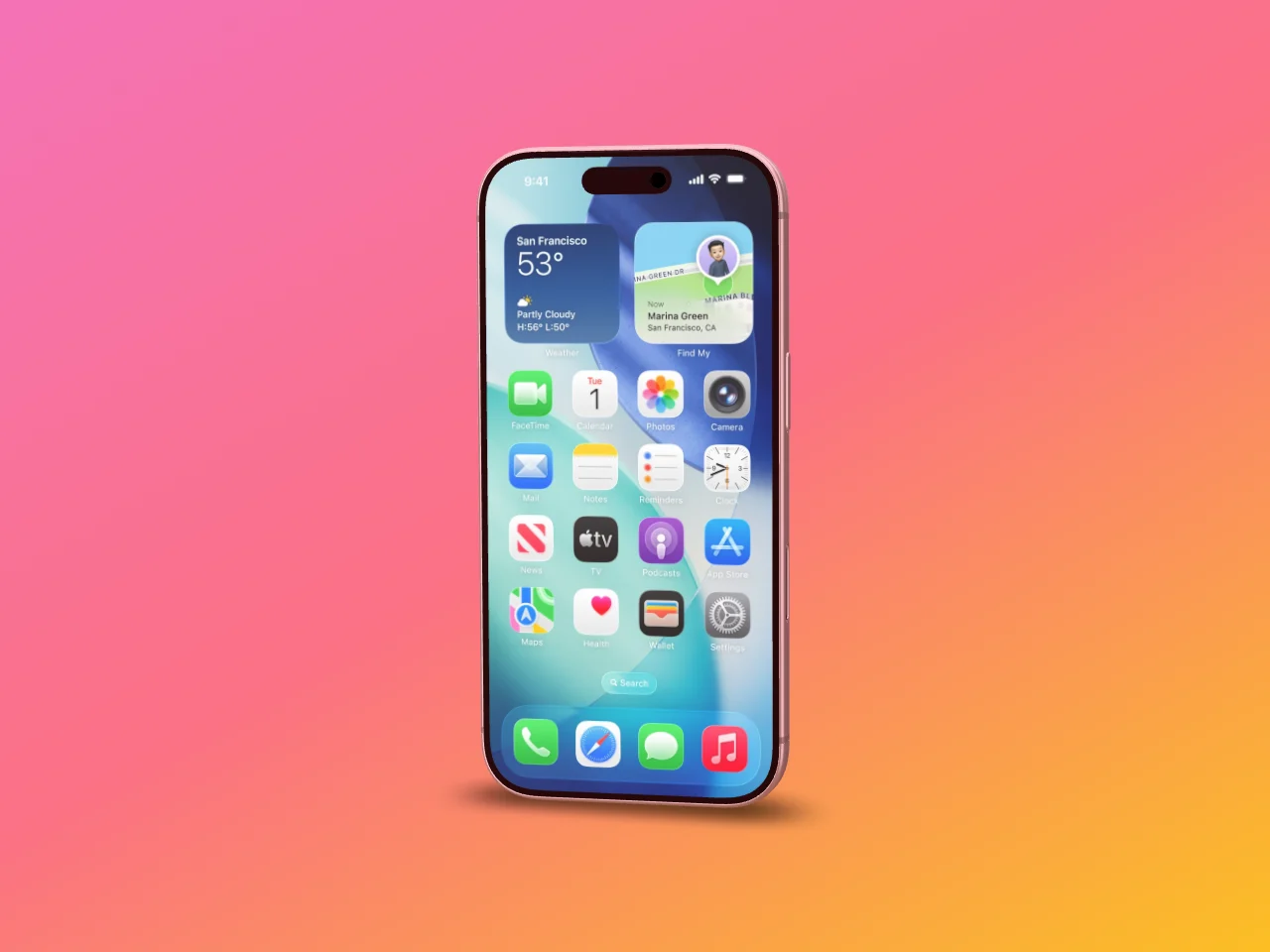
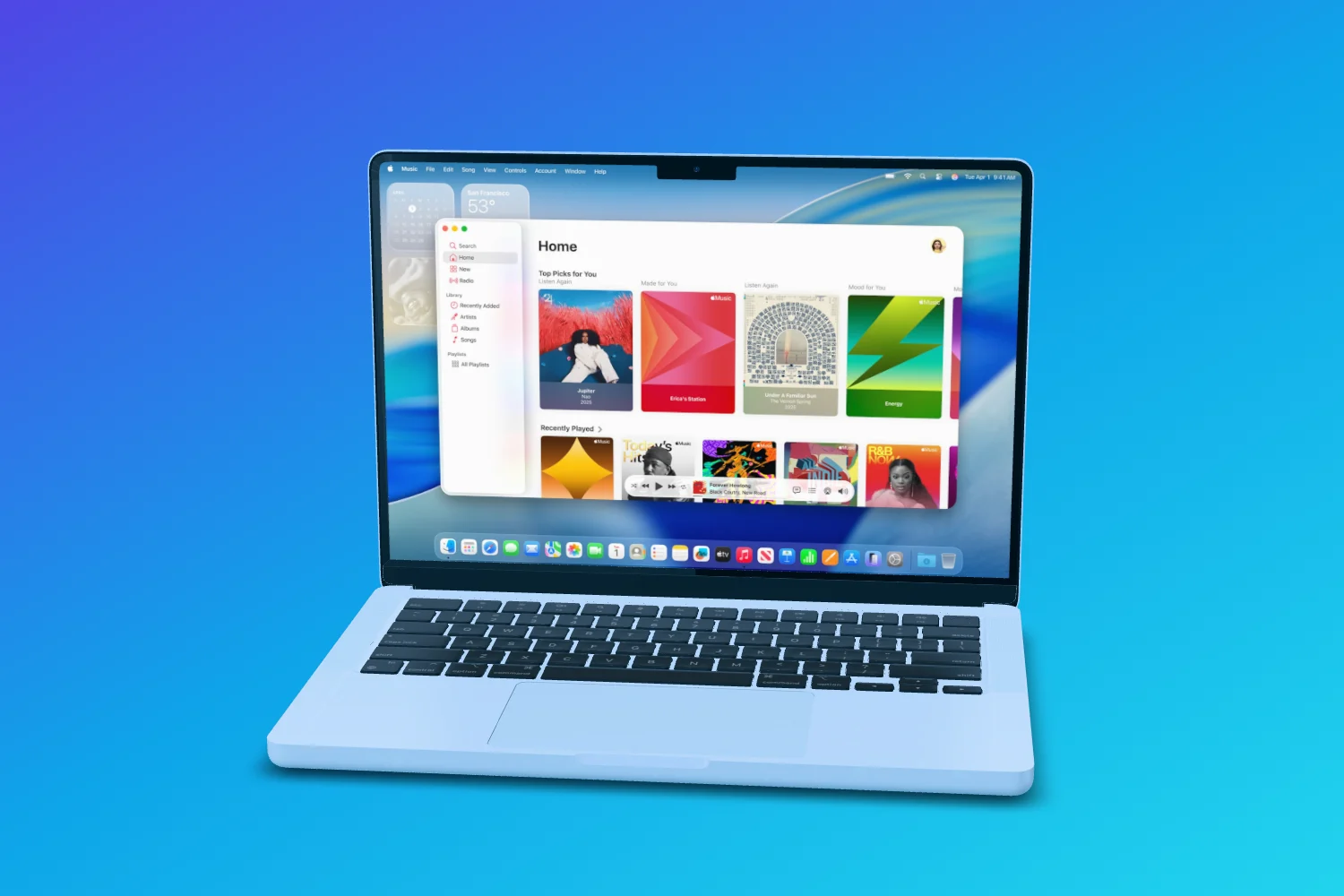
Showoff is made for apps and websites alone: your screenshots go on 17 devices in 3D, and you set angle, light and camera yourself. They become images, App Store sets in every size, animations and launch videos.
Templates Pick one, drop in your screenshot, export


Turn it yourself Every device is a real 3D model

Build, edit, cut. All in one conversation.
Your AI works in Showoff the way you do. It creates projects, puts screenshots on devices, sets camera and background, highlights details and builds whole App Store sets. Before anything is saved, Showoff checks the picture like an art director.
- App Store images, website mockups and launch videos, all through the same connection
- Watch live what your AI is working on, and bring back any earlier version
- Free to try for 3 days


What you get In the browser, from the free plan up
Switch in three steps Nothing to redo
 01
01Bring your screens
The same screenshots and screen recordings as before, just drag them in.
 02
02Pick a template
A finished scene to start from, or start empty. Your screen fits the display exactly.
 03
03Export
As an image or a video in the size of your channel, rendered in your browser.
Switching from Placeit
Showoff has a free plan with every device in every color, unlimited exports in 720p and no watermark. Pro adds full-quality exports up to 4K, 60 fps, motion blur and your AI via MCP.
Projects do not move between tools. Your screenshots and screen recordings do: drag them into Showoff, start from a template, and the scene is ready in minutes.
Yes. Turn every device freely, set the camera from a flat to a deep perspective and the light from 0 to 250 percent.
17 models: current iPhones, Google Pixel and Samsung Galaxy phones, iPad Pro, MacBook Pro, Apple Watch and the Studio Display, many of them in several colors.