3D mockup generator Real devices, not flat frames.

Put your screenshots on real 3D models of iPhone, Pixel, Galaxy, iPad Pro, MacBook Pro, Apple Watch and Studio Display. Turn them, frame the shot, export. Right in your browser.

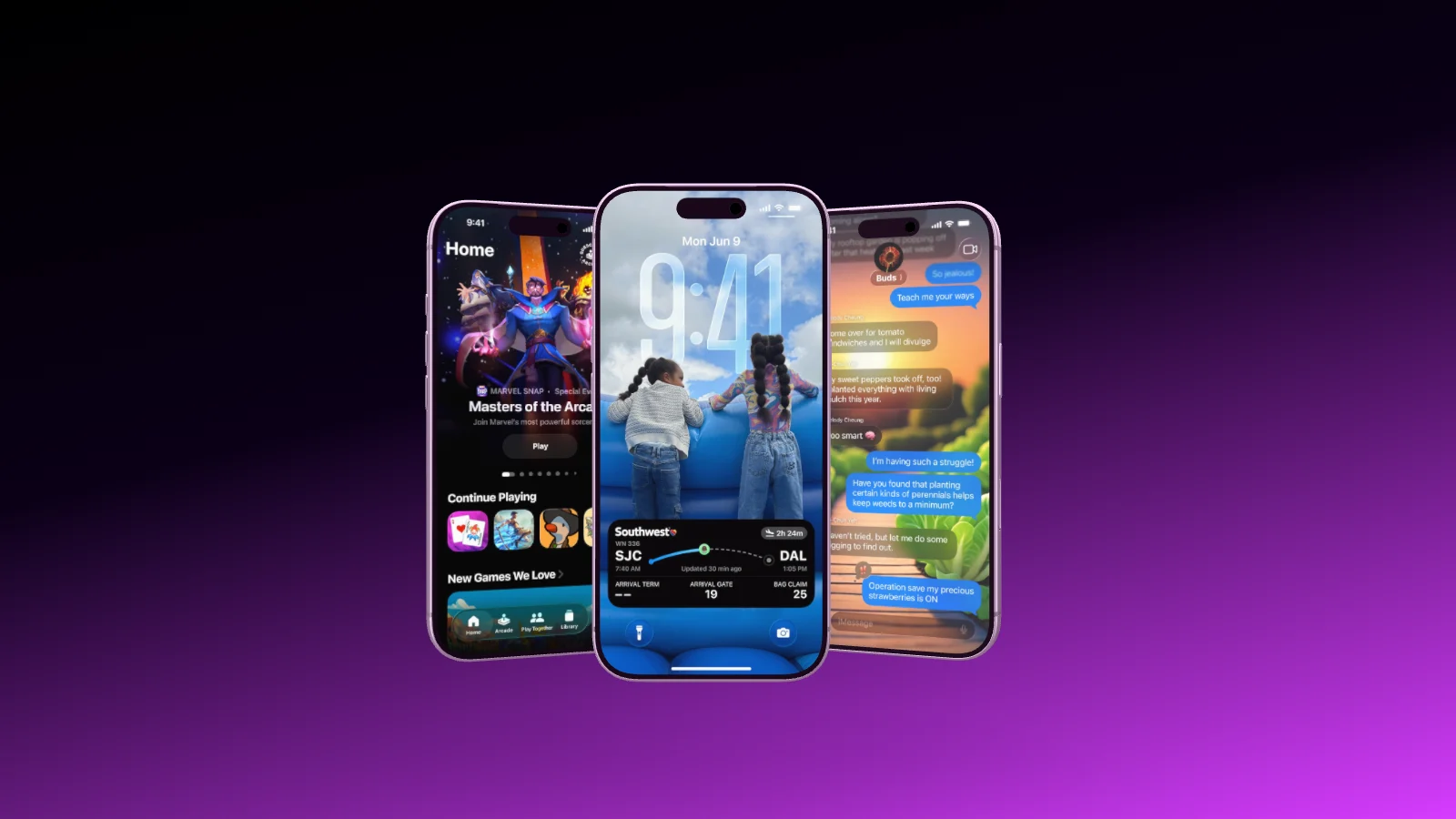
Three iPhones staggered in depth on a black to violet gradient, showing a game, a lock screen with a flight and a chat
17 devices

Every device is a real 3D model.

Current iPhones, Google Pixel and Samsung Galaxy phones, iPad Pro, MacBook Pro, Apple Watch and the Studio Display, each at its real dimensions and in the colors the manufacturer builds. Put as many into one scene as you like, and swap an iPhone for a Pixel without rebuilding anything.

  • Every color and band on every plan
  • 100 percent is actual size, shown in centimeters
  • The recommended screenshot size for every device
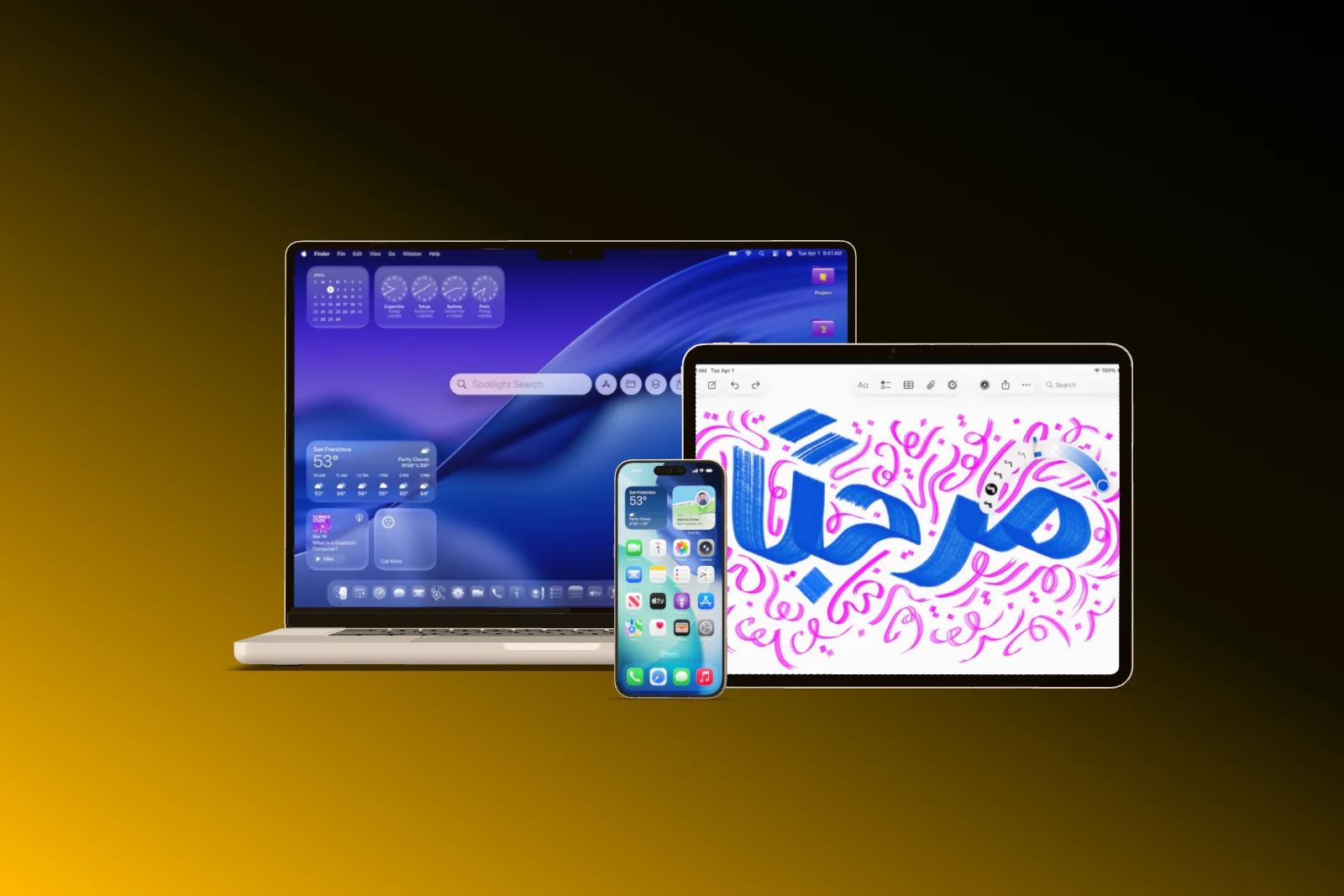
A MacBook, an iPad Pro and an iPhone side by side on a black to amber gradient
iPhone 17 Pro Recommended 1206 × 2622 px
Camera and light

Set up the shot like a product photographer.

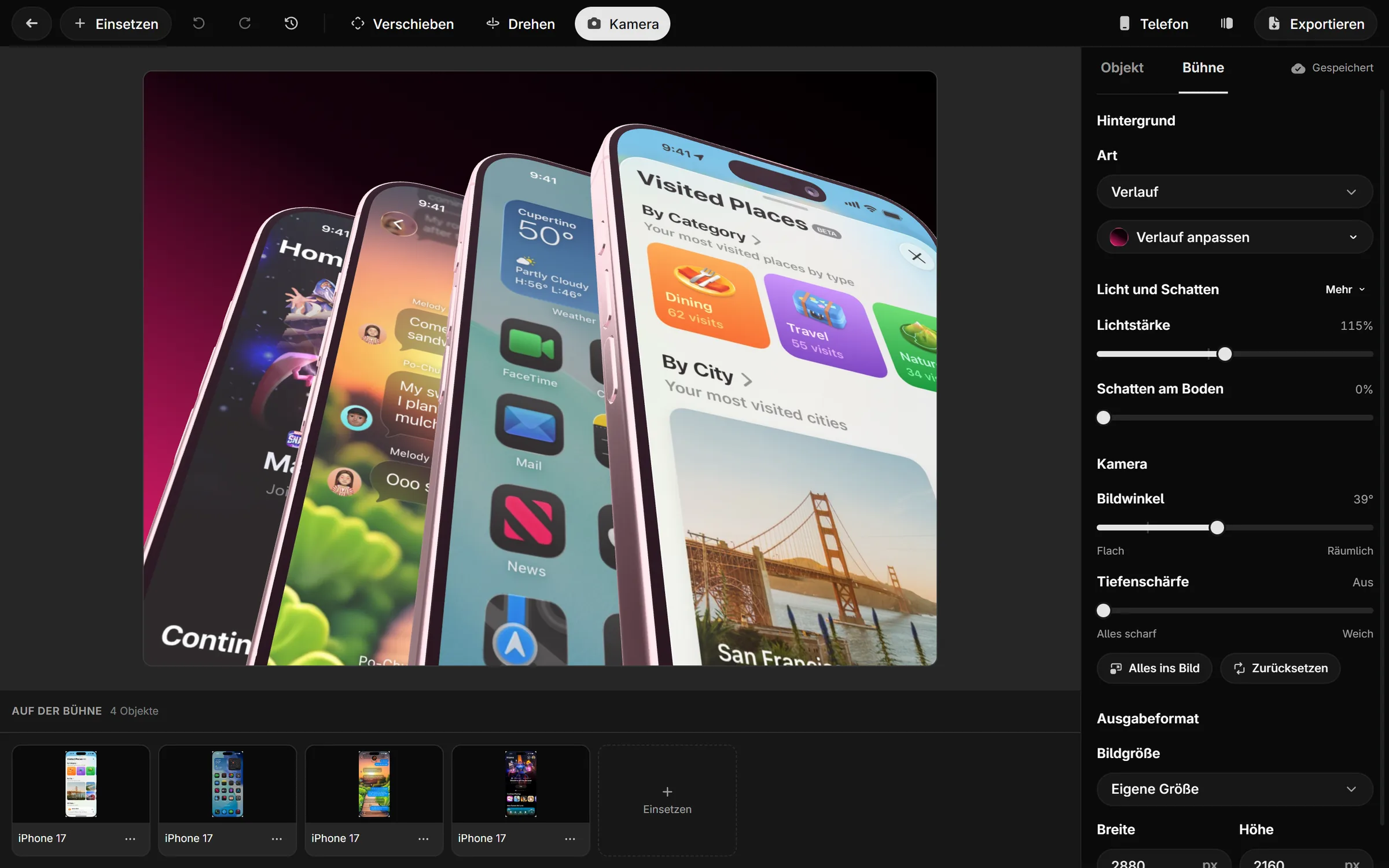
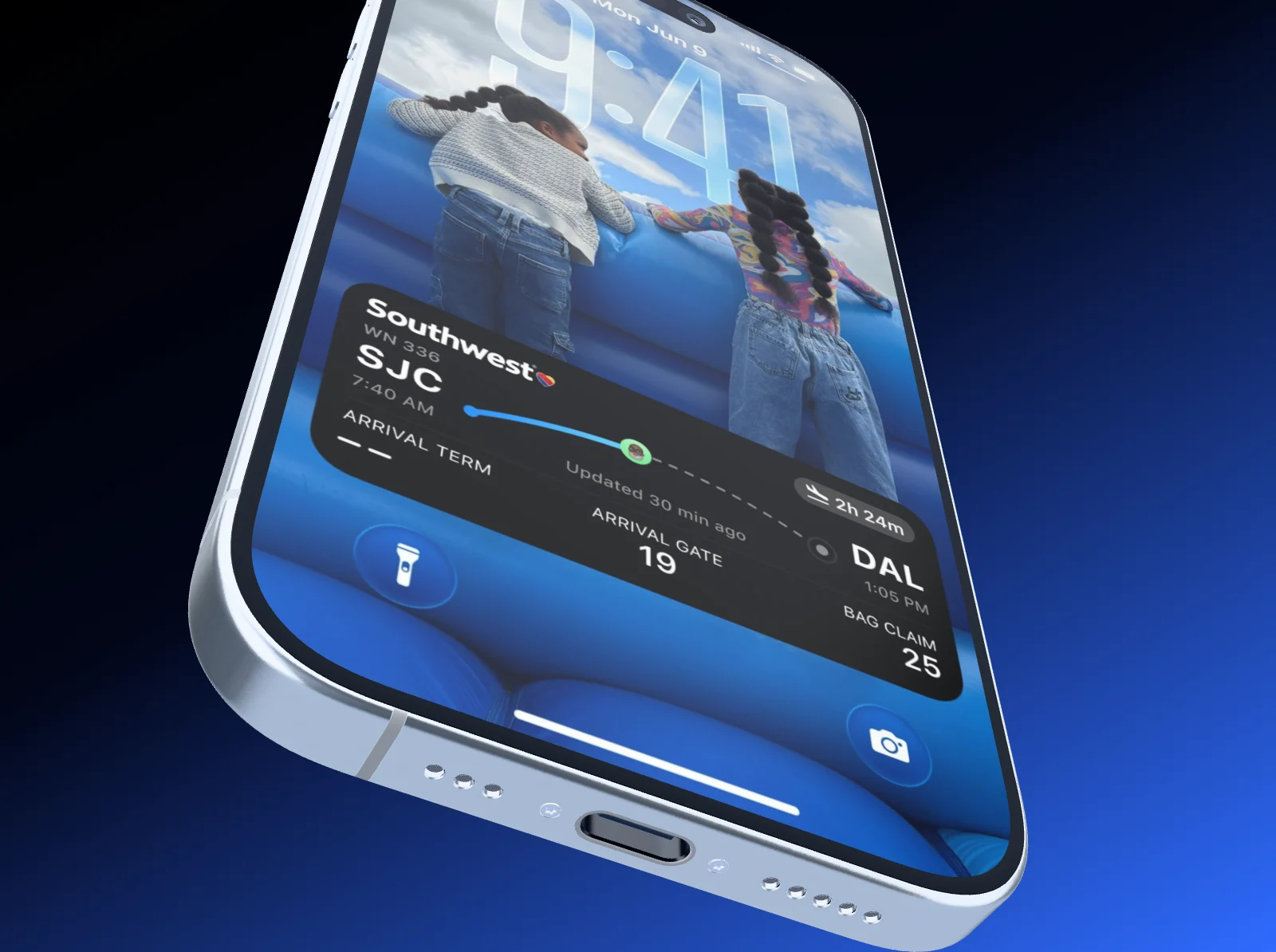
Turn the device, choose the angle, frame it. The field of view goes from flat to deep, the light from 0 to 250 percent, and a soft floor shadow keeps the device grounded. Depth of field blurs what sits behind, like a real lens.

  • Field of view from 8 to 80 degrees
  • Solid color, gradient or your own photo as the background
  • Depth of field and transparent background with Pro
An iPhone seen from below in steep perspective, its lock screen with a flight card, on a dark blue gradient
Field of view 20° · the long lens of product photos
Highlights

Point at what matters.

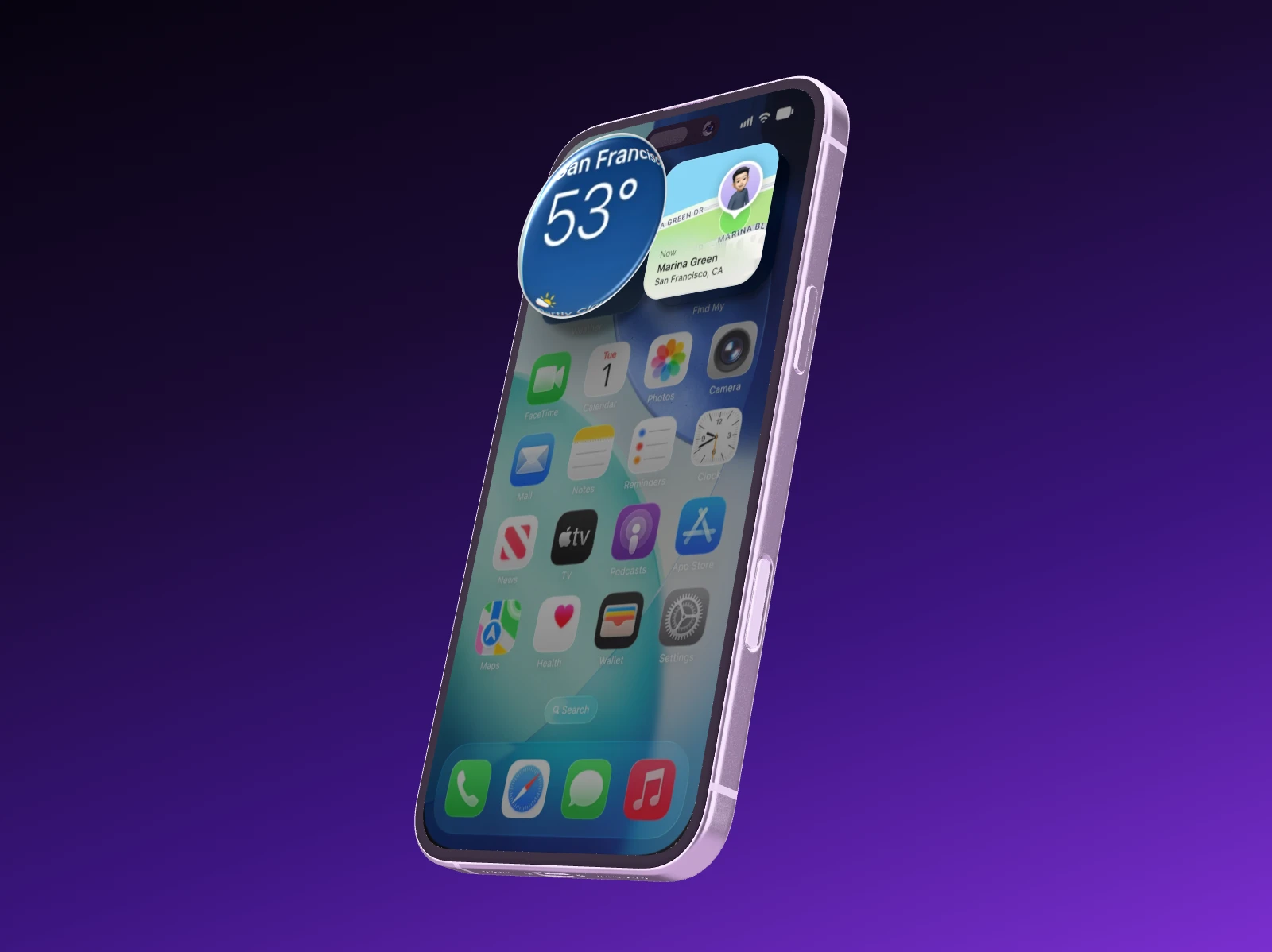
Draw a rectangle on the display and lift that spot off the screen as a card, put a glass loupe over it or pixelate it. The rectangle snaps to the element underneath, rounded corners included.

  • Lift, Magnifier or Pixelate
  • Replace the status bar: 9:41, full signal, full battery
  • Headlines and free images right in the scene
An iPhone at an angle on violet, a location card lifted off its display and a glass loupe over the temperature
Magnifier About 2.2 × over the spot
Export

PNG or JPG, up to 4K, no watermark.

Export at one, two or four times the output size. Your browser renders the image and the file lands straight on your computer. 720p is unlimited on every plan, and Free adds one export a month in full quality.

  • Common formats or a custom size in pixels
  • The file is named after your project
  • Transparent PNG with Pro
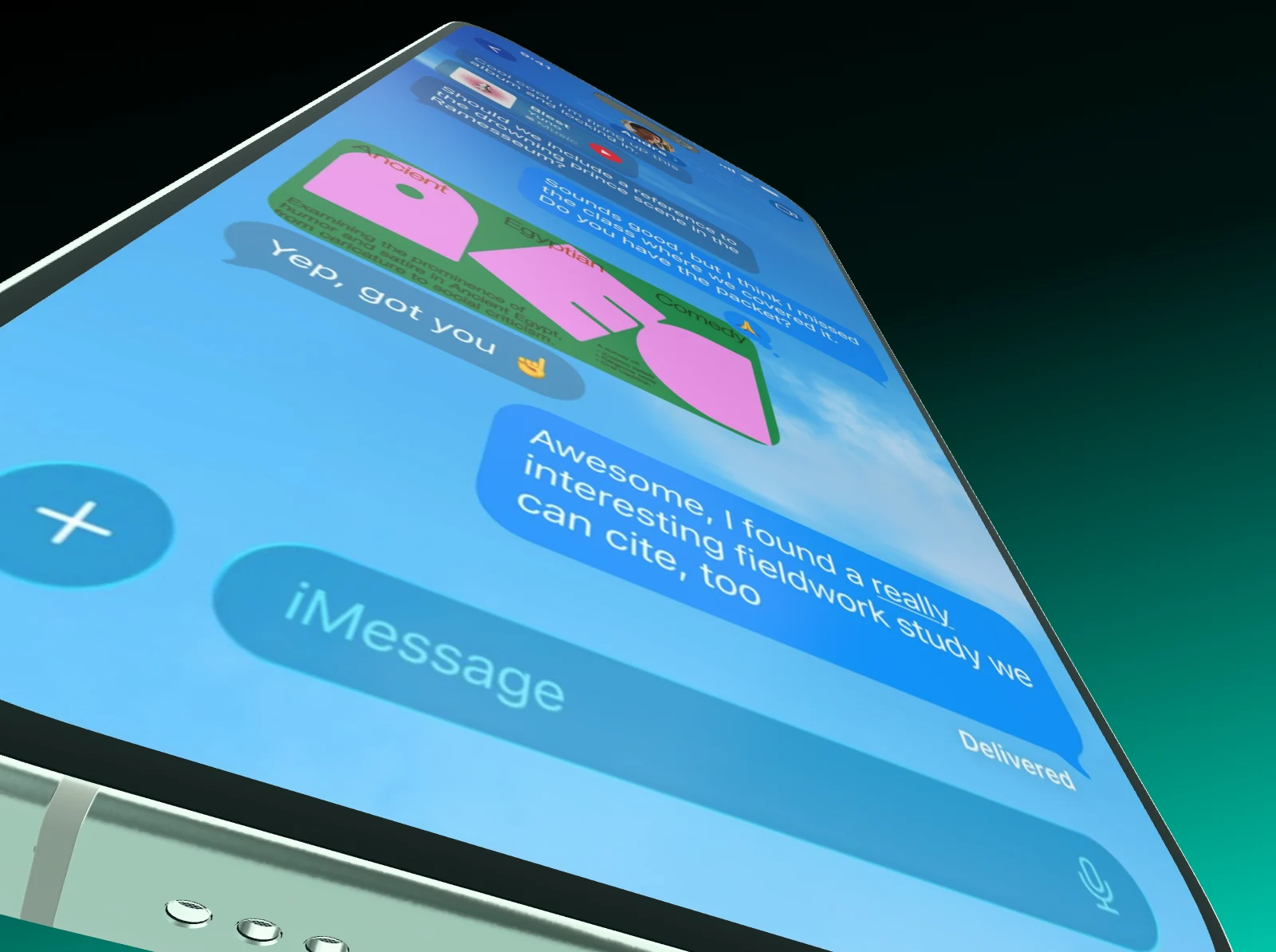
An iPhone close up in wide angle, rendered in Showoff
Export image PNG · 2× · 3840 × 2160

Turn it yourself Every device is a real 3D model

An iPhone 17 Pro, rendered in Showoff
Drag to turn

Templates Pick one, drop in your screenshot, export

From screenshot to mockup In three steps

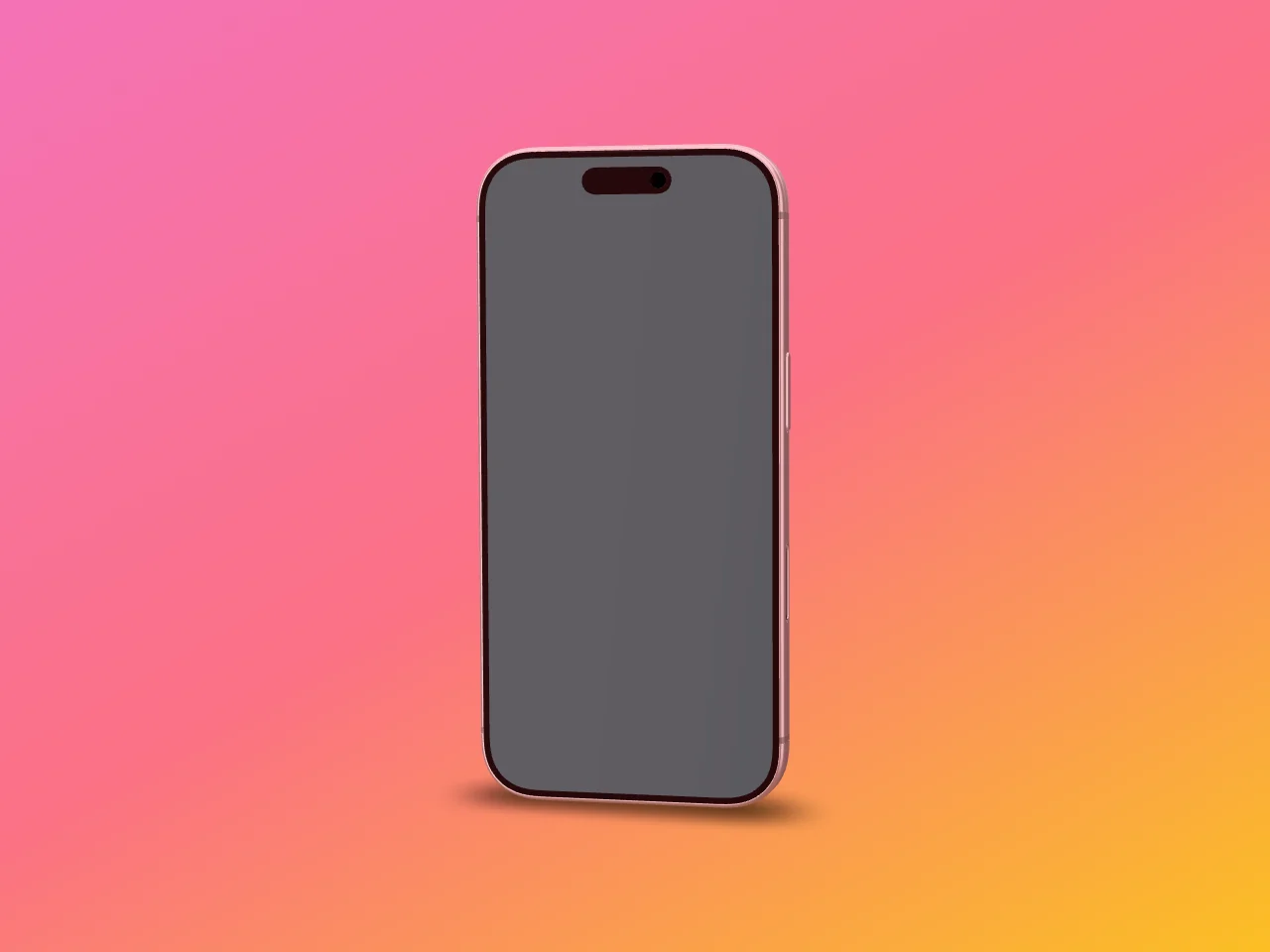
  1. An iPhone with an empty display on a pink to orange gradient
    01

    Pick a device or a template

    Start empty or from a finished scene. Templates already bring devices, angles, background and camera.

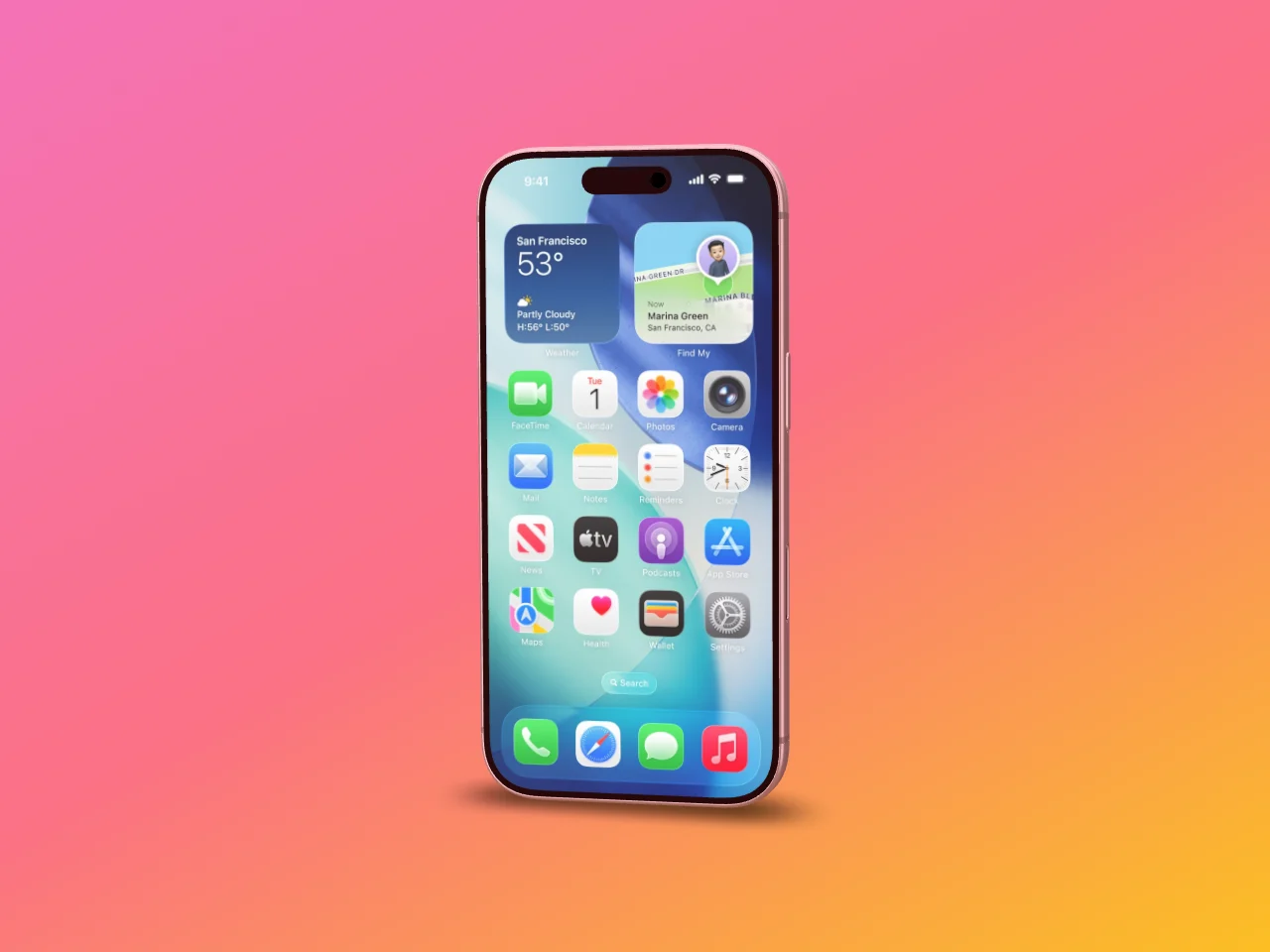
  2. The same iPhone with the screenshot on its display
    02

    Drop in your screenshot

    Drag the file onto the device and it lands on the display. If the aspect ratio does not match, it is fitted, not cropped.

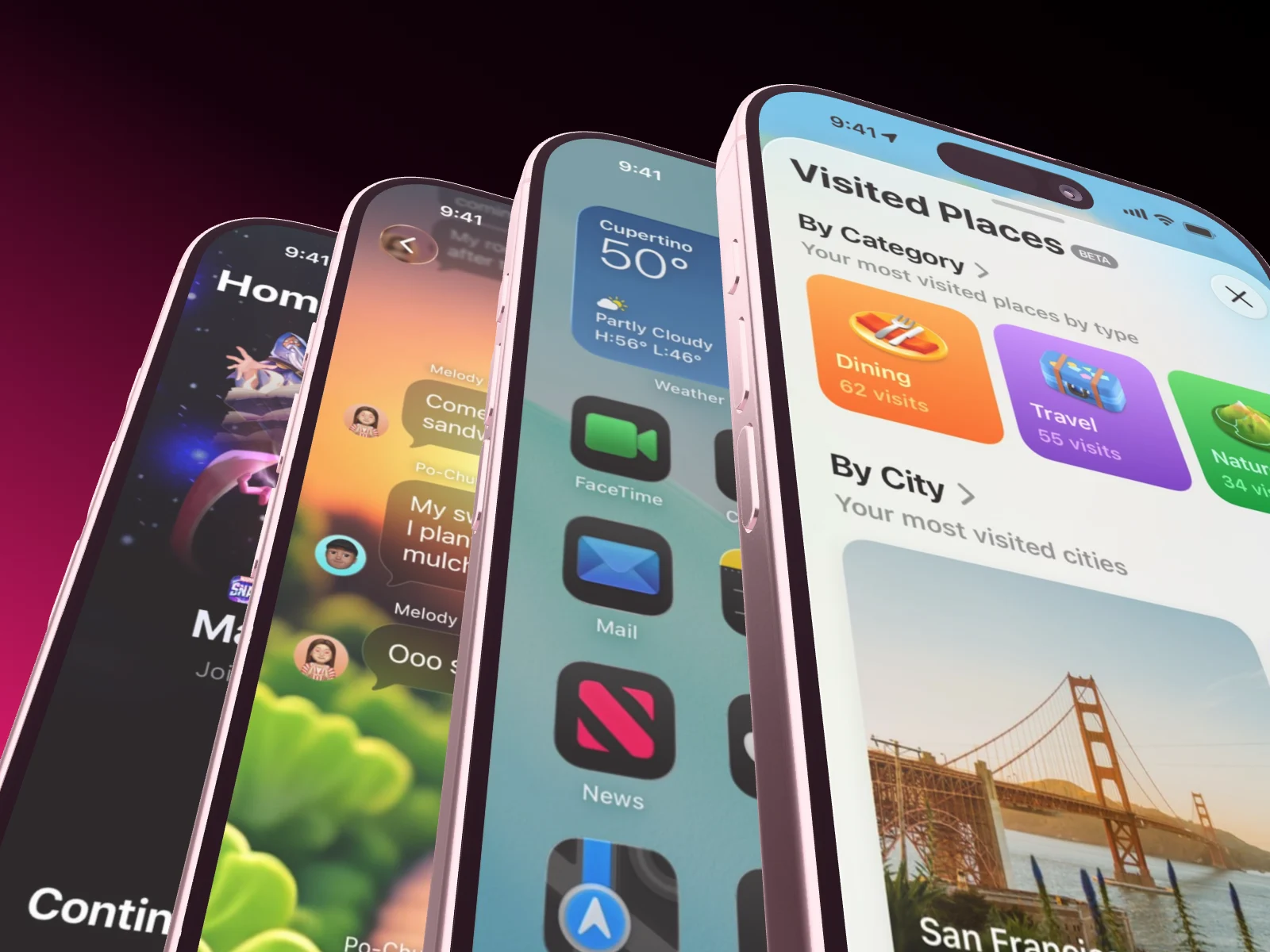
  3. Four iPhones fanned out close up on a black to green gradient
    03

    Turn, frame, export

    Set the angle, the camera and the background, then export as PNG or JPG in the size you need.

Questions about 3D mockups

Open the documentation

Yes. Free has every device in every color and exports as much as you like in 720p, with no watermark. Once a month an export goes up to 4K. Pro adds 15 full-quality exports a month.

17 models: current iPhones, Google Pixel and Samsung Galaxy phones, iPad Pro, MacBook Pro, Apple Watch and the Studio Display, many of them in several colors. Each one is a real 3D model at its actual size.

No. Showoff runs in a current Chrome, Edge, Firefox or Safari. The stage is drawn by your graphics card, so hardware acceleration should be on.

Each device shows its recommended size, for the iPhone 17 Pro that is 1206 × 2622 pixels. Other sizes work too: if the aspect ratio does not match, the image is fitted rather than cropped.

Yes. What you export is yours to use: App Store, ads, website, pitch. The screens on it have to be yours, of course.

With your AI

Or let Claude, ChatGPT or Cursor build it.

Showoff is an MCP server. Your AI creates the project, puts your screenshots on the devices and sets camera and background, and every change is checked before it is saved.

Your screenshot, in 3D.