

Showoff instead of Screen Studio
Your screen recording on a real 3D device: record in the editor, cut the pauses, and let the camera follow every tap. Exported as a video in your browser.
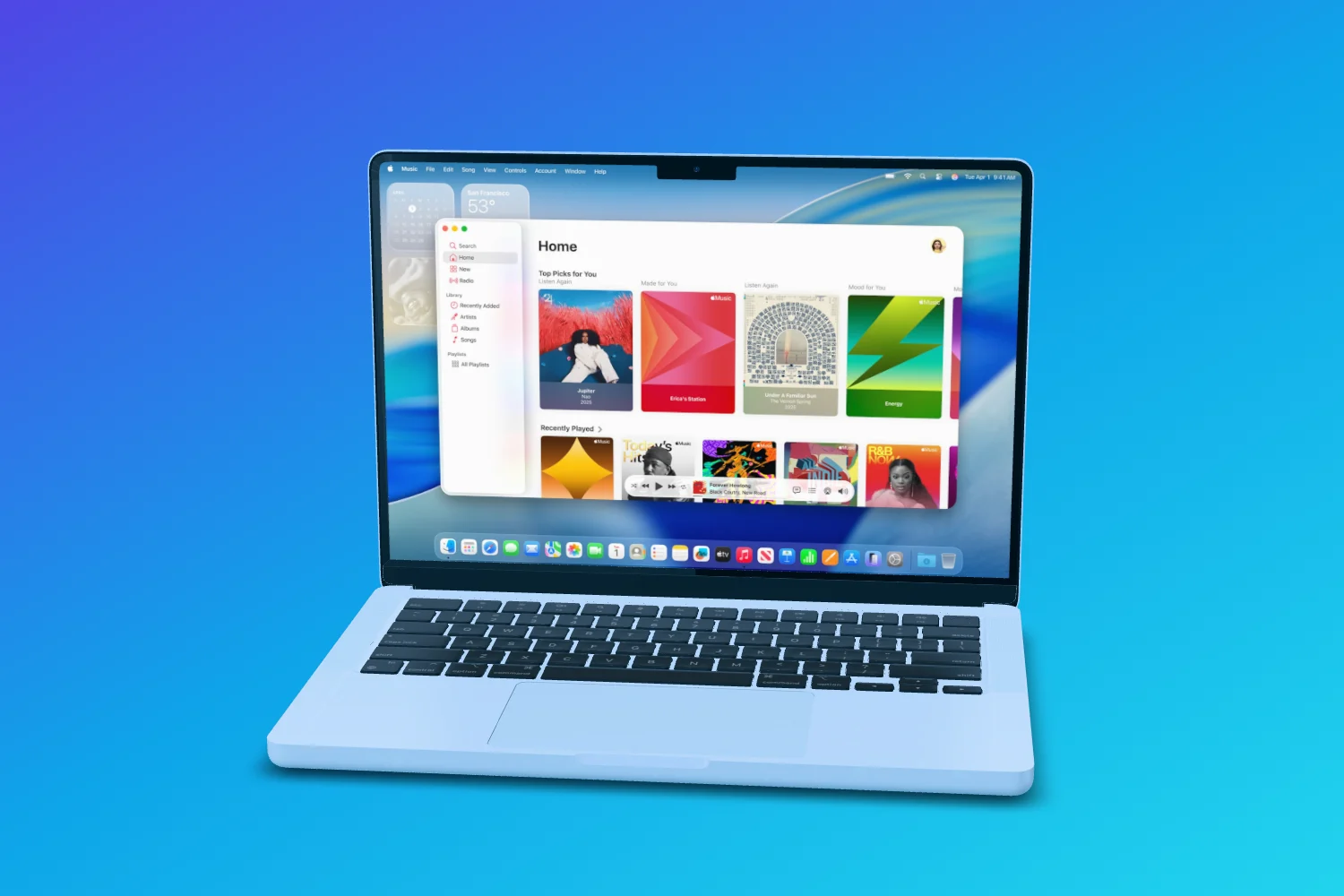
A screen recorder for Mac that adds automatic zooms, motion and framing to recordings.
Runs on Mac app
Visit Screen StudioWhere Showoff comes in
In Showoff, recordings play on a 3D device: on a MacBook, the Studio Display or a browser window, you record a tab, a window or your screen right in the editor. Showoff cuts the pauses out, and the camera follows where someone taps.
What sets Showoff apart More than a frame around your screenshot

Your phone, live in the scene
SoonPair your phone with a code. Its screen streams straight onto the device in the mockup, and turning your phone turns the device on stage.

Websites on the MacBook
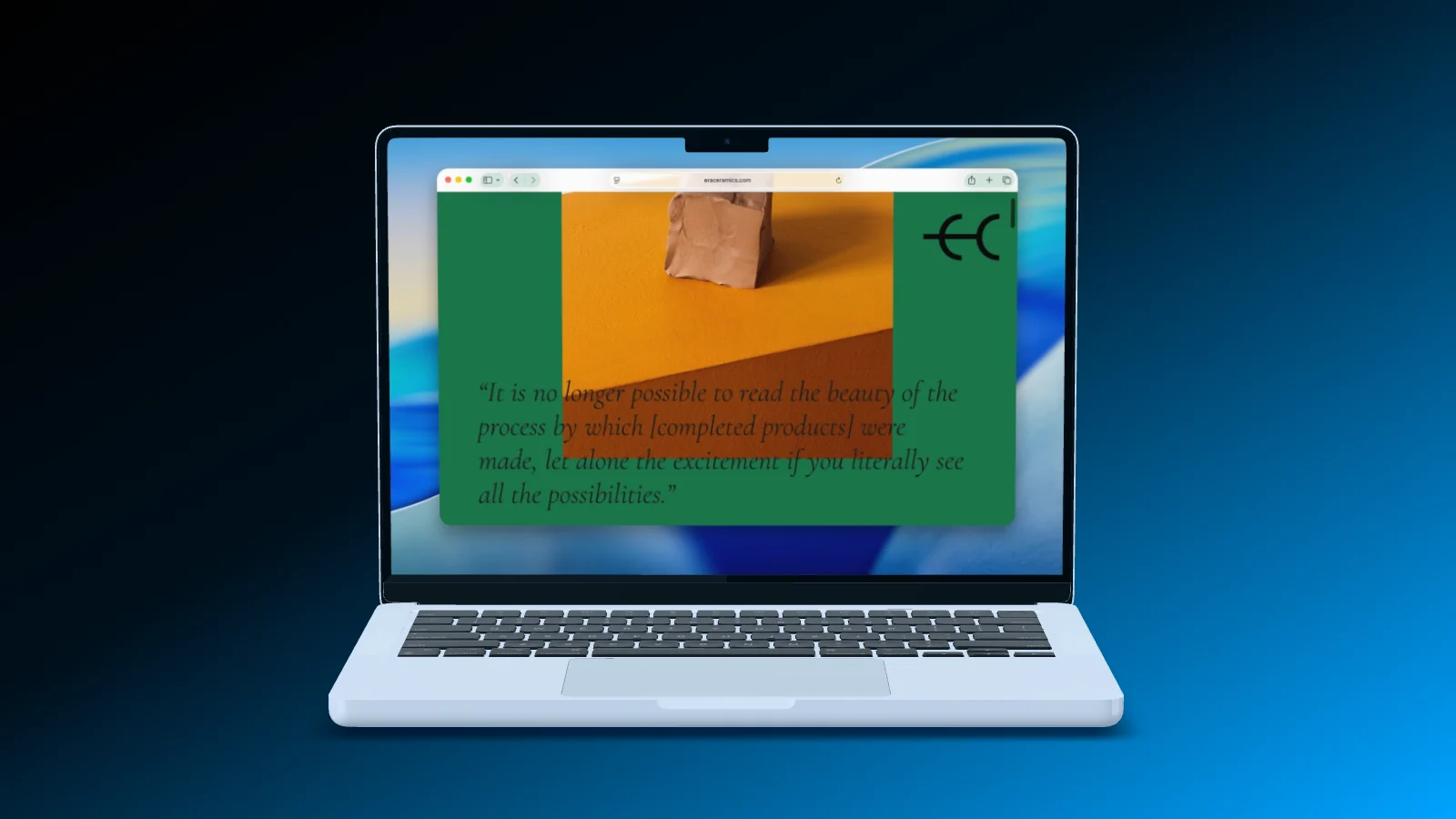
A screenshot of your website keeps its full width and starts at the top, under a menu bar like on a real Mac. Or record a browser tab straight into the scene.

A camera move you draw
Mark the areas the camera should visit, and Showoff flies through them like a camera operator. Don’t like the result? Roll again.

Motion blur like a real camera
Pick how long the shutter stays open: short, normal or long. Showoff calculates every part of the exposure instead of smearing it on afterwards.

A clean status bar
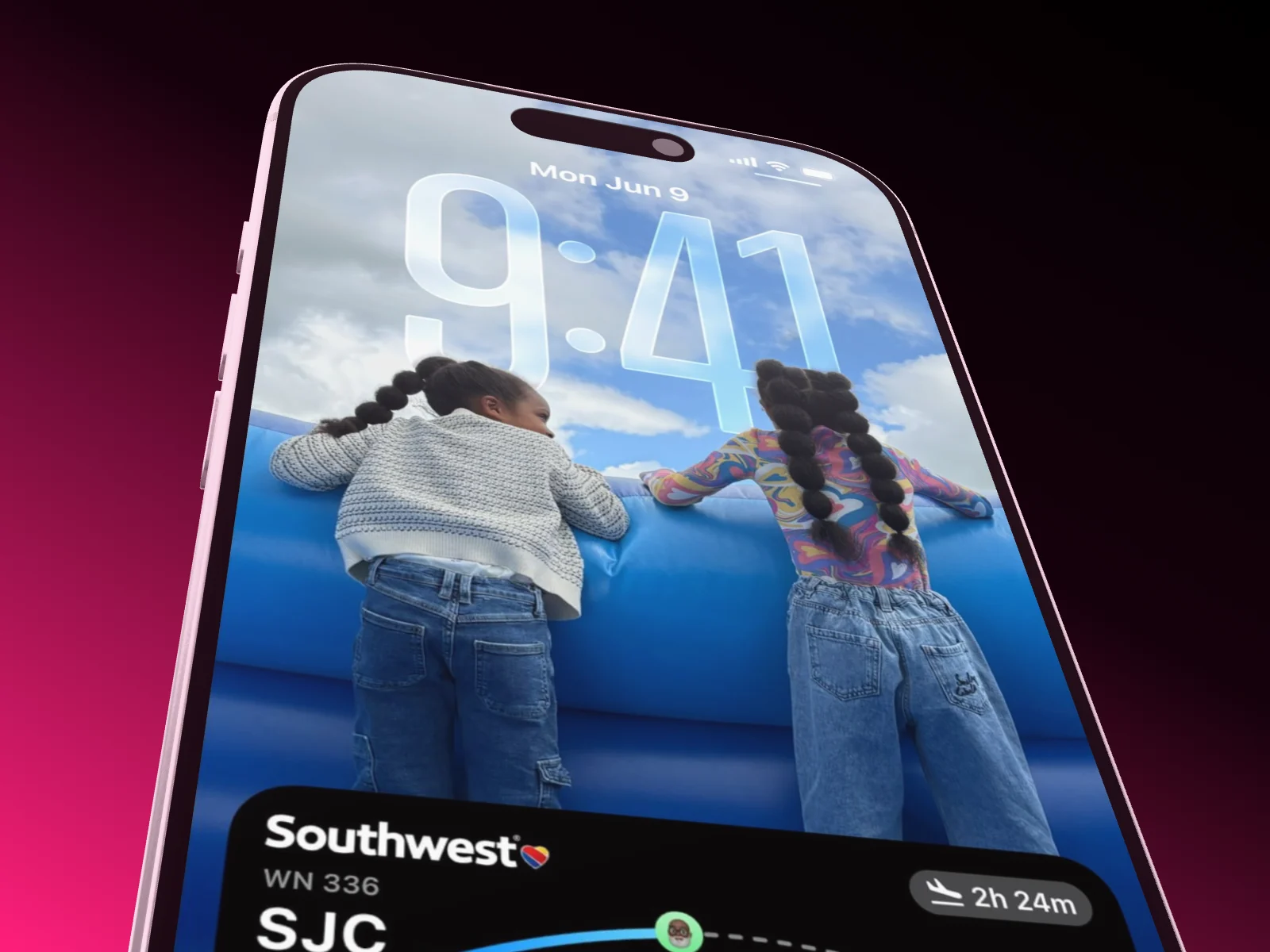
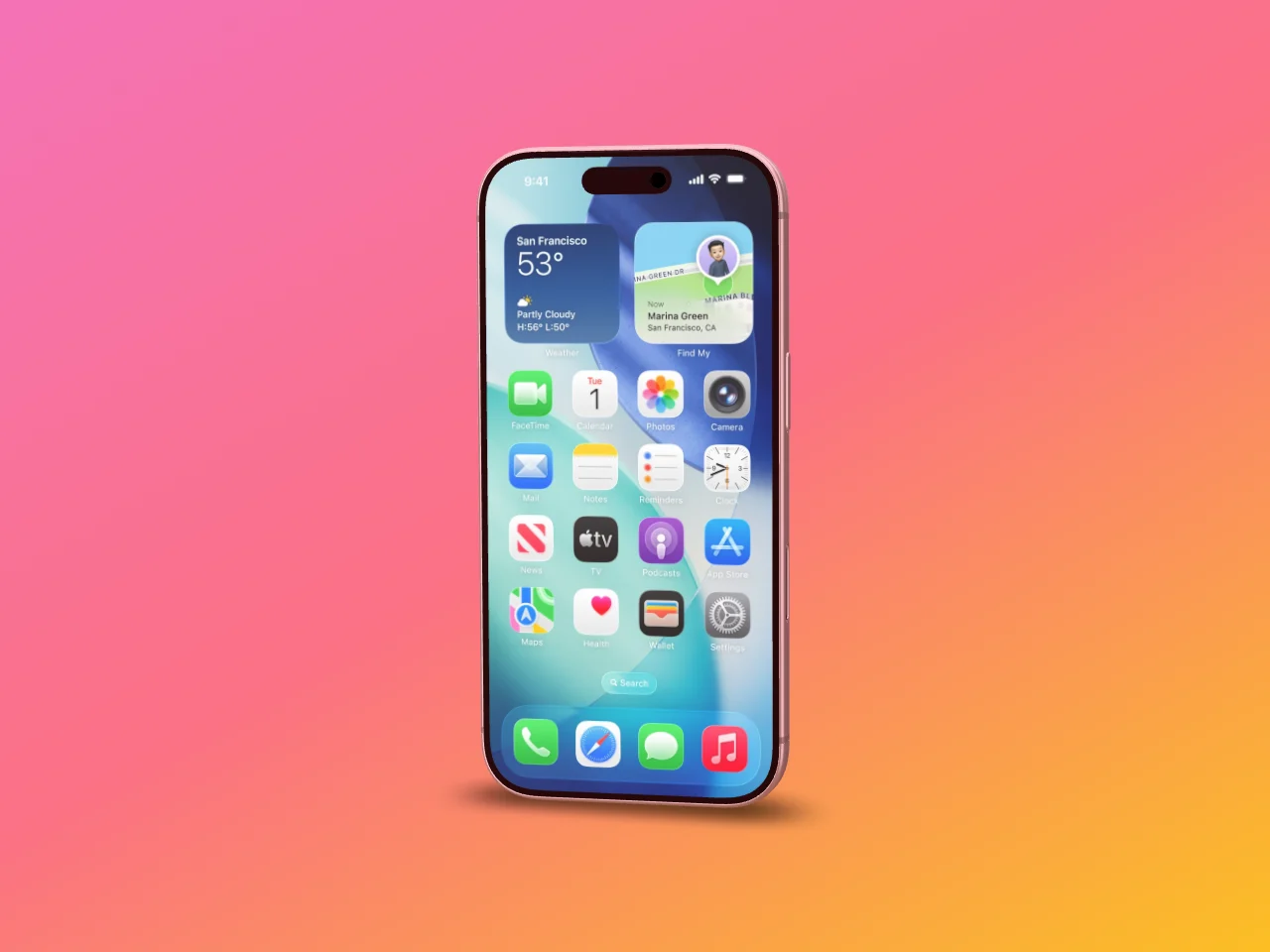
9:41, full signal, full battery. It replaces the real status bar on your screenshot, including the red recording pill on Android.

Everyone in one scene
Work on the same scene at the same time. You see who is there, where their cursor is and what is changing, and playback runs for everyone.
Your launch, as a film. Cut to your song.
Hand your AI a few screenshots and a song. It builds a launch video in which the device lands on the drop and the camera glides from shot to shot without a single cut.
Launch videos come from your AI via MCP: part of Pro, and free to try for 3 days.

Build, edit, cut. All in one conversation.
Your AI works in Showoff the way you do. It creates projects, puts screenshots on devices, sets camera and background, highlights details and builds whole App Store sets. Before anything is saved, Showoff checks the picture like an art director.
- App Store images, website mockups and launch videos, all through the same connection
- Watch live what your AI is working on, and bring back any earlier version
- Free to try for 3 days

What you get In the browser, from the free plan up
Switch in three steps Nothing to redo
 01
01Bring your screens
The same screenshots and screen recordings as before, just drag them in.
 02
02Pick a template
A finished scene to start from, or start empty. Your screen fits the display exactly.
- 03
Export
As an image or a video in the size of your channel, rendered in your browser.
Switching from Screen Studio
Showoff has a free plan with every device in every color, unlimited exports in 720p and no watermark. Pro adds full-quality exports up to 4K, 60 fps, motion blur and your AI via MCP.
Projects do not move between tools. Your screenshots and screen recordings do: drag them into Showoff, start from a template, and the scene is ready in minutes.
Up to 90 seconds per recording in the editor, and a file can be up to 25 MB. Longer videos you upload as a file.
Yes. Showoff runs in the browser, in a current Chrome, Edge, Firefox or Safari. Video export needs Chrome, Edge or Safari 16.4 or later.