Website mockup generator Your site, on a real MacBook.

Drop a screenshot of your website onto a MacBook or the Studio Display. It keeps its full width and starts at the top, with the menu bar, a Safari window and the Dock if you like. As an image, or as a film the camera travels through.

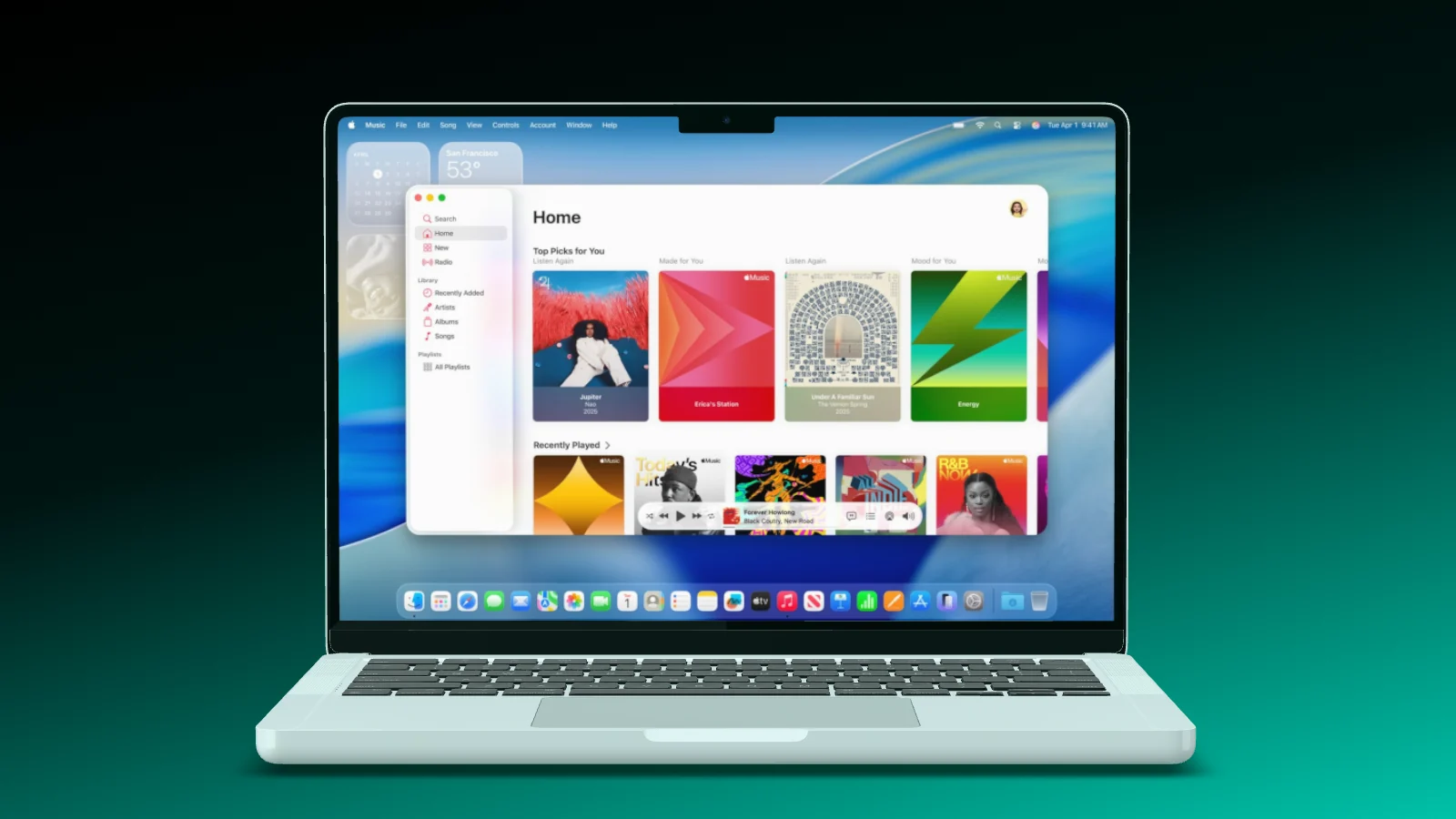
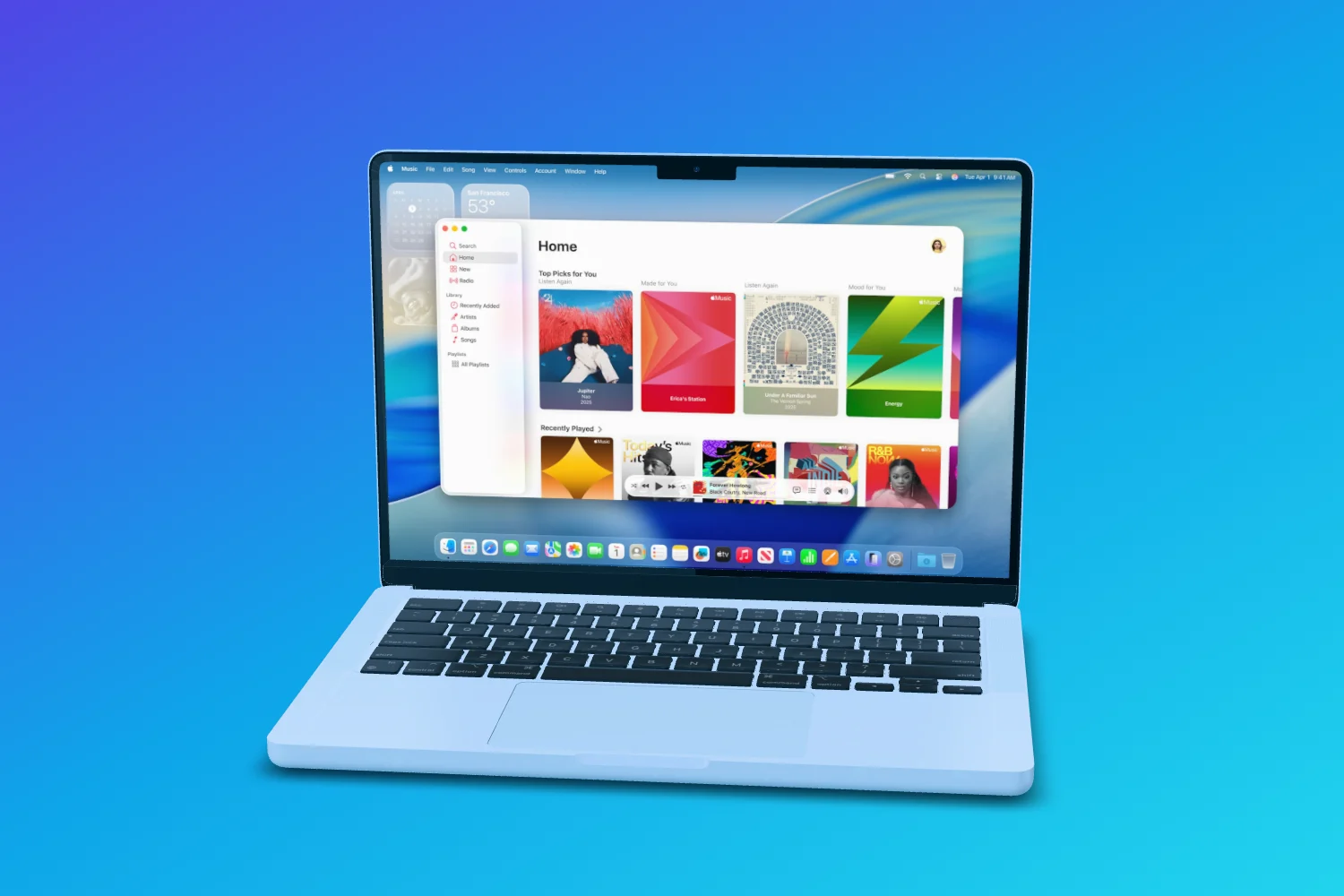
A MacBook on a blue gradient with Apple Music open, menu bar and Dock on its display
Made for websites

Full width, starting at the top.

On the MacBooks and the Studio Display, Showoff treats an image as a website. It keeps its full width and starts at the top, and the bottom is trimmed or quietly extended. A 16:9 screenshot fits the 16:10 of a MacBook without losing the logo on the left.

  • The recommended size is that of a website screenshot
  • MacBook Pro and Studio Display, each at actual size
  • Set the lid from closed to 130 degrees
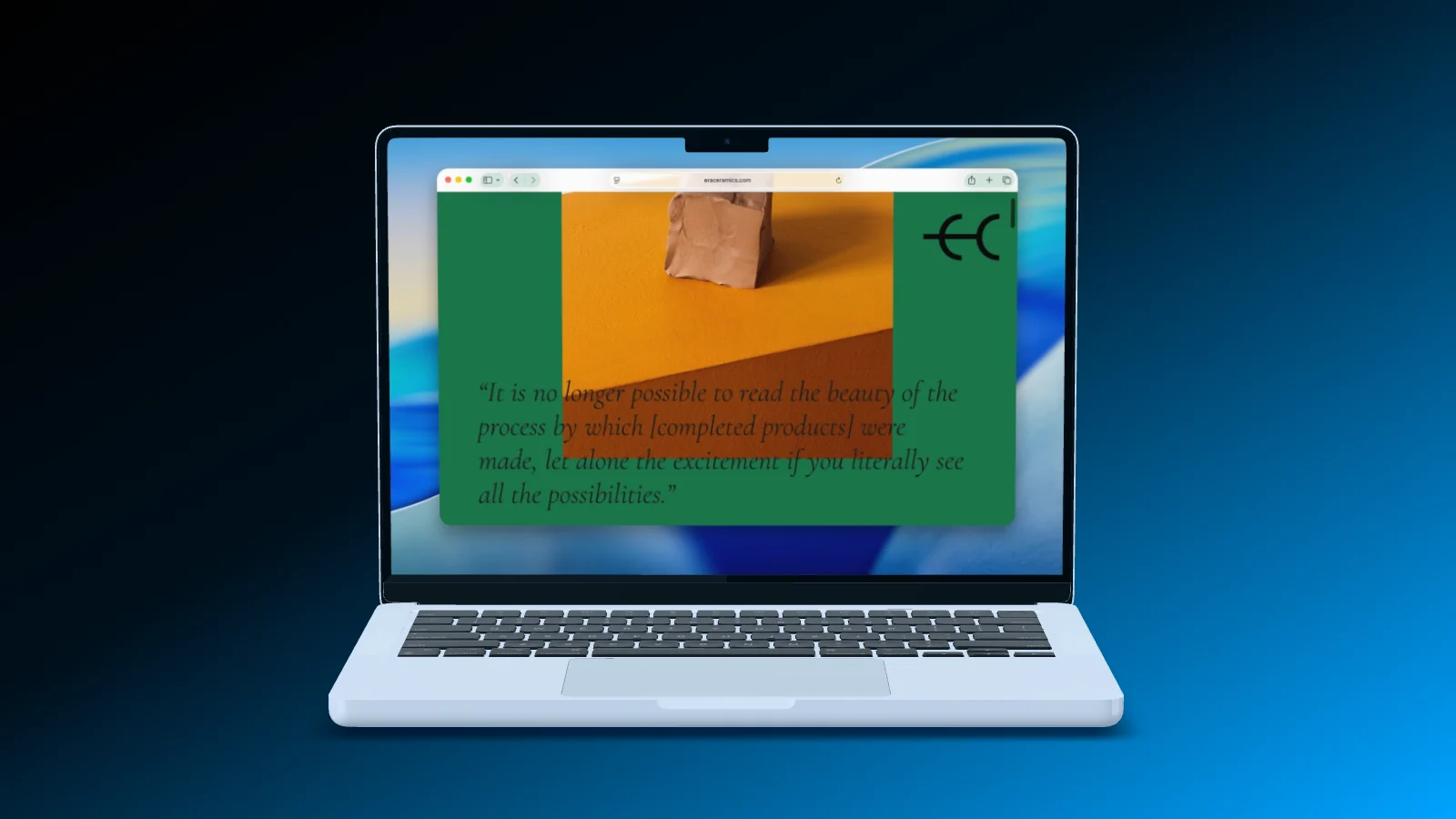
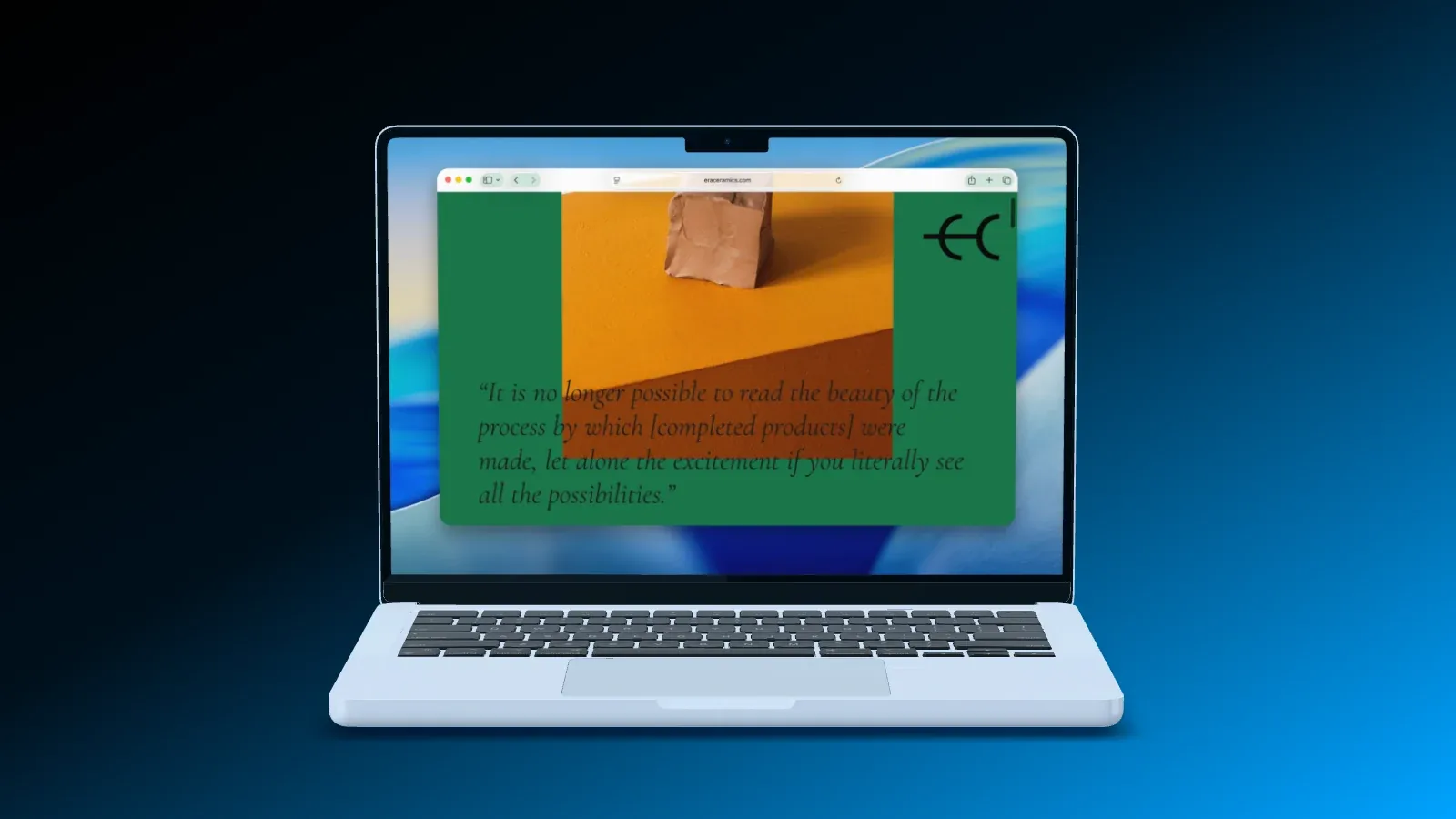
A MacBook straight from the front, a website open in a Safari window on its display
MacBook Pro 14" Fills the display, cut off at the bottom
Mac desktop

Menu bar, Safari, Dock.

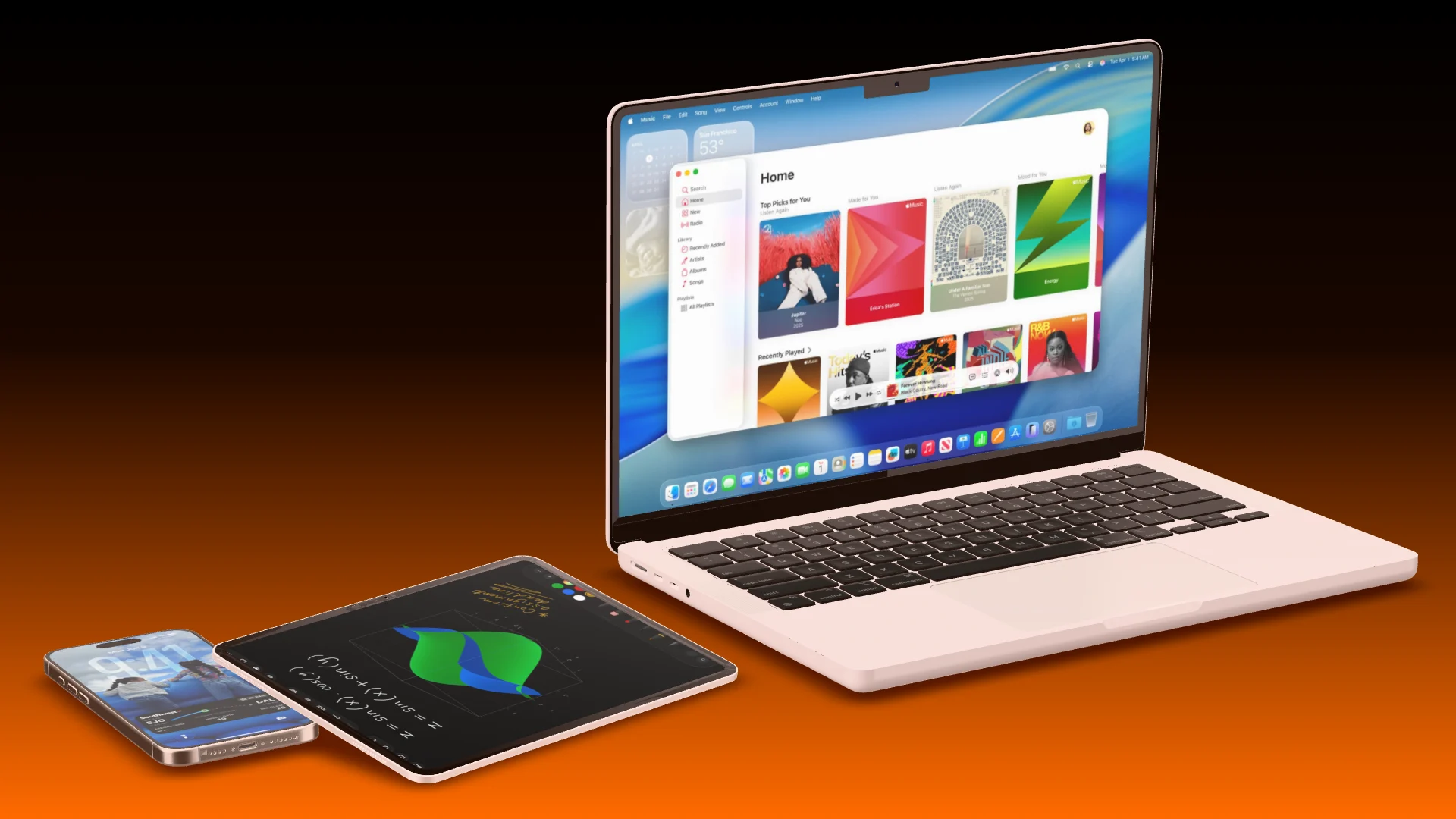
Three switches set what surrounds your page: the menu bar, a Safari window and the Dock, light or dark. A plain web screenshot then looks as if it was taken on a Mac.

  • Combine the three freely
  • Light or dark appearance
  • Browser windows also stand as devices of their own
A MacBook with Apple Music, menu bar and Dock, an iPad and an iPhone lying in front of it on an orange gradient
Mac desktop Menu bar, Safari, Dock
Screen recording

Record a browser tab right into the scene.

In a film, the MacBooks, the Studio Display and browser windows record a tab, a window or your whole screen. The recording goes straight onto the display, pauses are cut out, and the camera follows where you click.

  • Up to 90 seconds per recording
  • “Cut pauses” removes the stretches where nothing moves
  • “Camera follows the action” moves to every tap
A MacBook Pro opens its lid, the camera moves in, and the lid closes again
Record screen Tab, window or screen

What sets Showoff apart More than a frame around your screenshot

  • Your phone, live in the scene

    Soon

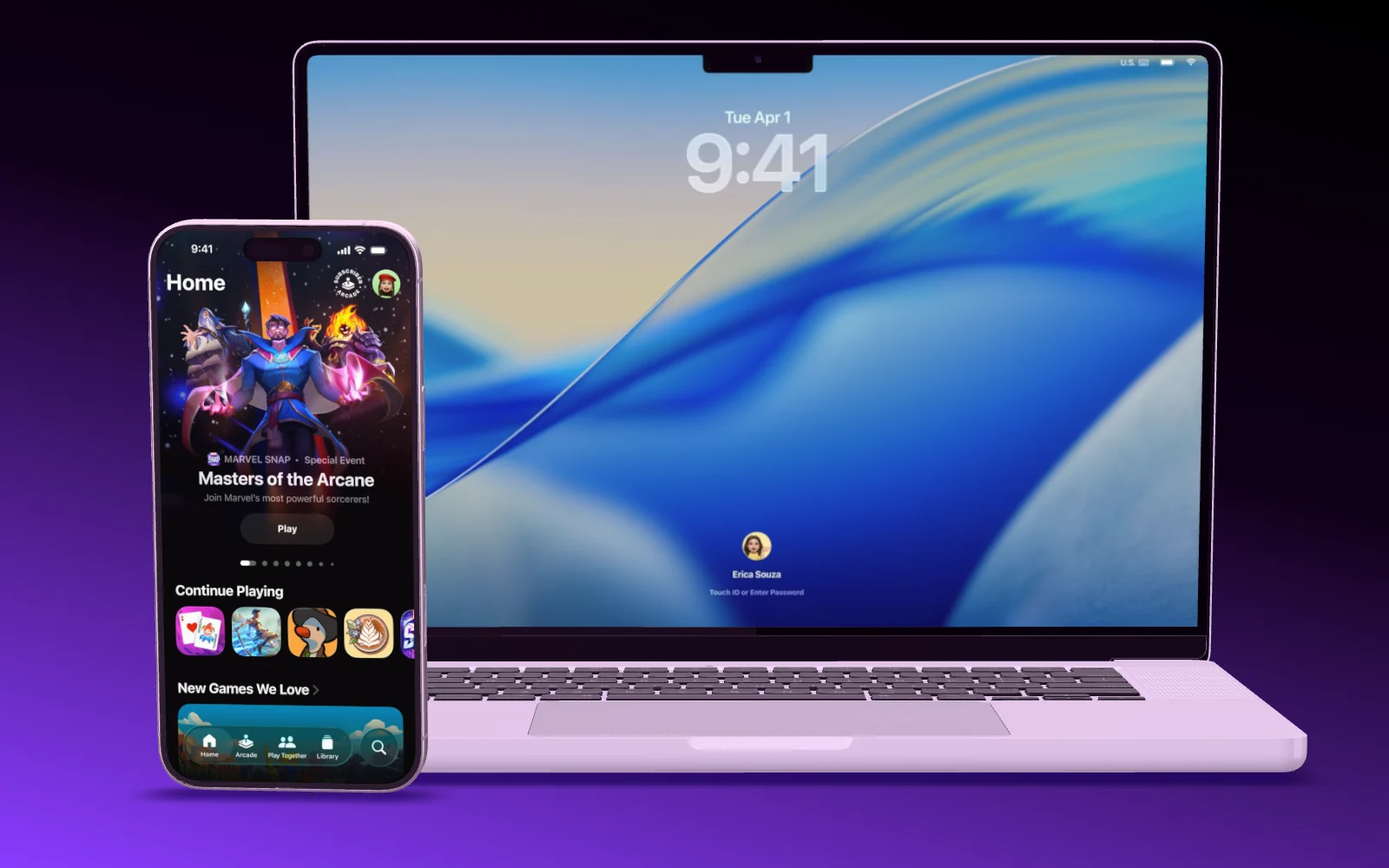
    Pair your phone with a code. Its screen streams straight onto the device in the mockup, and turning your phone turns the device on stage.

  • Websites on the MacBook

    A screenshot of your website keeps its full width and starts at the top, under a menu bar like on a real Mac. Or record a browser tab straight into the scene.

  • A camera move you draw

    Mark the areas the camera should visit, and Showoff flies through them like a camera operator. Don’t like the result? Roll again.

  • Motion blur like a real camera

    Pick how long the shutter stays open: short, normal or long. Showoff calculates every part of the exposure instead of smearing it on afterwards.

  • A clean status bar

    9:41, full signal, full battery. It replaces the real status bar on your screenshot, including the red recording pill on Android.

  • Everyone in one scene

    Work on the same scene at the same time. You see who is there, where their cursor is and what is changing, and playback runs for everyone.

Your website, mocked up In three steps

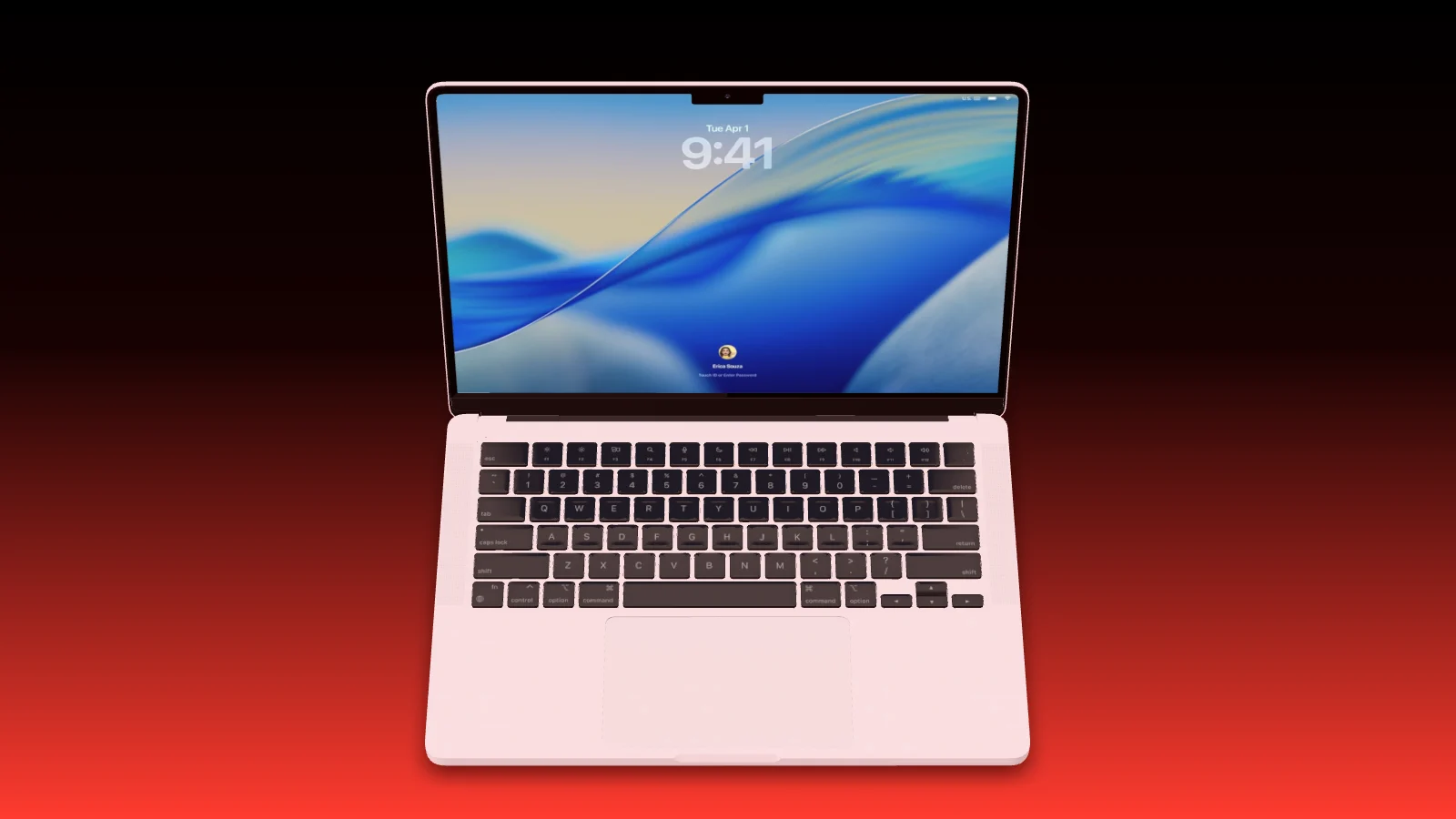
  1. A pink MacBook from above on a black to red gradient, its lock screen showing 9:41
    01

    Add a MacBook

    Start empty or from a MacBook template. Pick the model and the color.

  2. A website in a Safari window on a MacBook, on a blue gradient
    02

    Drop in your screenshot

    Drag the screenshot of your site onto the display, then switch on menu bar, Safari or Dock.

  3. A MacBook opens its lid, then an iPhone flies in next to it
    03

    Image or film

    Export a PNG or JPG, or build a film with a camera move and export it as a video.

Questions about website mockups

Open the documentation

The MacBook shows its recommended size, which is that of a website screenshot rather than the whole screen. Other sizes work: the page keeps its full width and starts at the top.

Yes, in a film. A long screenshot or a screen recording plays on the display, and the camera can follow it.

Yes. Switch on a Safari window in the Mac desktop, or add a browser window as a device of its own.

Yes. Anything you can take a screenshot or a recording of goes on the display, from a landing page to a dashboard.

Yes. Put a MacBook, an iPad and an iPhone into one scene, each with its own screenshot.

With your AI

Or let your AI put your site on a Mac.

Hand Claude, ChatGPT or Cursor a screenshot of your page. It picks the MacBook, switches on menu bar and Safari, and frames the shot.

Your site, shown off.