Showoff instead of Screenshots.pro

Real devices in 3D, a camera that moves by itself and your phone live in the scene. In the browser, in a few minutes, with no watermark.

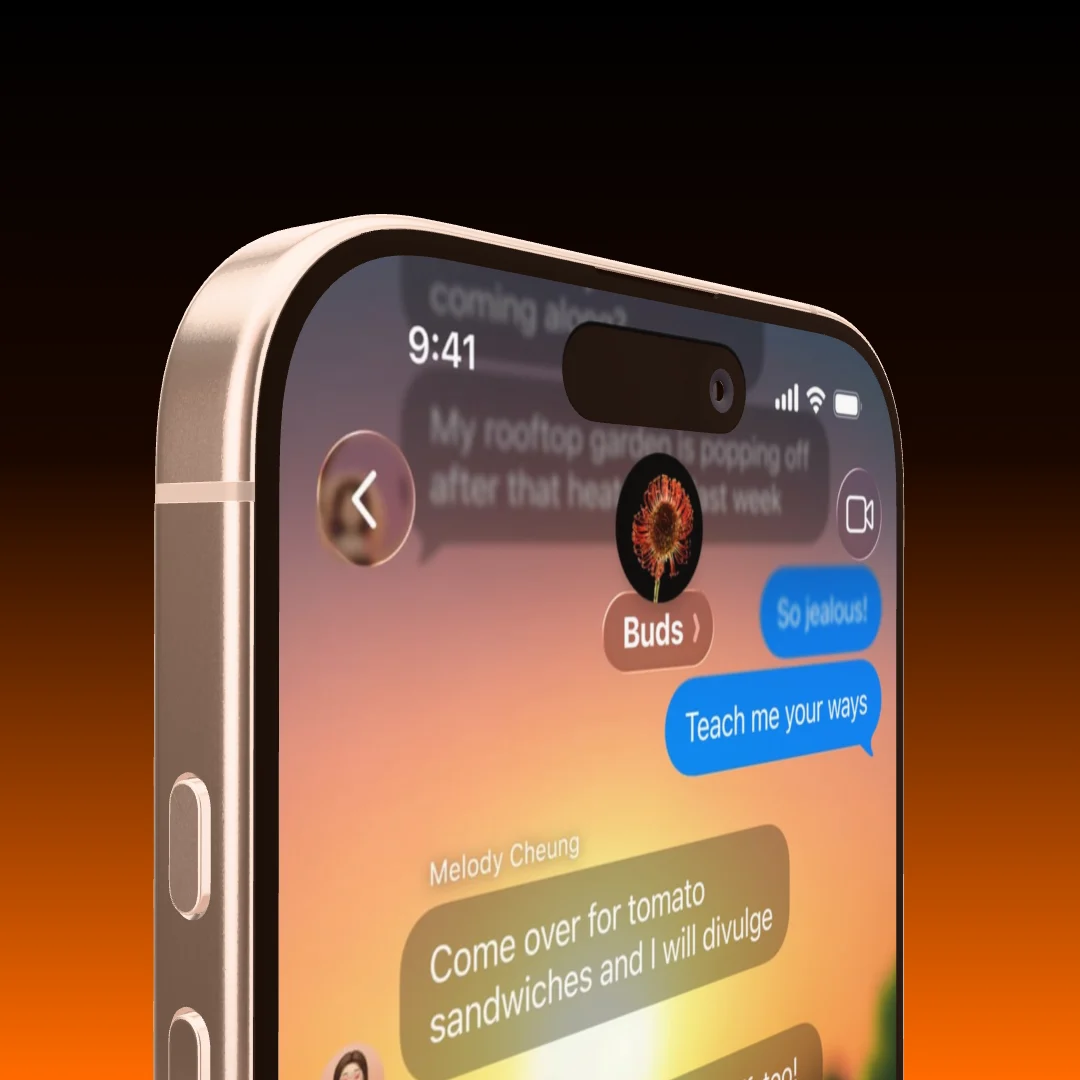
A phone seen close up from below against a black to orange gradient
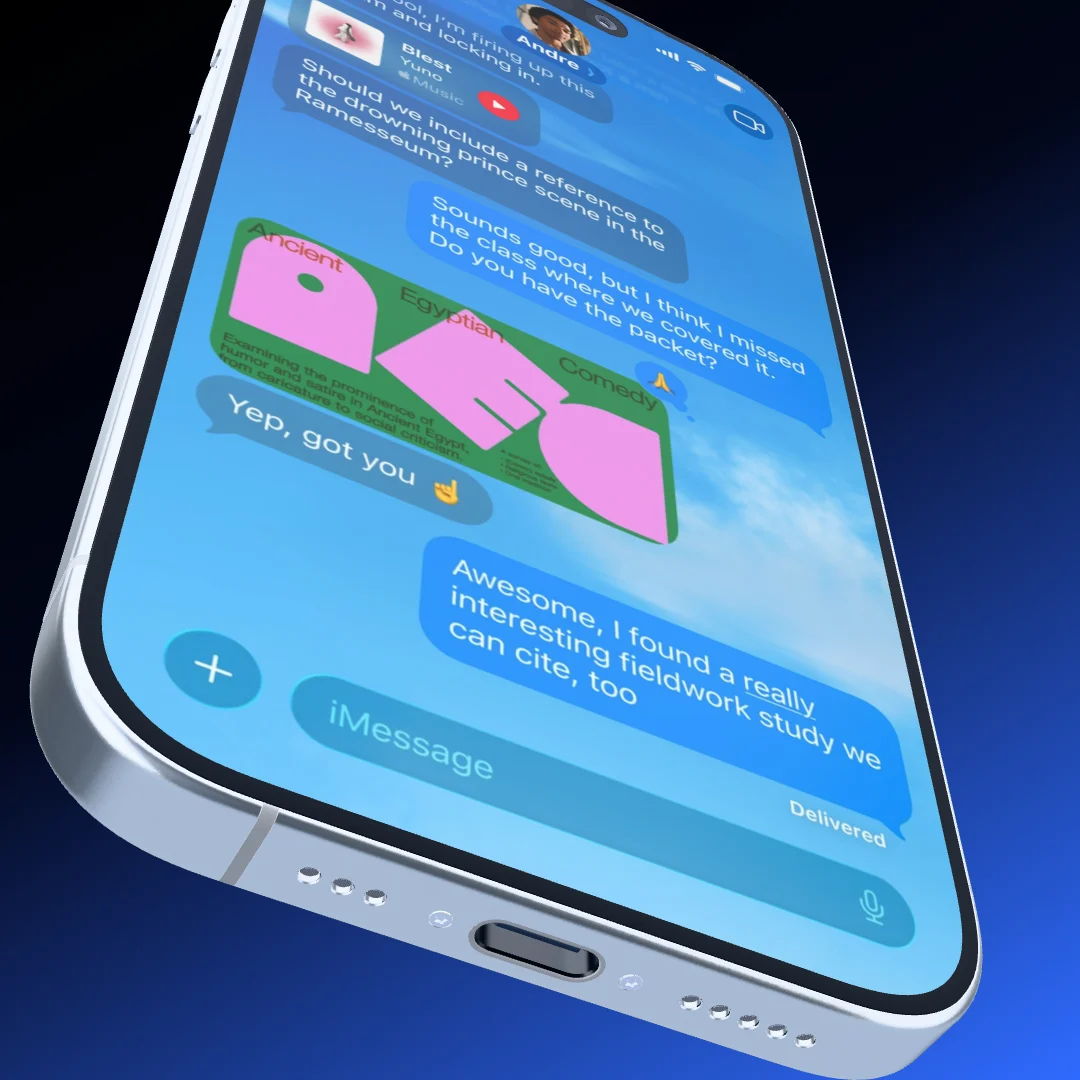
A phone in steep perspective against a black to magenta gradient
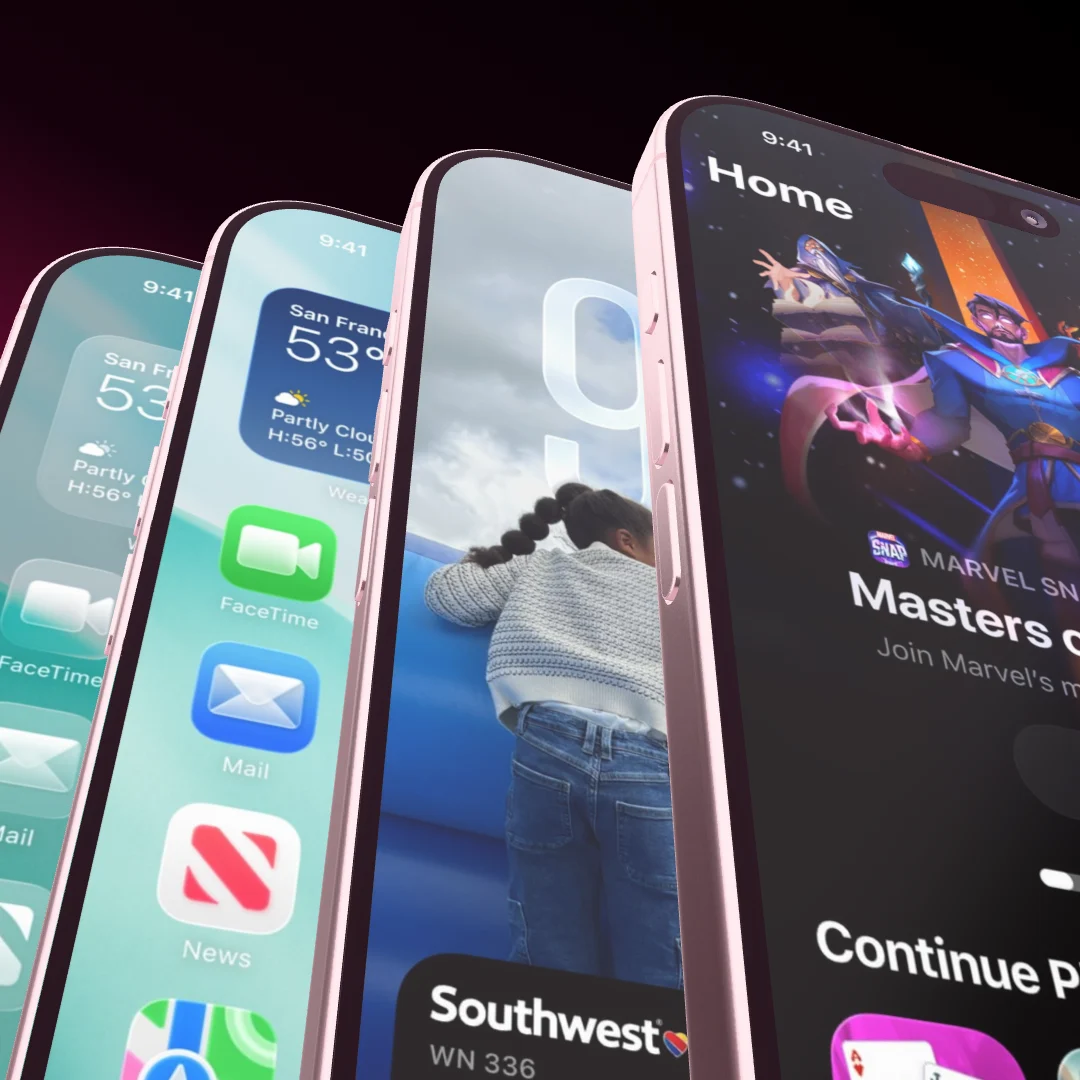
Four phones fanned out close up against a black to green gradient
AI and MCP

Tell your AI what you need. It builds the mockup.

Showoff is an MCP server. Connect Claude, ChatGPT or Cursor, and your AI creates projects, puts your screenshots on the devices, picks background and text and shows you the result. Every change passes the art-direction review first.

  • With Claude, ChatGPT, Cursor and any other MCP client
  • The review checks angles, spacing, contrast and status bars
  • Everything lands as a project in your editor, ready to refine
Your AI Connected to Showoff

Make me an App Store image with three iPhones and these screenshots.

3 screenshots
  • Project created
  • Screenshots uploaded
  • Three iPhone 17 fanned out
  • Review passed, all good
  • Preview rendered

Done: three iPhone 17, fanned out, with your screenshots. The project is waiting in your editor.

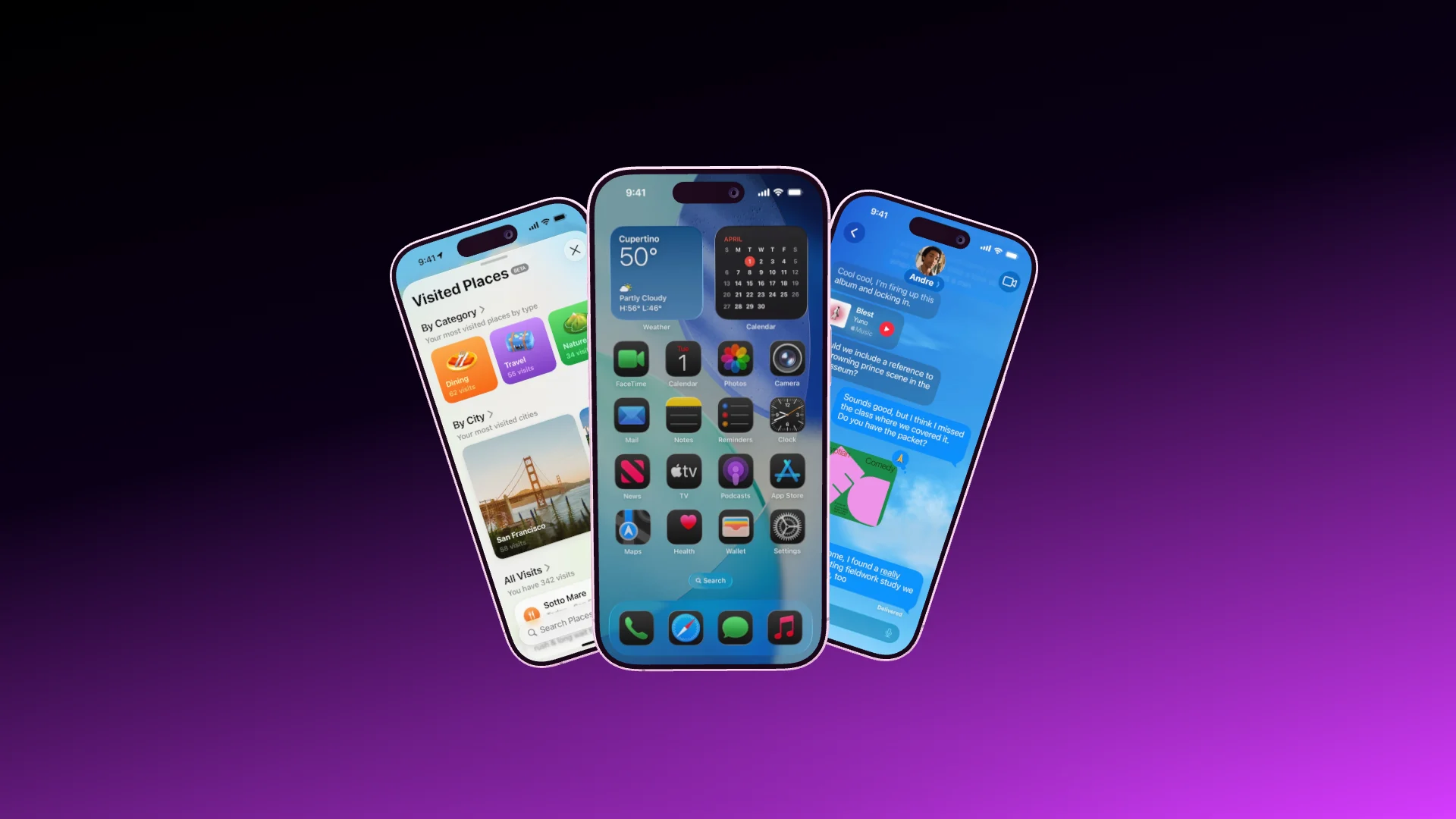
Three fanned-out iPhone 17 with the screenshots, built by the AI

What sets Showoff apart More than a frame around your screenshot

  • Your phone, live in the scene

    Pair your phone with a code. Its screen streams straight onto the device in the mockup, and turning your phone turns the device on stage.

  • Websites on the MacBook

    A web screenshot keeps its full width and starts at the top, under a menu bar like on a Mac. Or record a browser tab straight into the scene.

  • A camera move you draw

    Mark the areas the camera should visit, and Showoff flies through them like a camera operator. Don’t like the result? Roll again.

  • Motion blur like a real camera

    Pick the shutter, short, normal or long. Every part of the exposure is calculated exactly instead of being smeared on afterwards.

  • A clean status bar

    9:41, full signal, full battery. It replaces the real status bar on your screenshot, including the red recording pill on Android.

  • Everyone in one scene

    Work on the same scene at the same time. You see who is there, where their cursor is and what is changing, and playback runs for everyone.

Auto motion

Mark what matters. The camera does the rest.

Draw a few areas on the display, and Showoff turns them into a camera move with real perspective, from one area to the next. The same scene becomes a launch video without a single keyframe.

  • Areas drawn straight onto the screen
  • Real 3D perspective, not a panned picture
  • Roll again for a different move over the same areas
A MacBook with a website on its display, the camera moving across it
Pair your phone

Your phone becomes the remote.

Scan the code from the editor with the Showoff app. Your phone’s screen streams live onto the device in the scene, and when you turn the phone in your hand, the device on stage turns with it.

  • Live screen, or a screenshot at full resolution
  • The device follows your hand
  • Paired in seconds with a code
A Pixel phone on a pink stage, turning like a phone held in a hand
Phone paired Pixel 11 Pro Live
Move your mouse

Simpler than you think And plenty that others cannot do

Compared Showoff Typical mockup tools
Devices How your screen is shown Real 3D models you can turnOften flat frames or fixed angles
Camera move Motion for a launch video Builds itself from marked areasKeyframes by hand
AI builds mockups Via MCP from Claude, ChatGPT or Cursor YesNo
Phone pairing Live screen, steering with your hand YesNo
Websites on the MacBook Full width, menu bar, browser recording YesNo
Motion blur Videos that look filmed, 24 to 60 fps YesRarely
Live collaboration Several people in one scene YesRarely
Installation What you need to get started None, runs in the browserOften a desktop app
Watermark Even on the free plan NoneOften on free exports

Switch in three steps Nothing to redo

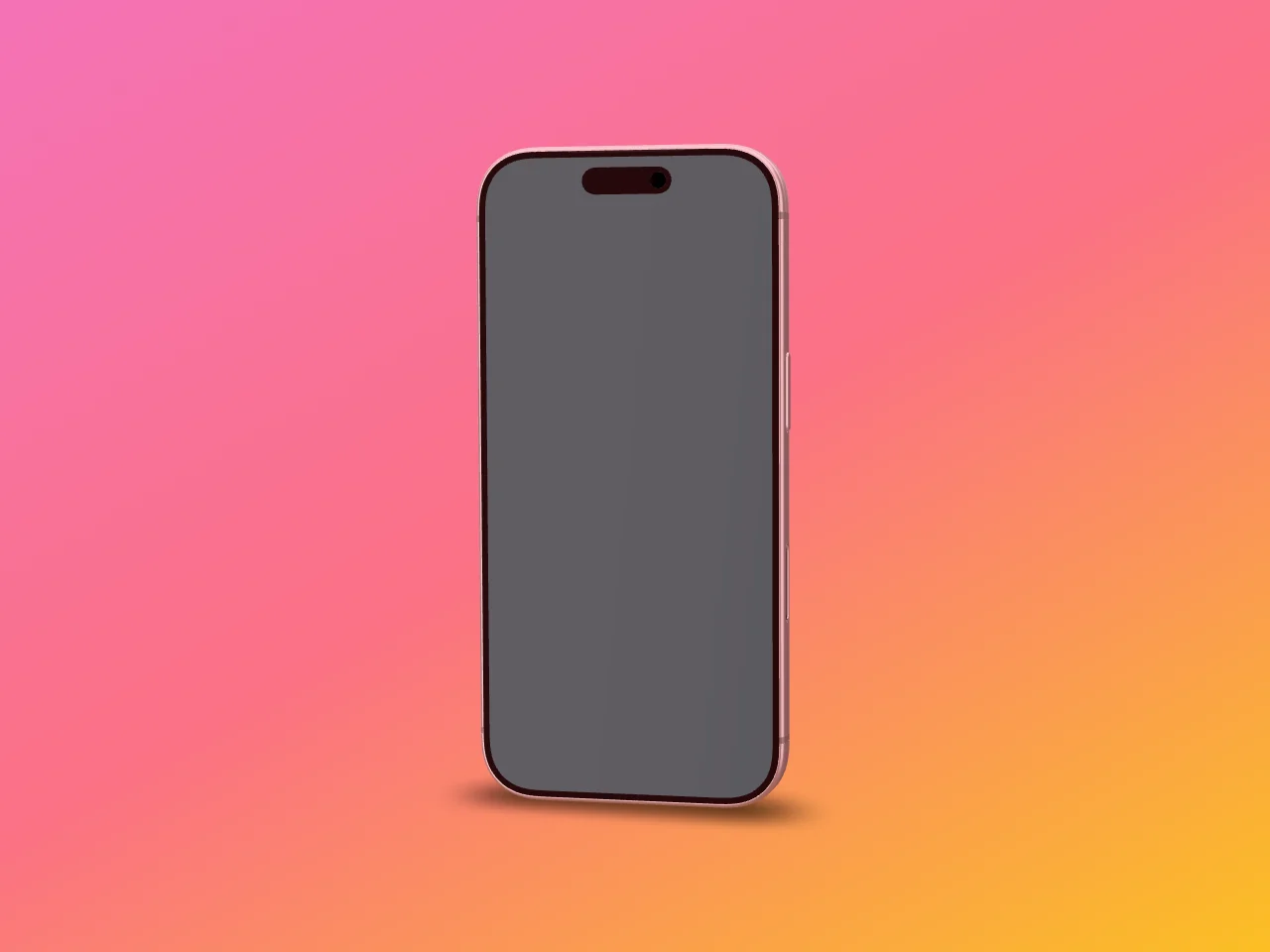
  1. A phone with an empty display
    01

    Bring your screens

    The same screenshots and screen recordings as before, just drag them in.

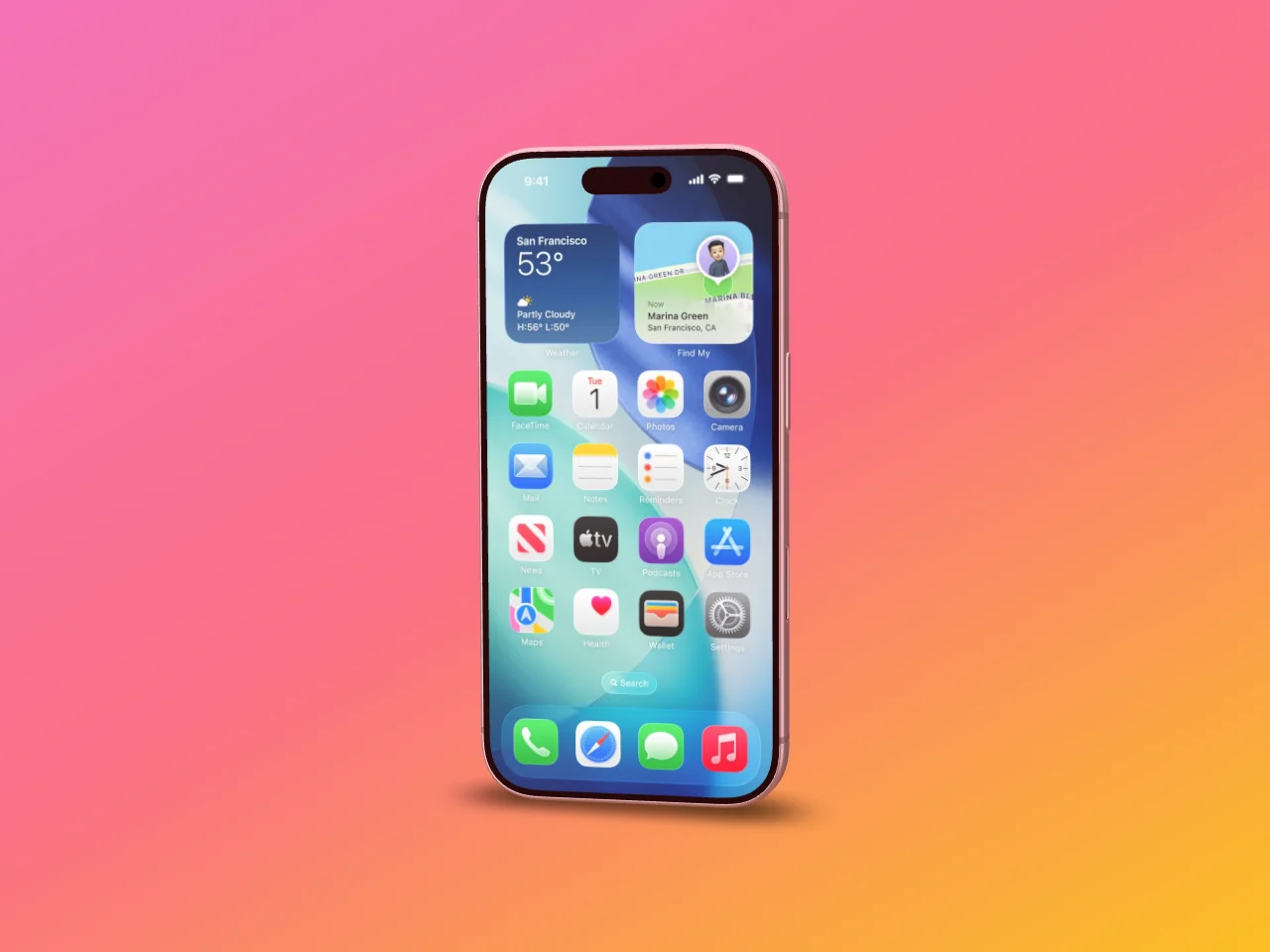
  2. The same phone with the screen on its display
    02

    Pick a template

    A finished scene to start from, or start empty. Your screen fits the display exactly.

  3. A MacBook with a website the camera moves across
    03

    Export

    As an image or a video in the size of your channel, rendered in your browser.

Build with Showoff