AI App Store screenshots One request, every store image.

Ask Claude, ChatGPT or Cursor for five images for the App Store and Google Play, in English and German. Your AI builds the set on real 3D devices, writes and translates the headlines, checks every image and exports the ZIP.

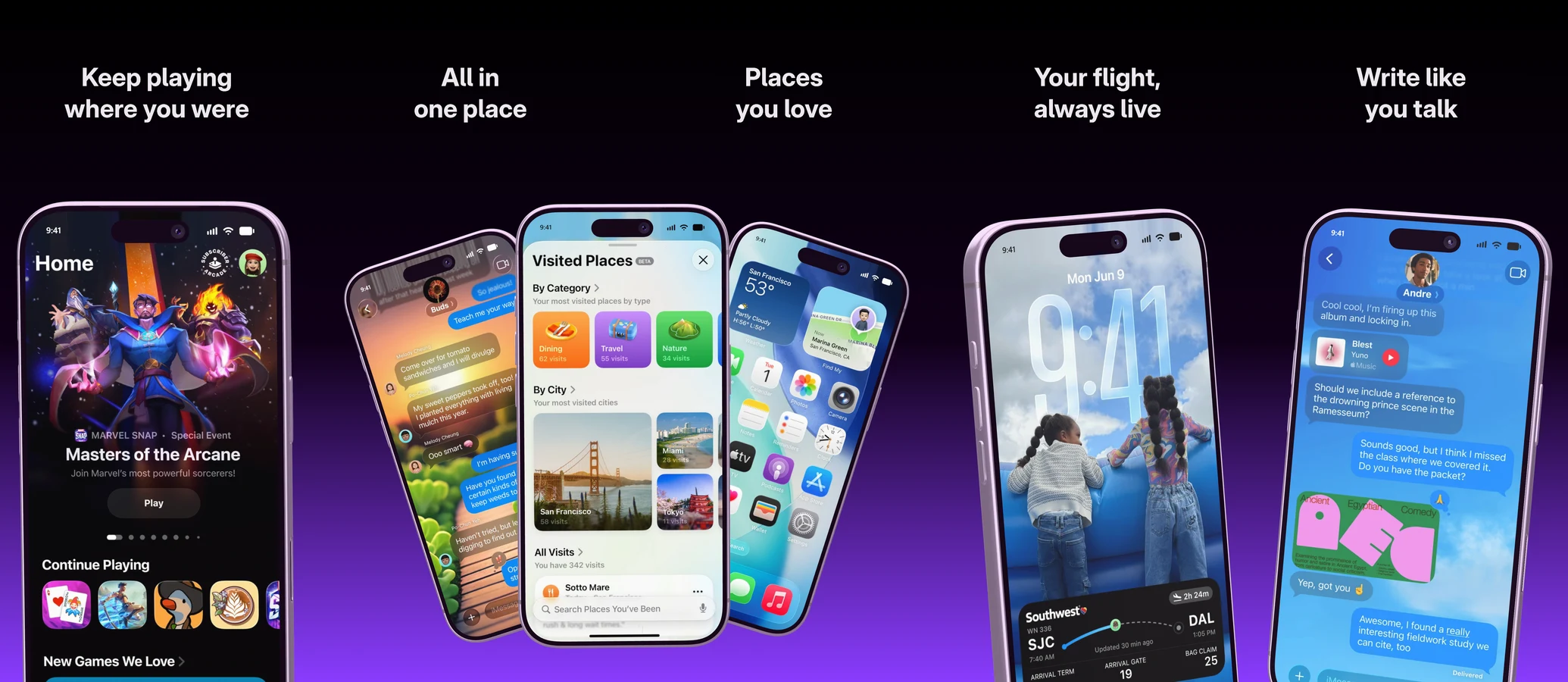
Five images of an App Store set side by side, built by an AI over MCP, each with a headline and an iPhone on violet
The whole set

Five images, two stores, two languages.

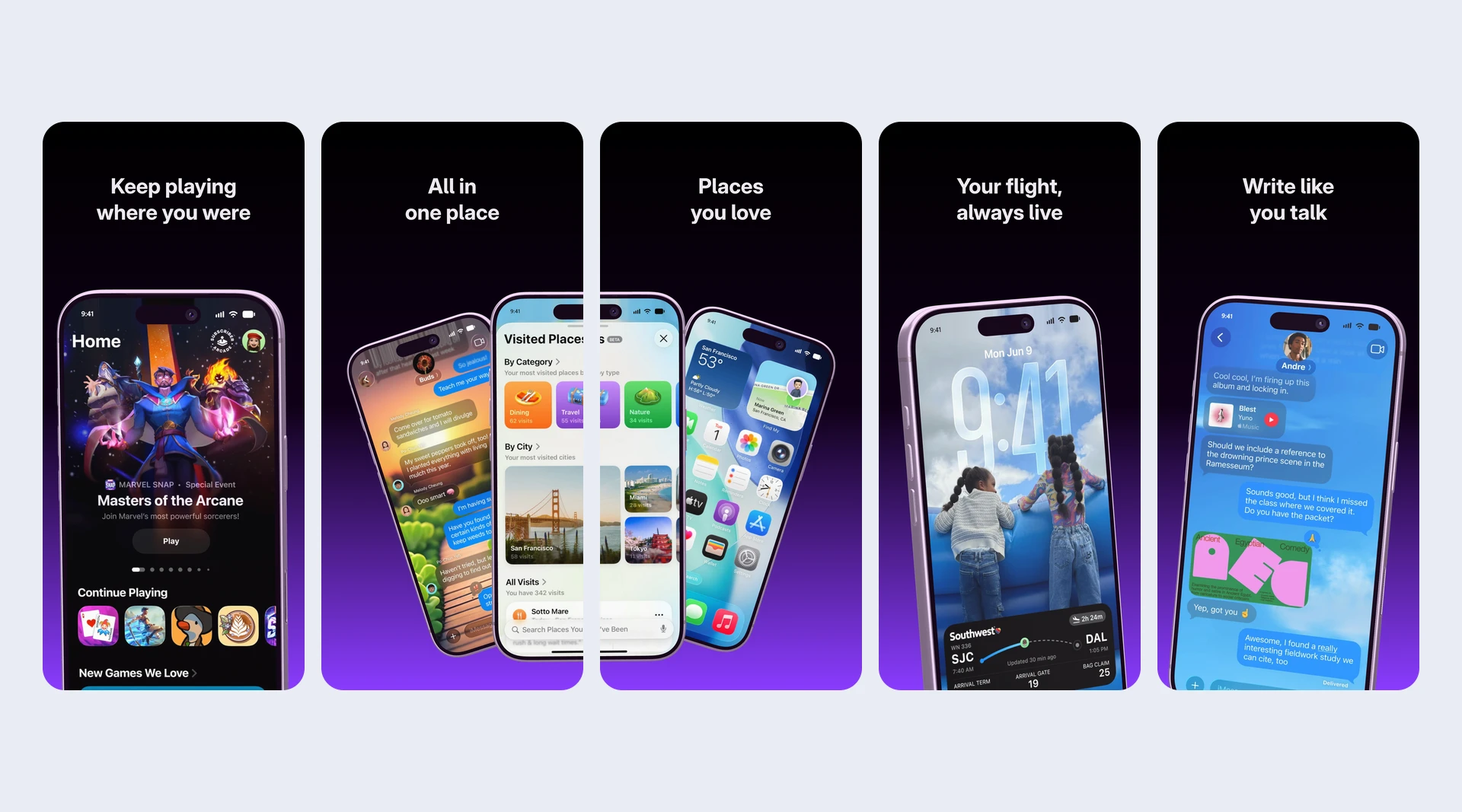
Your AI turns a still into a store set, puts one big phone into every image, adds a highlight across two of them and writes the headlines. Then it translates them and checks that every one stays readable, even in the App Store search list.

  • Sets for iPhone, iPad, Mac and Google Play
  • Up to ten images per set
  • Your screenshots from a link or from your disk
Five App Store images side by side on dark violet, each with a headline
Cursor Headlines translated
fastlane

A ZIP that fastlane uploads.

Your AI exports the set as one ZIP: either one folder per store and language for uploading by hand, or the folders fastlane deliver and supply upload from. That layout only exists over MCP.

  • App Store 1320 × 2868, Google Play 1080 × 1920
  • Just the languages you need
  • Your AI asks before an export costs anything
ZIP · fastlane fastlane/screenshots/de-DE/ fastlane/metadata/android/de-DE/
Export folders: fastlane
Keep it current

New version, new screenshots.

When your app changes, ask your AI to swap the screenshots in the existing set. Layout, headlines and translations stay, and the history keeps the version before.

  • Works from Claude Code or Codex right next to your code
  • Every AI session becomes a version
  • Watch the set change in your editor
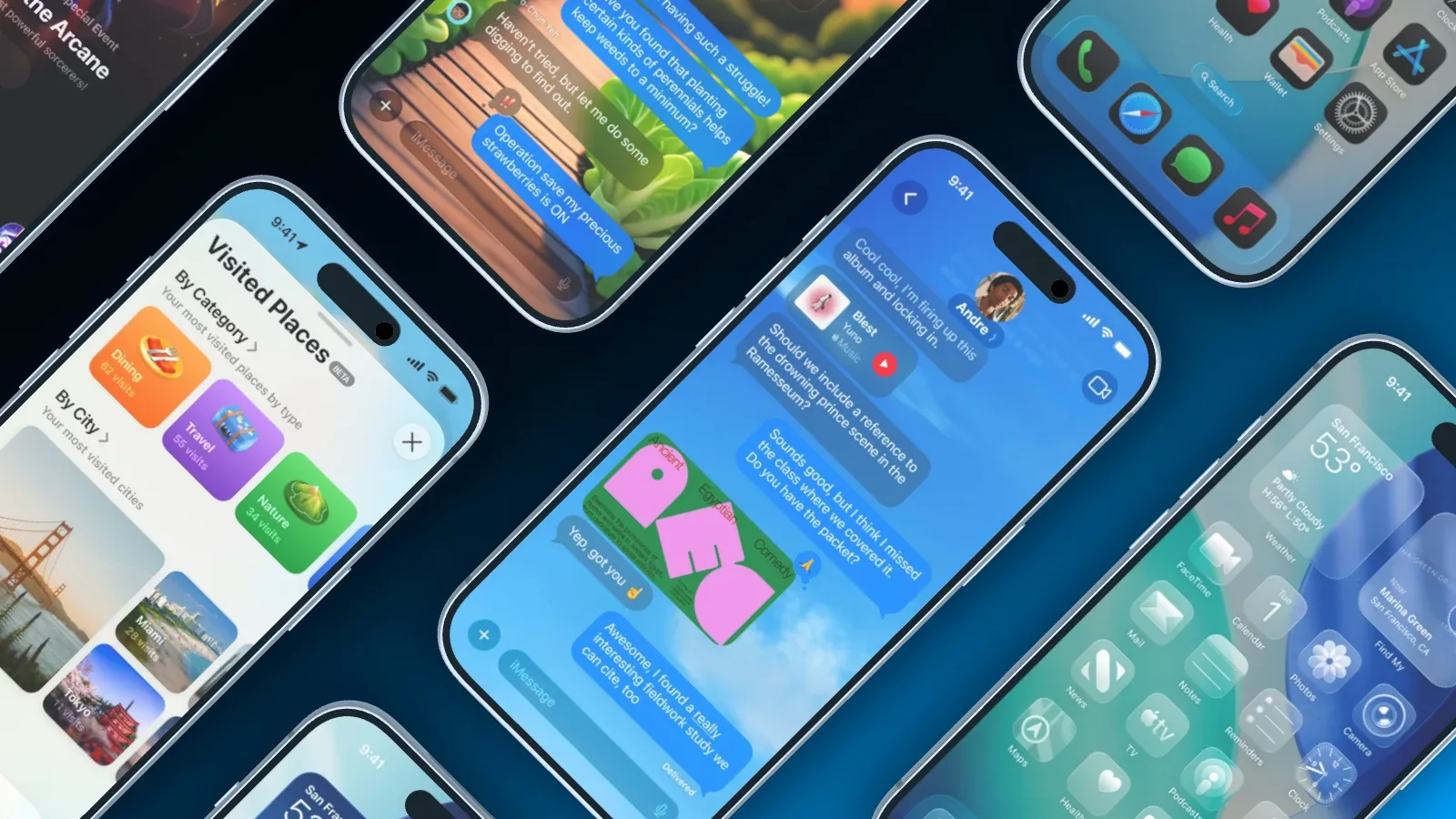
Several iPhones at a diagonal on dark blue, showing places, messages and a home screen
Claude Code Screenshots replaced

Works with the AI you already use.

Showoff is an MCP server. Any AI that speaks MCP can run it, and all it needs is the address.

Plus Kiro, LM Studio and any other program with MCP.

How to set it up
AI and MCP

Build, edit, cut. All in one conversation.

Your AI works in Showoff the way you do. It creates projects, puts screenshots on devices, sets camera and background, highlights details and builds whole App Store sets. Before anything is saved, Showoff checks the picture like an art director.

  • App Store images, website mockups and launch videos, all through the same connection
  • Watch live what your AI is working on, and bring back any earlier version
  • Free to try for 3 days
Claude Connected to Showoff

Make me an App Store image with three iPhones and these screenshots.

3 screenshots
  • Project created
  • Screenshots uploaded
  • Three iPhone 17 fanned out
  • Picture checked, all good

Done: three iPhone 17, fanned out, with your screenshots. The project is waiting in your editor.

Three fanned-out iPhone 17 with the screenshots, built by the AI

Your store set by AI In three steps

  1. Server address https://showoff.dev/mcp
    01

    Connect Showoff

    Add the server address to your AI and sign in once in the browser.

  2. You Turn my screenshots into five images for the App Store and Google Play, in English and German.
    02

    Ask for the set

    Say how many images, which stores and languages, and hand over your screenshots.

  3. Export set 20 images · 2 stores · 2 languages
    03

    Get the ZIP

    Your AI exports the set and hands you the download link. Or open it in your editor first.

Questions about AI App Store screenshots

Open the documentation

Yes. It writes the headlines in every language of the set, and the export flags a missing translation.

Yes. Ask your AI for the fastlane layout, and the ZIP holds the folders fastlane deliver and supply upload from.

No. A whole set counts as one export. Your AI asks you before an export costs anything.

MCP is part of Pro, €18 a month. On Free your AI can work for 3 days, counted from its first request.

In the editor

Build the set yourself.

The same sets in the editor: one stage, every image side by side, every language one click away.

Let your AI ship the store images.