Real 3D devices, not flat frames: why we built Showoff
Showoff is made by Ryvelia in Germany, the same team that builds Podless. The reason behind it is not dramatic: if you ship software, you need pictures of it. Screenshots for the store, a hero image for the website, a short clip for launch day. And nearly everyone ends up with the same answer — a flat device frame.
The trouble with flat frames
A flat frame is a picture of a phone with a hole in it, and your screenshot gets pasted into the hole. It is quick and looks tidy. It also has a few limits built in, and you tend to hit them by the third project:
- There is exactly one view: straight on. If you want the device at an angle, you need a different frame — which then does not match the rest of the set.
- Light and shadow are painted on. They know nothing about the background the device sits in front of. Against a strong color it looks cut out and pasted on, because that is what it is.
- Nothing moves. Turning the same images into a video means starting over in another tool.
What a 3D device changes
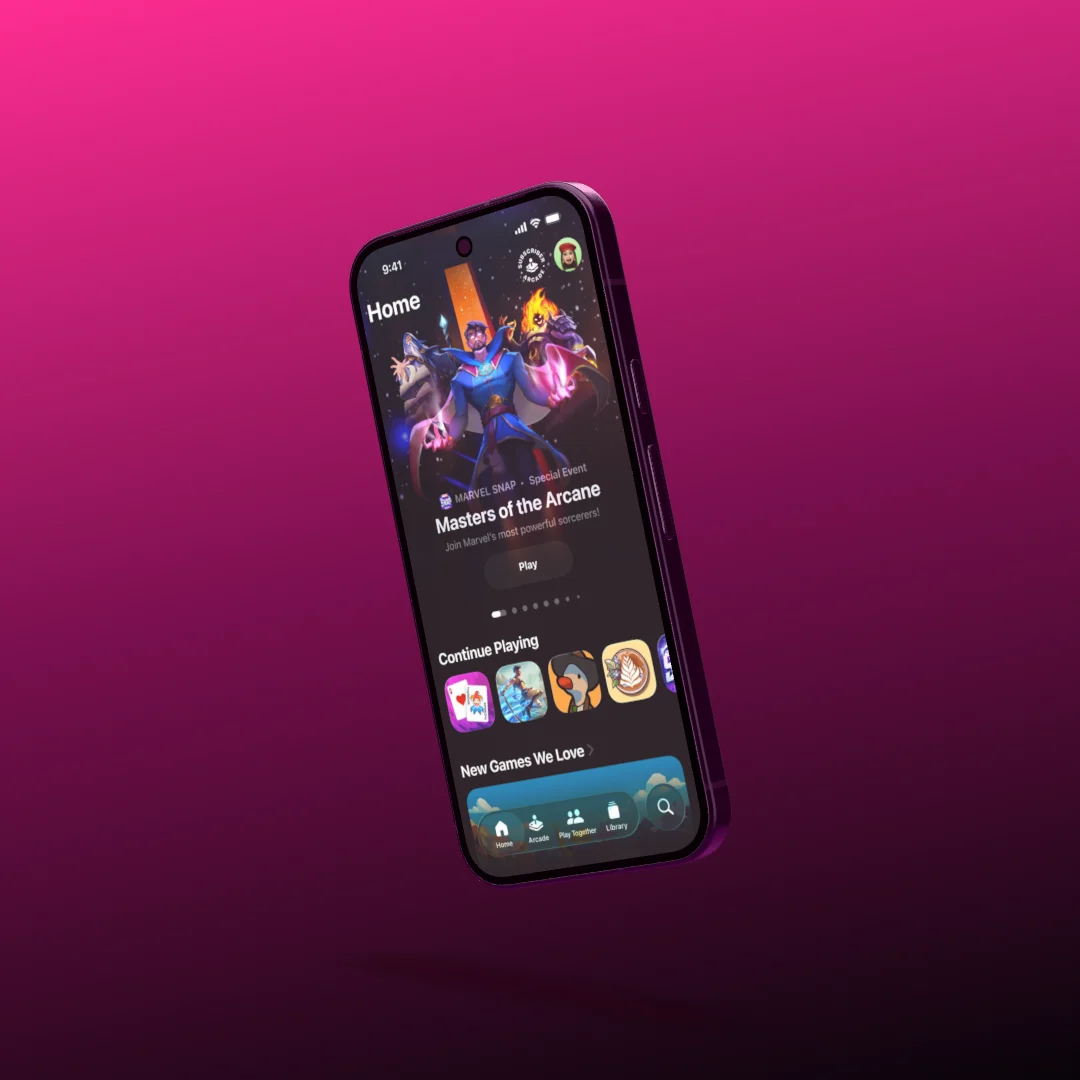
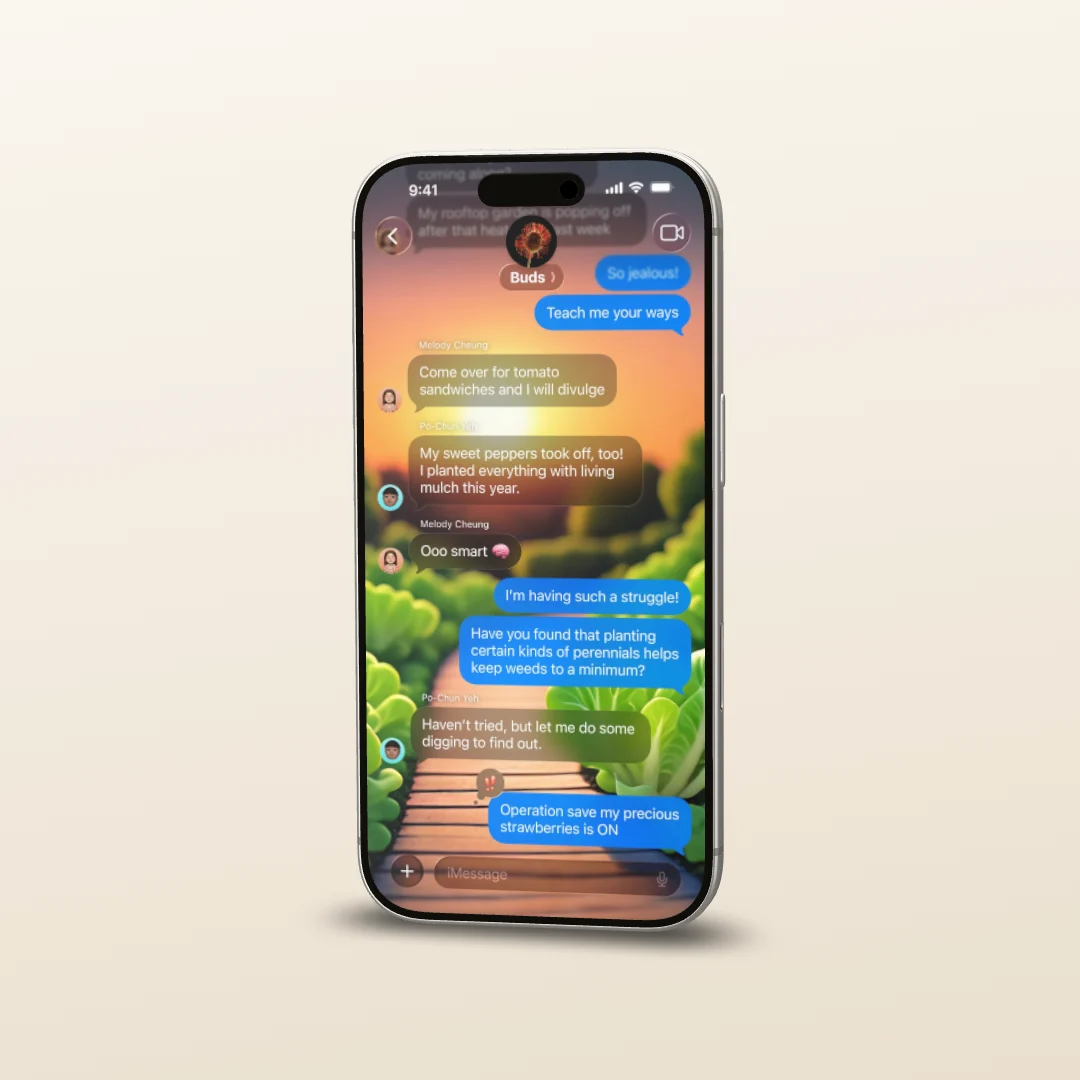
In Showoff your screenshot sits on the display of a 3D model. The device stands on a stage with a floor, a background and light, and there is a camera in front of it. A lot follows from that without you doing anything:
- The angle is yours. A little from above, a little from the side, close in on an edge — same scene, different camera position.
- The background lights the device. With “Adapt to background” the housing picks up the color of its surroundings along the edges, like a real device in front of a colored wall.
- The device stands on something. A contact shadow on the floor anchors it instead of leaving it floating.
- The display is glass. A faint reflection says so, but it is kept low enough that your screenshot keeps its blacks and its colors.
- The camera has a long lens. The field of view defaults to 20 degrees — the flat, calm look of product photography, without the stretched edges of a wide angle.
One scene, many outputs
The real payoff shows up on the second export. Because the scene is made of a device, light and a camera rather than a finished picture, you can render it again in another format: portrait for the App Store, 9:16 for Google Play and stories, square for the feed, wide for the website. Swap the screenshot with a right-click and everything else stays put.
The same stage can also move. Create a project as a film and it gets a timeline: devices fly in, the camera travels to the part of the UI that matters, music runs underneath. You export MP4 or WebM straight from the browser.
Real devices, not a generic phone
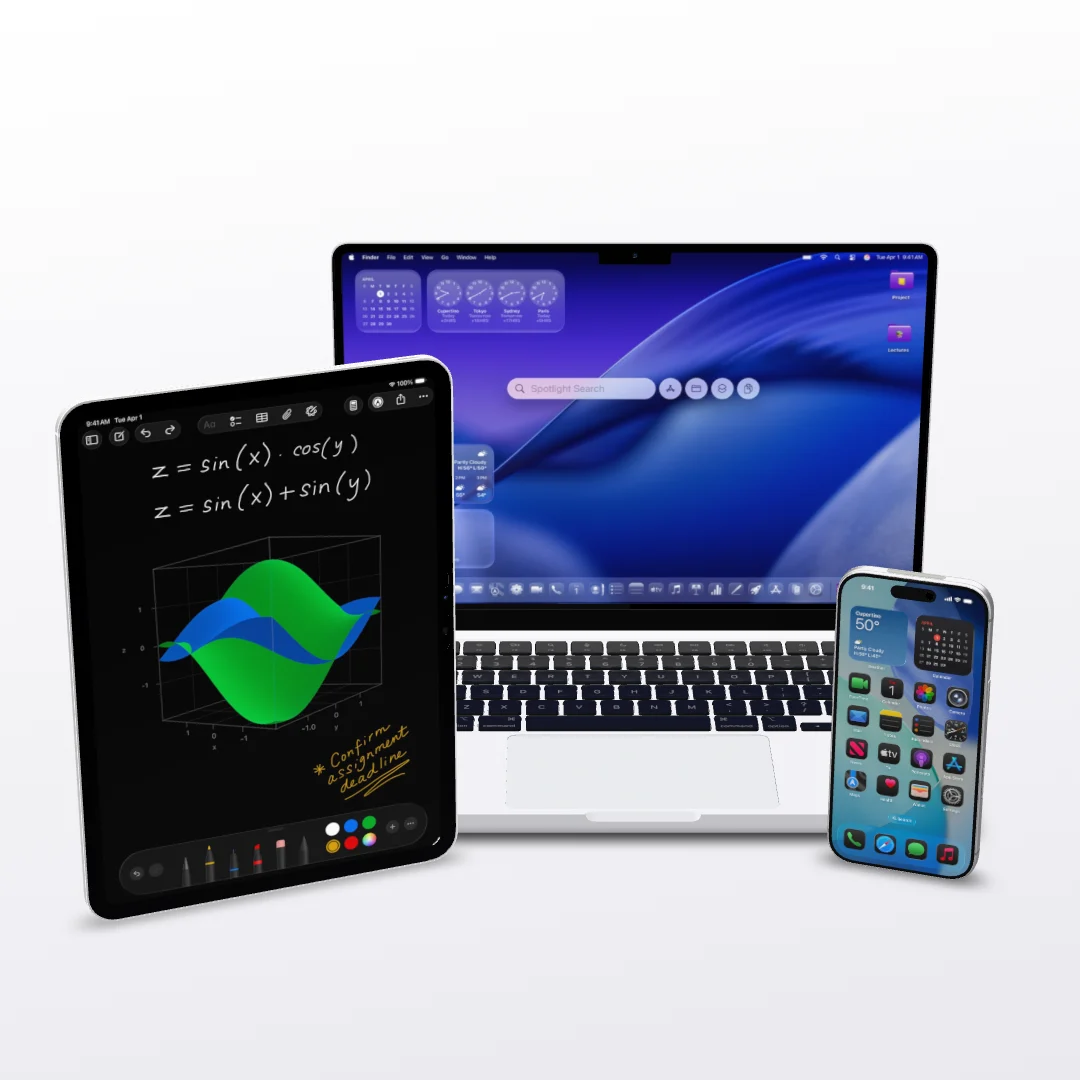
A mockup works when people recognize the device. So the editor has models of specific hardware: iPhone 17 and 17 Pro, the iPhone 16 line-up, Google Pixel 10 Pro and 11 Pro, Samsung Galaxy S24 and S24+, iPad Pro 11-inch and 13-inch, MacBook Pro 14-inch and 16-inch, Apple Watch Series 9 and Ultra 2, and the Studio Display. Where a device comes in several finishes you get to choose — the MacBook in silver or space black, the watches with different bands.
Content is treated the way the real device would treat it, too. A phone screenshot is fitted to the center. A web page on a MacBook keeps its full width and runs on downwards instead, so the logo and the navigation do not get cropped away.
Where 3D is not the answer
Honestly: not everywhere. A few things are worth knowing before you tilt every image.
- Nobody reads text at a steep angle. For text-heavy screens a near-frontal view is right, and for camera moves there is a 2D mode that looks straight down at the display.
- 3D takes computing. Showoff runs in your browser, and a high-resolution video takes a while there because every frame is rendered on its own. In return the file looks exactly like the preview, however fast your machine is.
- We simplified on purpose. There are no free-form keyframes; motion comes from entrances, exits, loops and the automatic camera move. That covers the shots a product needs. If you are planning an ad with character animation, you want a different tool.
In the browser, with your team
There is nothing to install. Projects live in an organization, sorted into folders, and for each project you decide who in the organization gets in. Whoever is in works along — at the same time, with everyone’s cursor visible. The designer sets up the lighting while the developer swaps in the new screenshots, and nobody emails anyone a file.
Try it
The fastest route is a ready-made scene from the templates: pick one, swap the screenshot, export. You can create an account here. And if a device is missing or something does not work the way this post says, tell us — we read those.