AI mockup generatorYour AI builds it. Showoff checks it.
Connect Showoff to Claude, ChatGPT, Cursor or any other MCP client. Your AI creates the project, puts your screenshots on real devices, sets camera and background, and every change passes an art-direction review first.
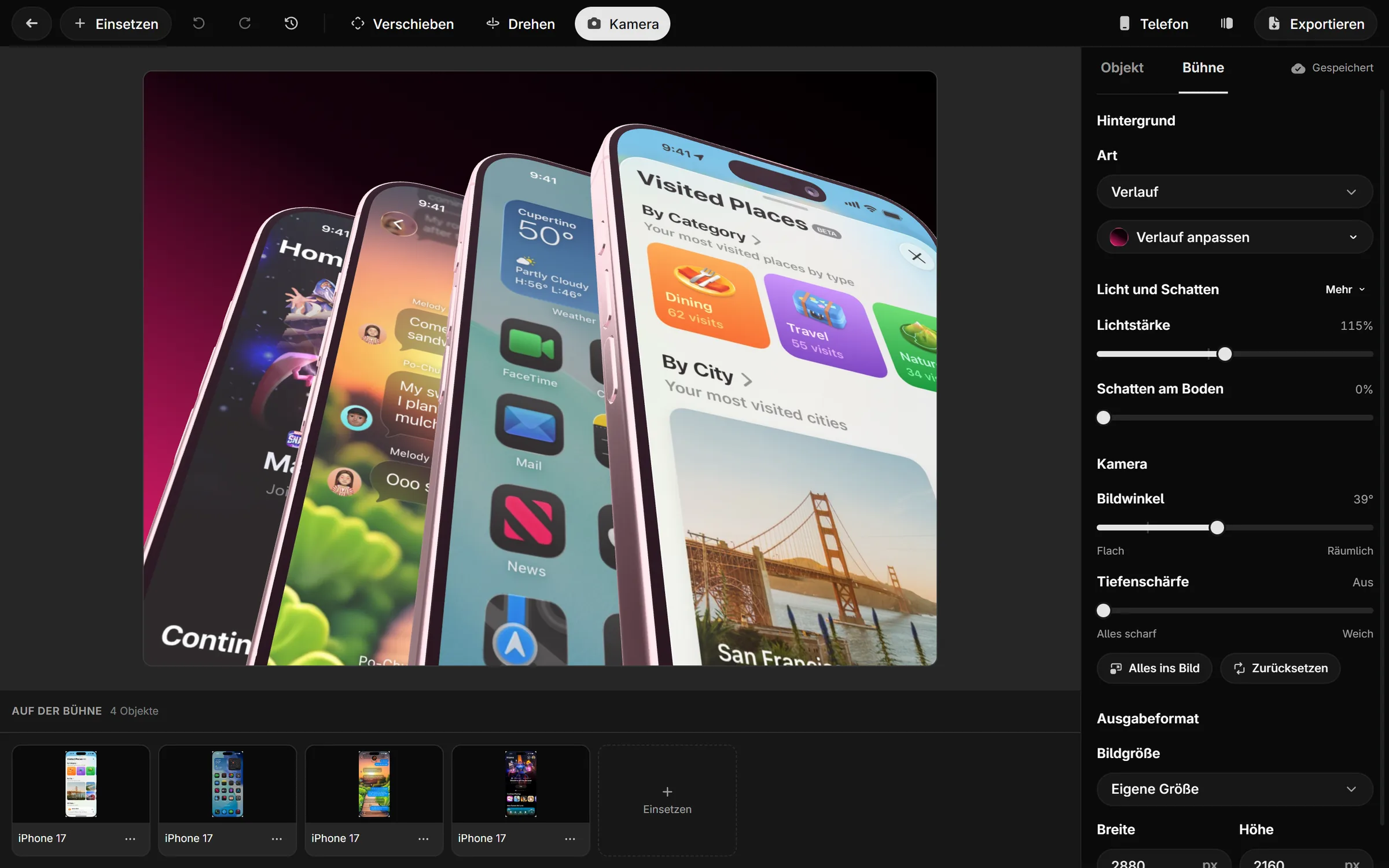
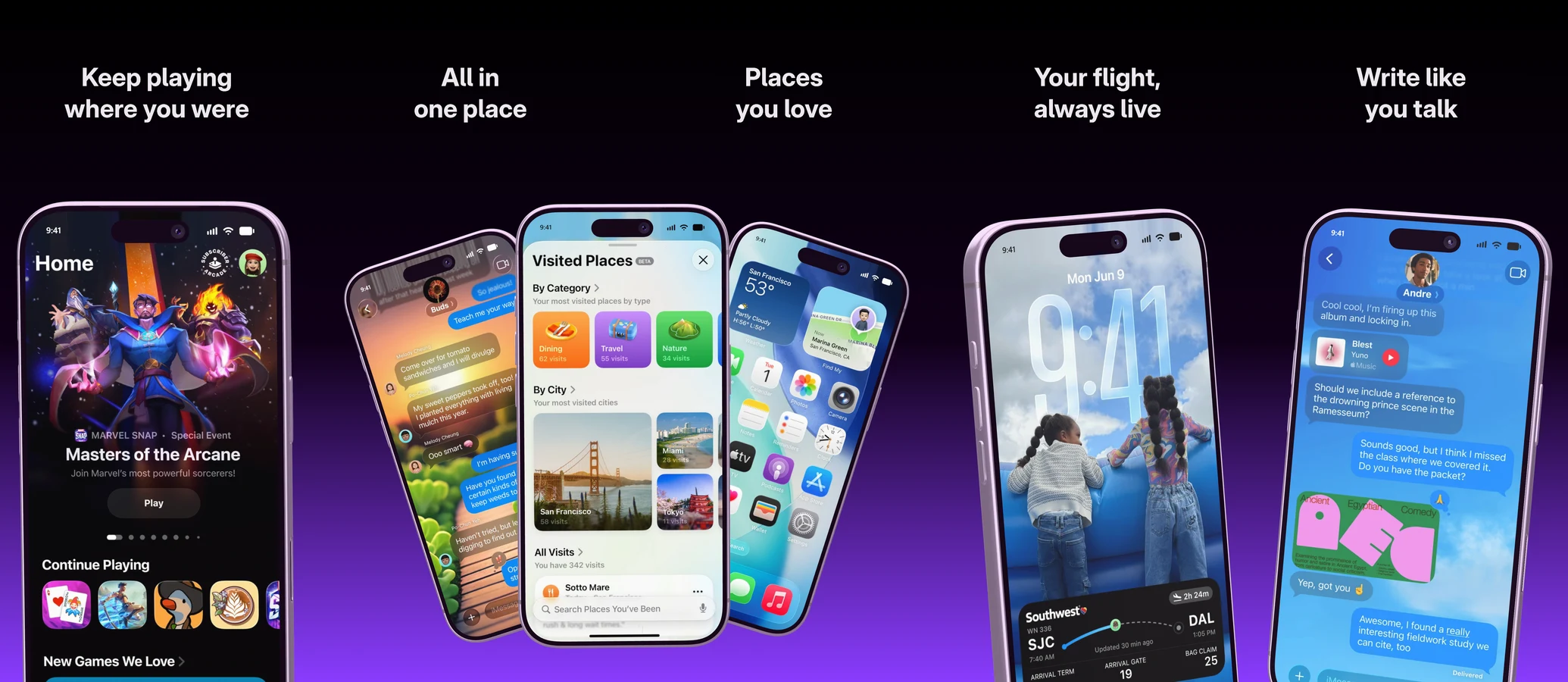
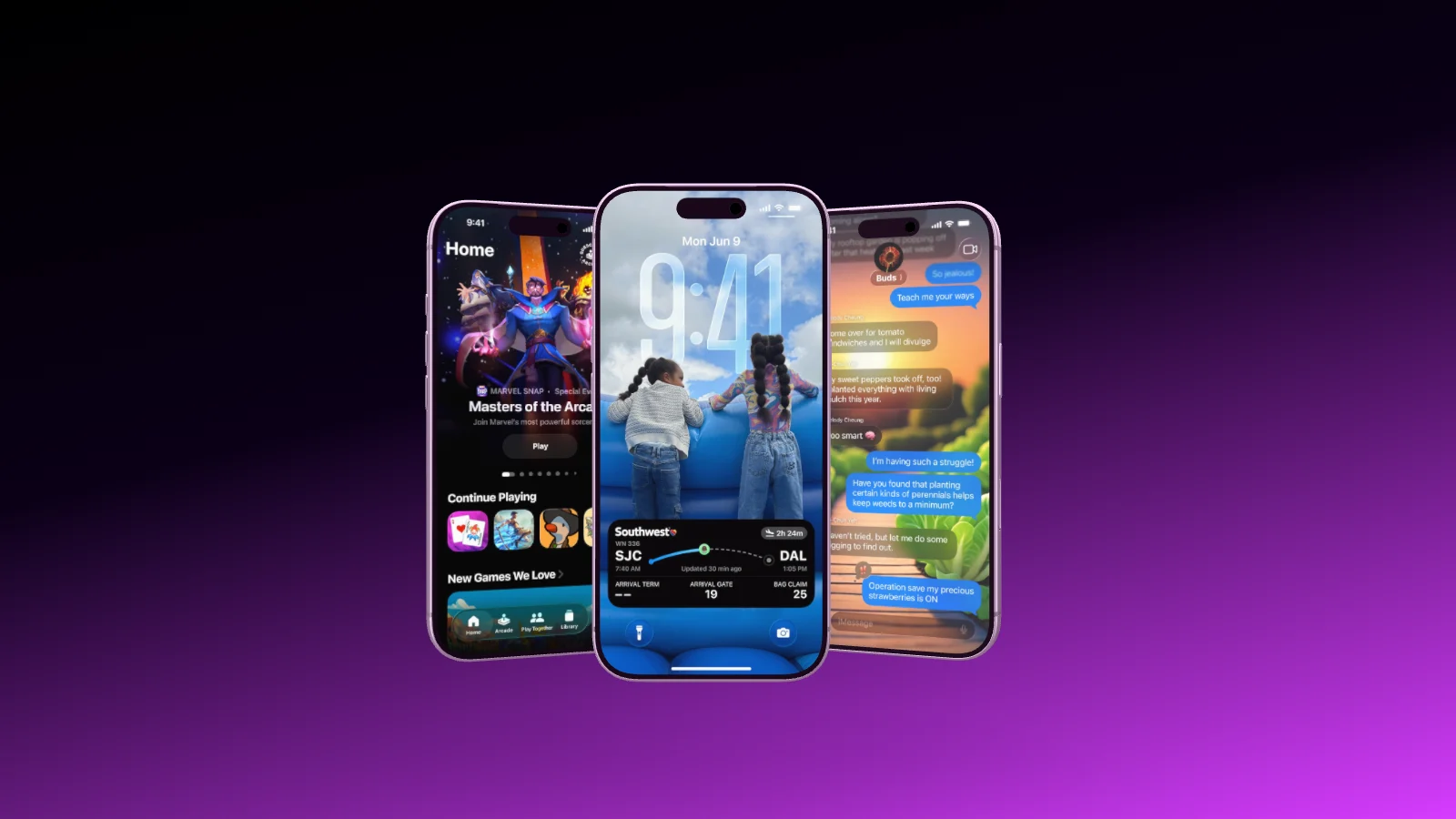
Ask for an App Store image with three iPhones, and your AI does the rest. It picks a layout or a template, uploads your screenshots, puts them on the displays, suggests a palette for the background and adds a headline if you want one.
Projects from a template or from scratch
Screenshots from a link or straight from your disk
The final image from the real 3D renderer
ClaudePicture checked, all good
Art-direction review
Checked before anything is saved.
Every change goes through an automatic review first. It catches devices touching each other, unnatural angles, text over a device, cropped screenshots, doubled status bars and weak contrast. A change that introduces an error is not saved, and your AI gets the fix along with the rejection.
Changes apply all at once or not at all
A preview sketch after every change
The rules of a picky art director, not a template
Review passedNo overlaps, text readable
Edit, not just generate
Change one thing without starting over.
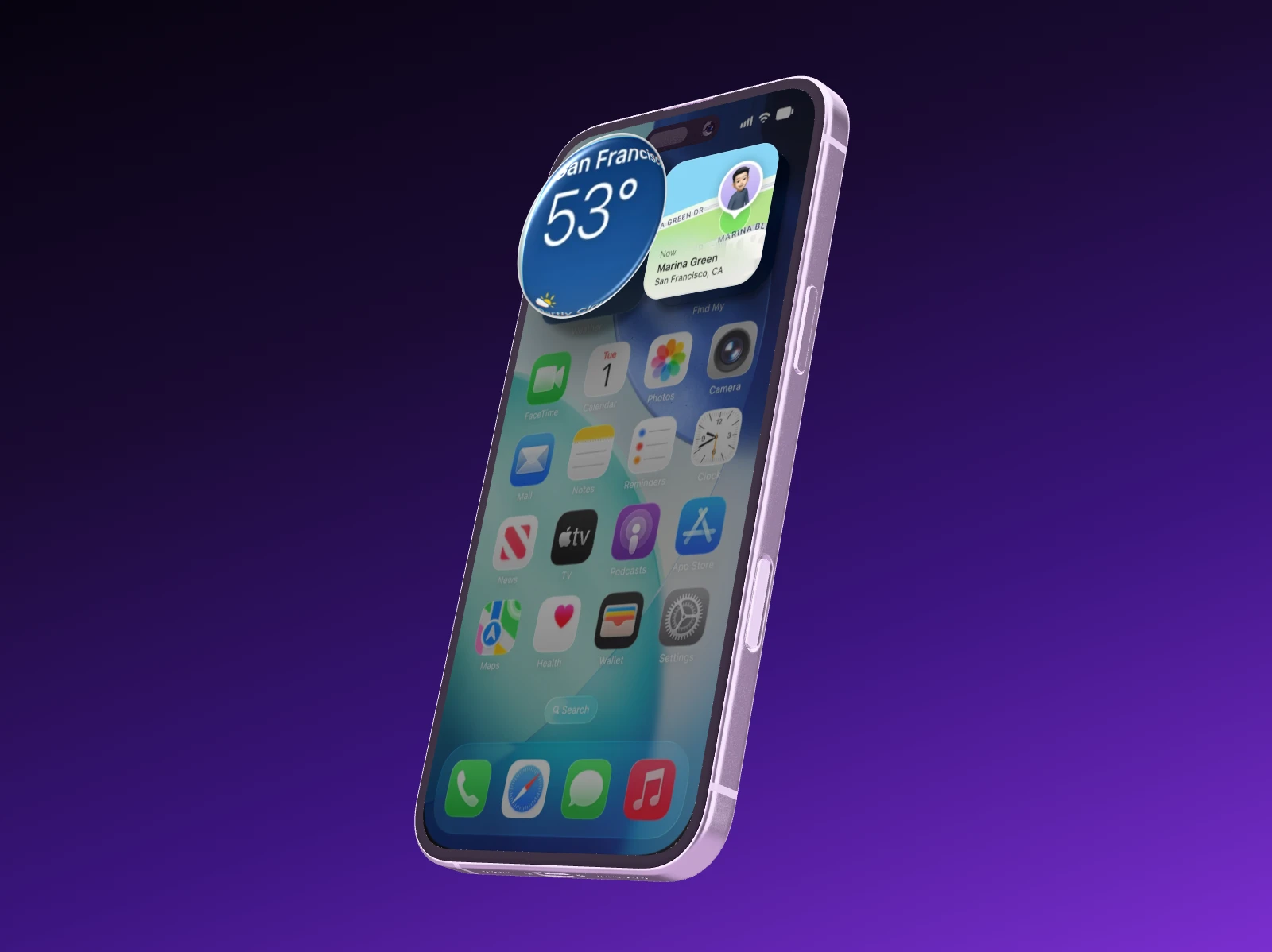
Lift a card off the display, put a loupe on a number, swap the background or translate the headline. Your AI edits the existing project, and you watch it happen if the editor is open.
Watch your AI work live, in the editor and in your projects
Take over in the editor whenever you like
Every AI session becomes a version you can bring back
HistoryRestore this version
Works with the AI you already use.
Showoff is an MCP server. Any AI that speaks MCP can run it, and all it needs is the address.
Your AI works in Showoff the way you do. It creates projects, puts screenshots on devices, sets camera and background, highlights details and builds whole App Store sets. Before anything is saved, Showoff checks the picture like an art director.
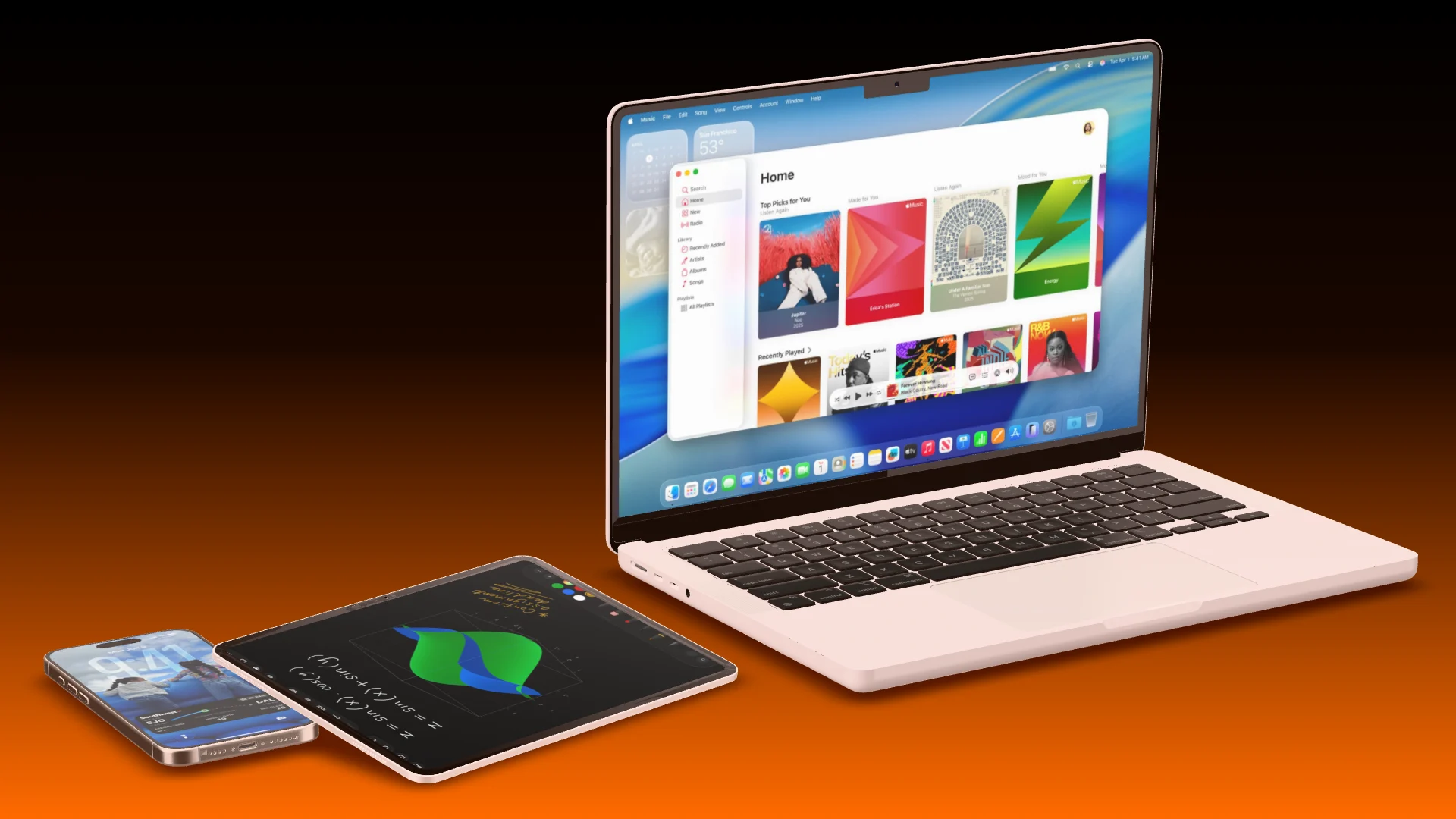
App Store images, website mockups and launch videos, all through the same connection
Watch live what your AI is working on, and bring back any earlier version
Claude, Claude Code, ChatGPT, Codex, Cursor, Gemini CLI, GitHub Copilot in VS Code and any other client that speaks MCP and supports sign-in with OAuth. For scripts and CI there are API keys.
No. Your AI does not paint pixels, it works the editor: real 3D devices, your real screenshots, a real camera. That is why the result looks like a product shot and every detail stays editable.
MCP is part of Pro, €18 a month or €12 when paid yearly. On Free your AI can work for 3 days, counted from its first request, and whatever it built stays in your projects.
A connection works for you in one organization and can do nothing you could not do there yourself. The MCP section of the settings lists every connected app, and disconnecting one takes effect immediately.
Yes. It is an ordinary project in your editor. Change anything, export it like any other, or bring back an earlier version from the history.
In the editor
Prefer to do it yourself?
The same devices, camera and export, by hand. Drag your screenshot onto a device, turn it until you like it and export.