AI launch video generator From screenshots to a film, in one request.

Your AI writes the story first, then composes the blocks: the hero lands on the drop, every move hits the beat, and the film ends on your name and web address. Ask for a change and it rebuilds just that part.

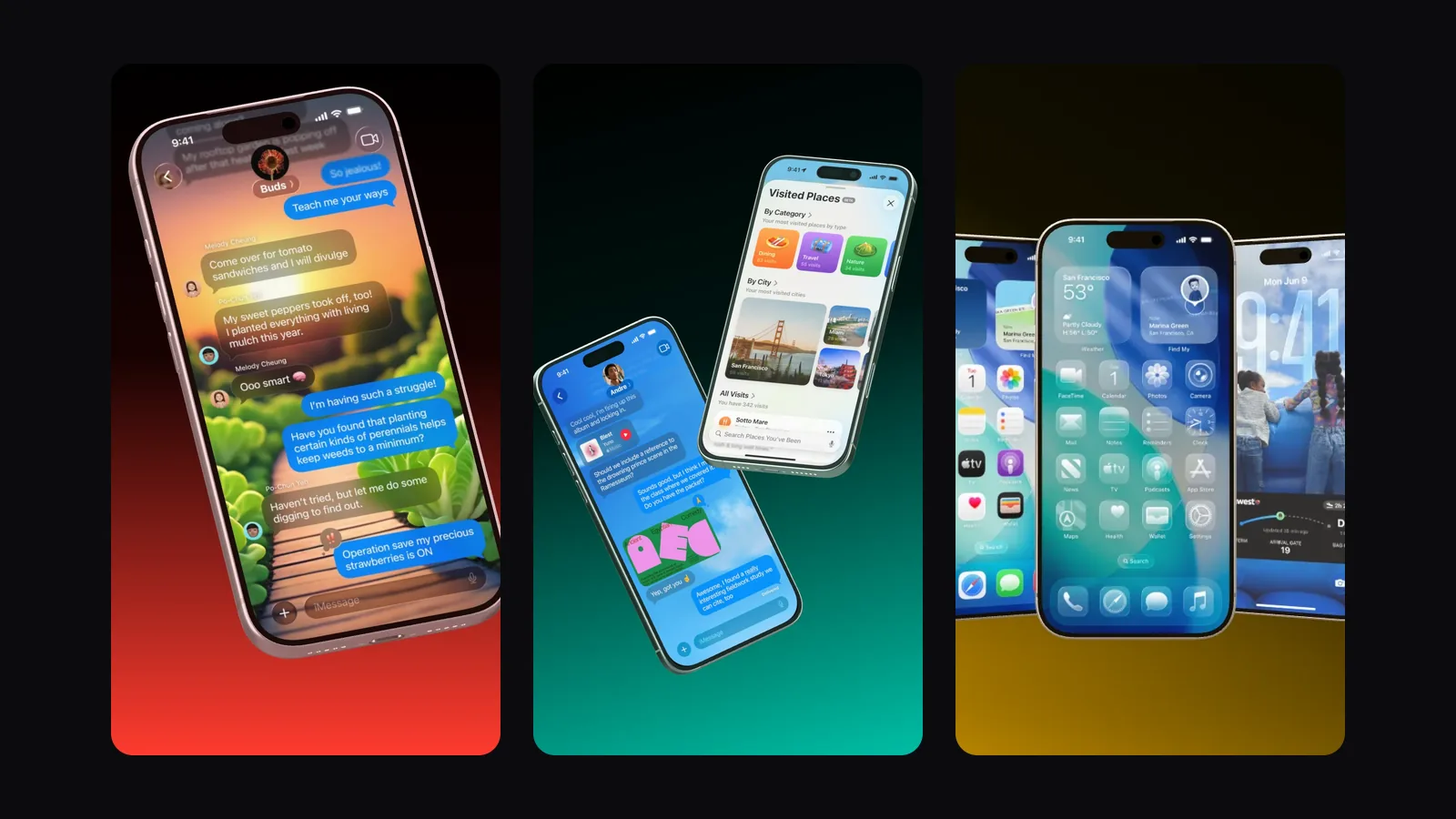
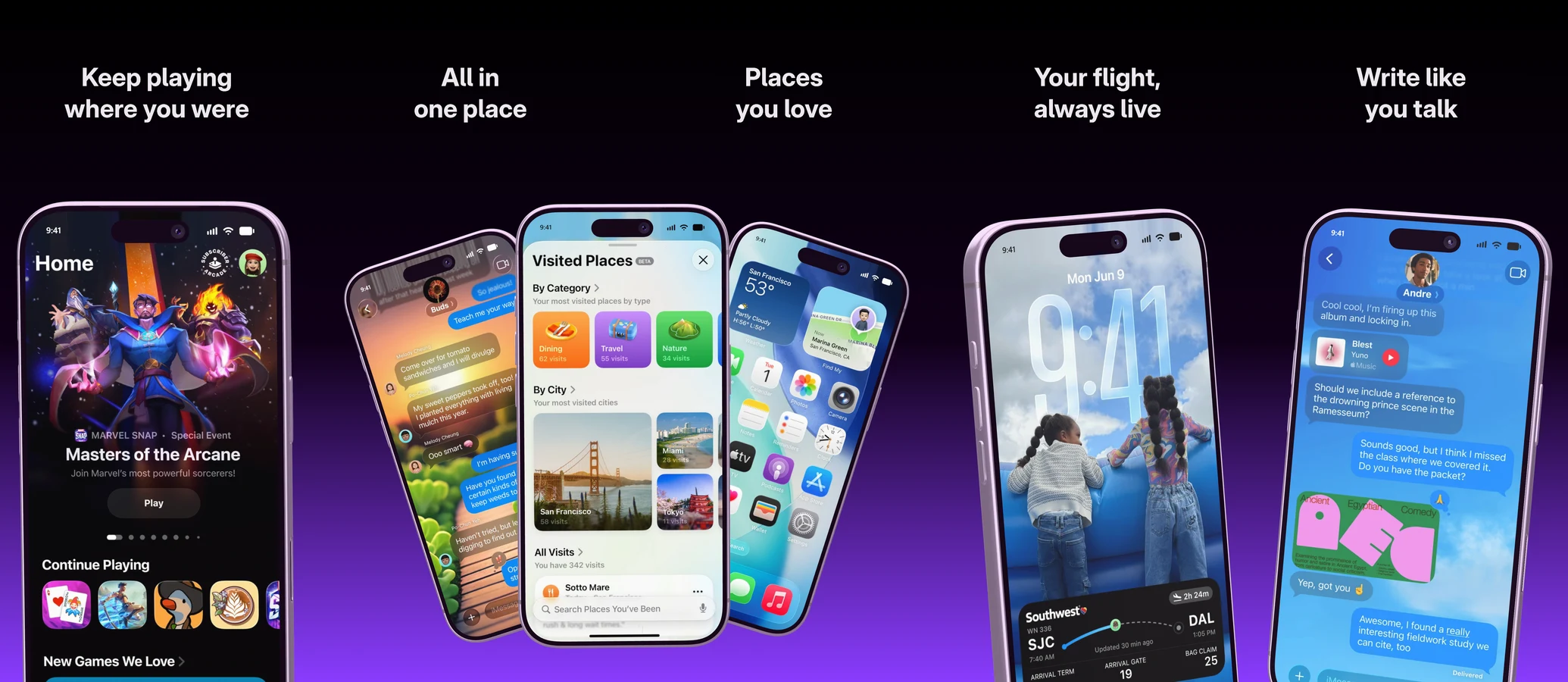
Three vertical frames of a launch video: a chat, a phone with places and a row of phones
Story first

A story, then the shots.

Your AI writes what the film should say before it picks a single shot. Then it lines up the blocks: the hero, a flow of taps, a feed that scrolls, before and after, and the end card with your brand name slamming into its web address.

  • Every video opens with a device
  • Short lines of two to four words
  • Written in the language of your video
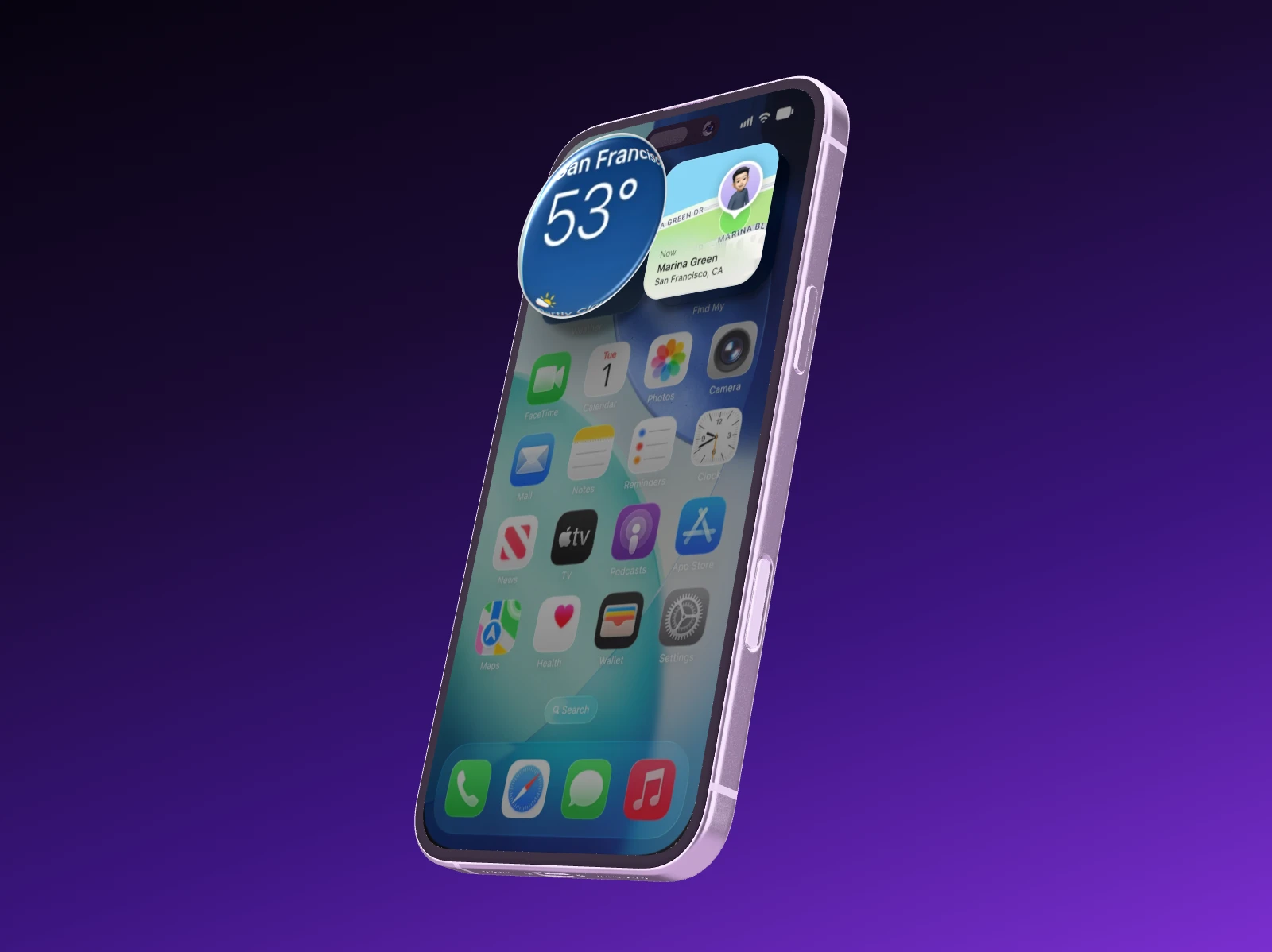
The camera travels over the screen of an iPhone 17 Pro, then the phone spins around once
Claude Blocks placed
Change one block

Recut one shot, not the whole film.

Ask for new text in block two, another screenshot in block three, a different part of the song or another device. Your AI changes just that and checks the whole film again. Want a variant? It duplicates the video first.

  • A new song or another part of it
  • Dark or light look, your accent color
  • A 16:9 version for your website
A still from the Showoff trailer: an iPhone with its lock screen on orange
Recut Block 2 · new lines
Apps and the web

An iPhone for apps, a MacBook for the web.

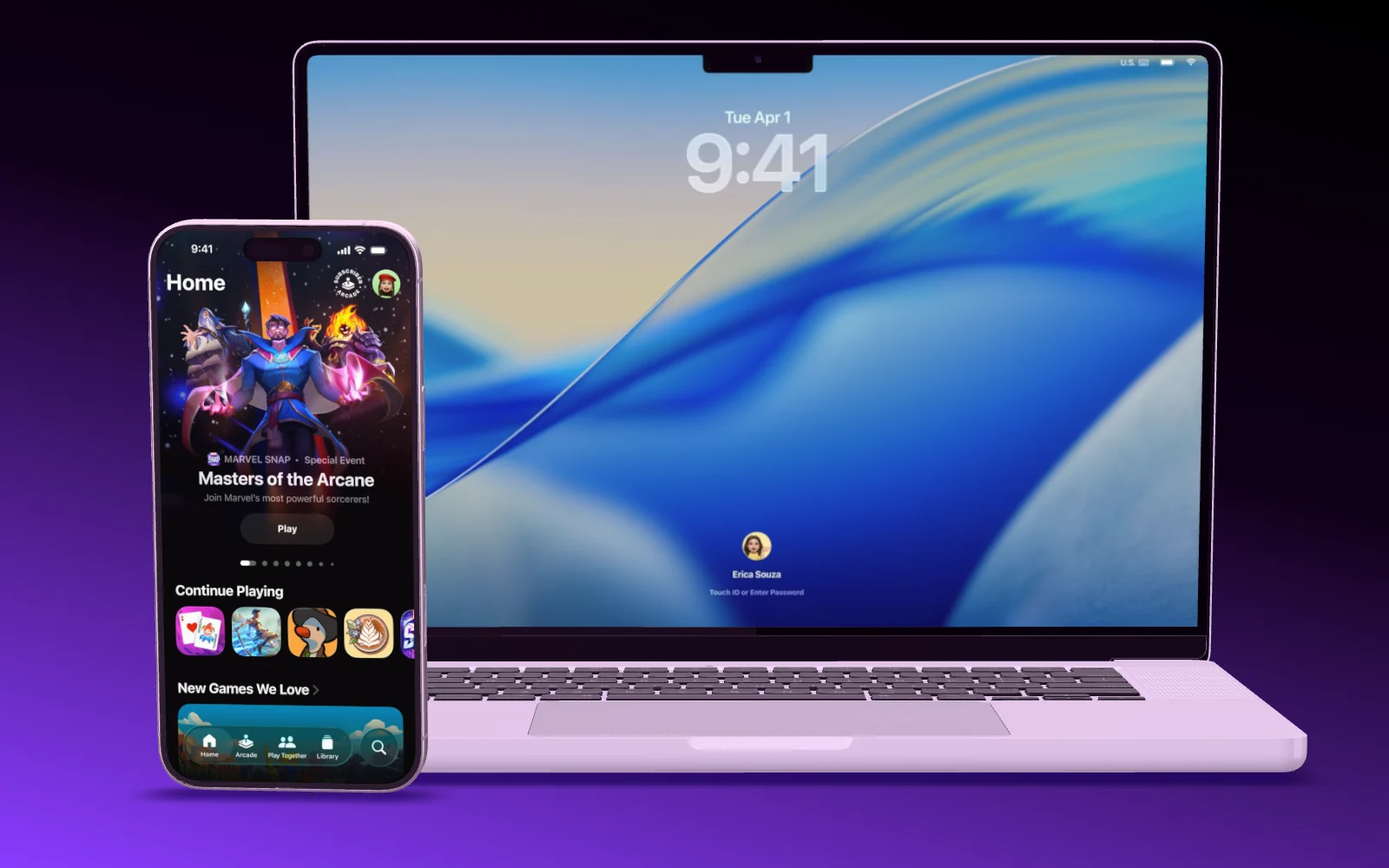
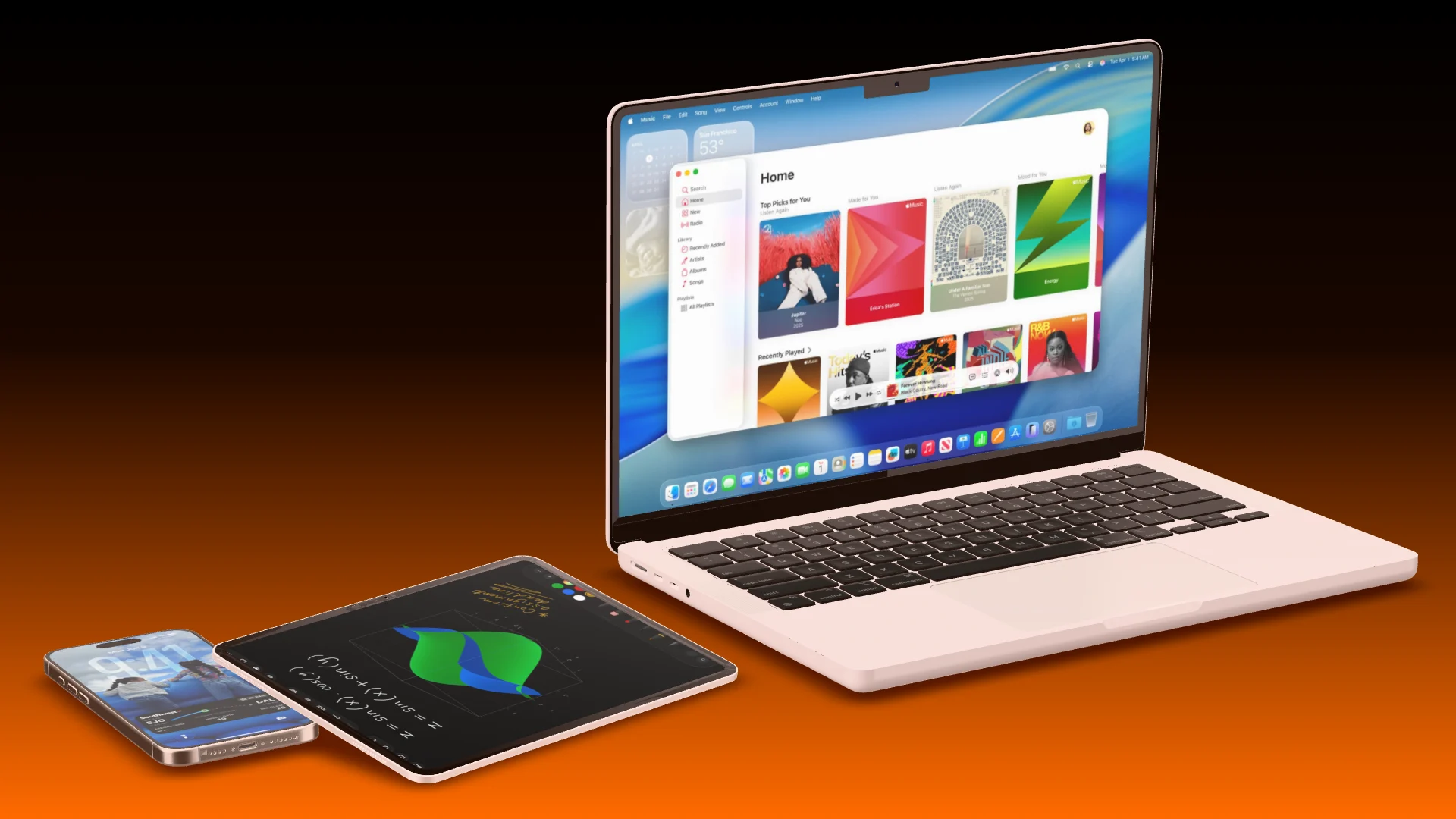
For a web product, the MacBook opens its lid on the drop and features load their page on it, or a browser window floats in the frame. A lineup shows the same product on MacBook, tablet and phone.

  • Chat with Claude on a MacBook
  • Two devices in sync: a tap on one, the change on the other
  • Stats, integrations and finished store images as blocks
A MacBook Pro opens its lid, then an iPhone flies in next to it
MacBook hero Opens its lid on the drop
AI and MCP

Build, edit, cut. All in one conversation.

Your AI works in Showoff the way you do. It creates projects, puts screenshots on devices, sets camera and background, highlights details and builds whole App Store sets. Before anything is saved, Showoff checks the picture like an art director.

  • App Store images, website mockups and launch videos, all through the same connection
  • Watch live what your AI is working on, and bring back any earlier version

  • Free to try for 3 days
Claude Connected to Showoff

Make me an App Store image with three iPhones and these screenshots.

3 screenshots
  • Project created
  • Screenshots uploaded
  • Three iPhone 17 fanned out
  • Picture checked, all good

Done: three iPhone 17, fanned out, with your screenshots. The project is waiting in your editor.

Three fanned-out iPhone 17 with the screenshots, built by the AI

Your AI works right in your projects. Watch every step, and take over whenever you like.

Ask for a launch video In three steps

  1. Server address https://showoff.dev/mcp
    01

    Connect Showoff

    Add the server address to Claude, ChatGPT, Cursor or another MCP client.

  2. You Make a launch video for my app, dark, with this song.
    02

    Hand over screens and a song

    Two to four screenshots, your song as MP3, M4A or WAV, and a sentence about your product.

  3. Render page Rendering in your browser
    03

    Render and download

    Open the render page from your AI. Your browser renders the video and downloads it as an MP4.

Questions about AI launch videos

Open the documentation

Two to four screenshots, your song and a sentence on what the product is about. Showoff finds tempo, beat and drop in the song by itself.

Yes. Ask for a change to one block, the text, the device, the look or the song, and only that part is rebuilt.

Yes. For a web product your AI uses a MacBook, the Studio Display or a browser window, in a light or a dark look.

Launch videos are part of Pro. On Free you can try it for 3 days, and the videos stay afterwards. In 720p you render them as often as you like.

Launch videos

What a launch video is made of.

Formats, blocks, looks and how the beat sync works, at a glance.

Let your AI cut the trailer.