AI website mockup Your site on a Mac, by asking.

Hand your AI a screenshot of your website. It picks a MacBook or the Studio Display, switches on menu bar, Safari and Dock, frames the shot and checks it before it is saved. Or it builds a launch video for your web product.

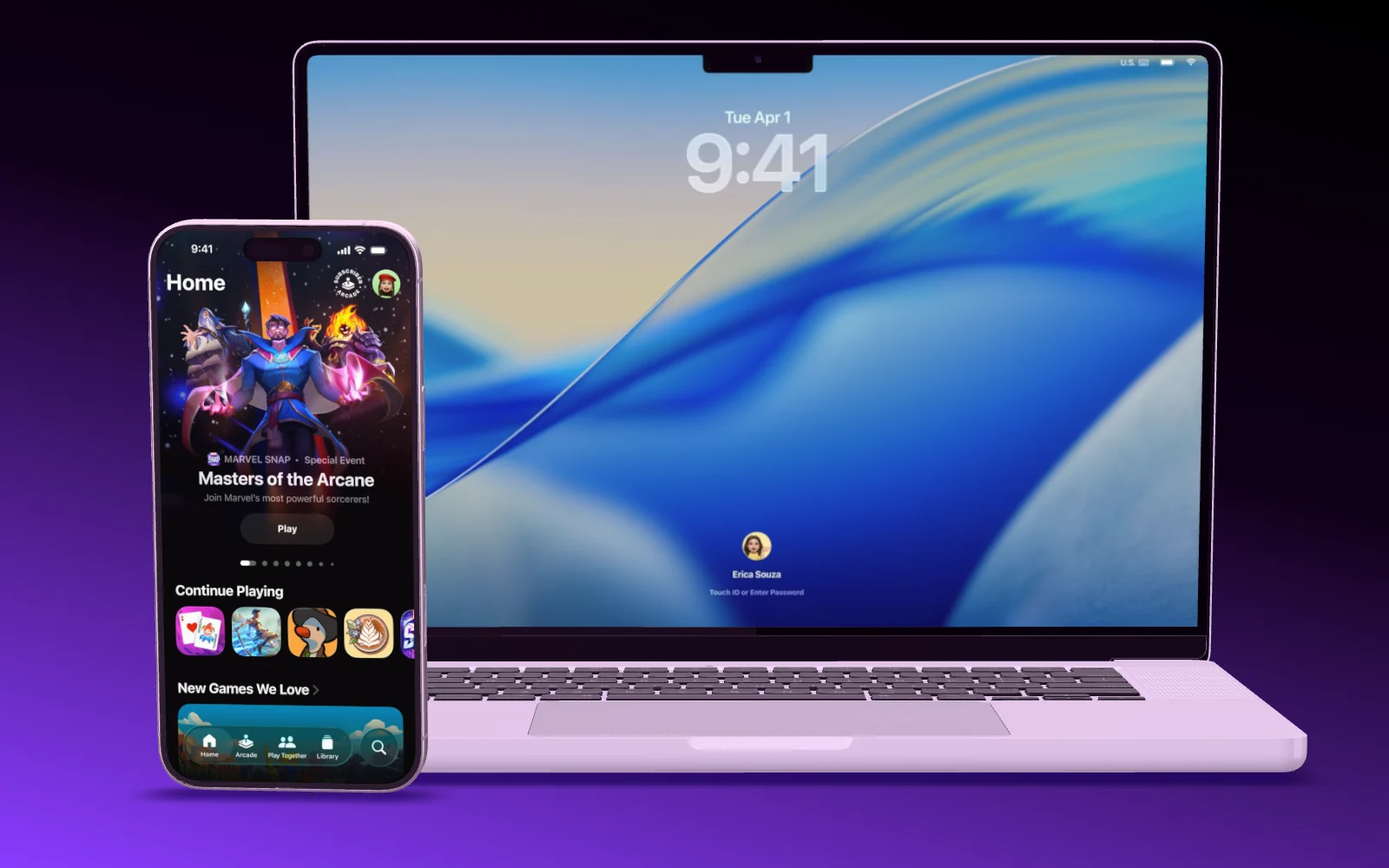
A MacBook Pro opens its lid, then an iPhone flies in next to it
On the Mac

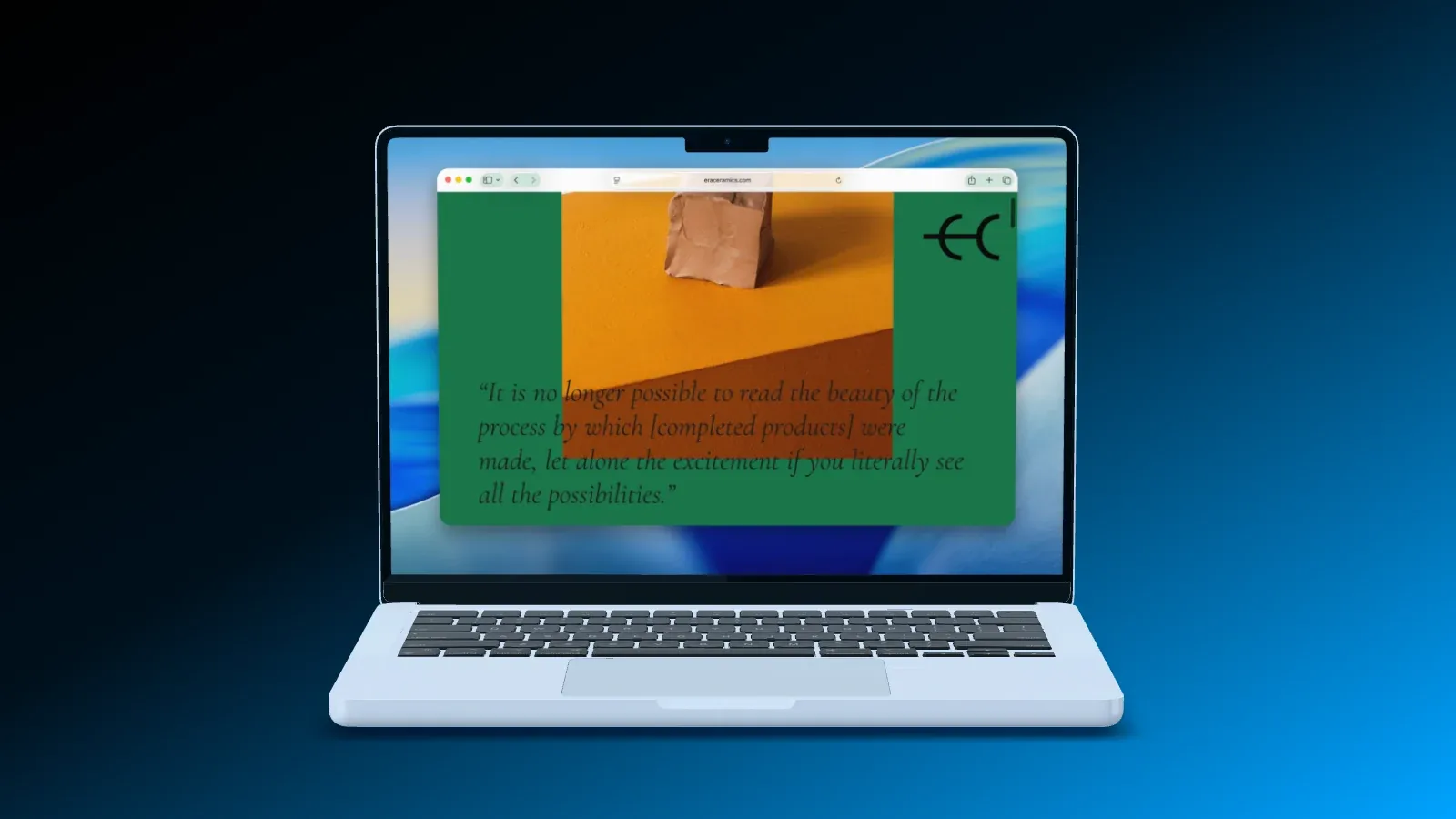
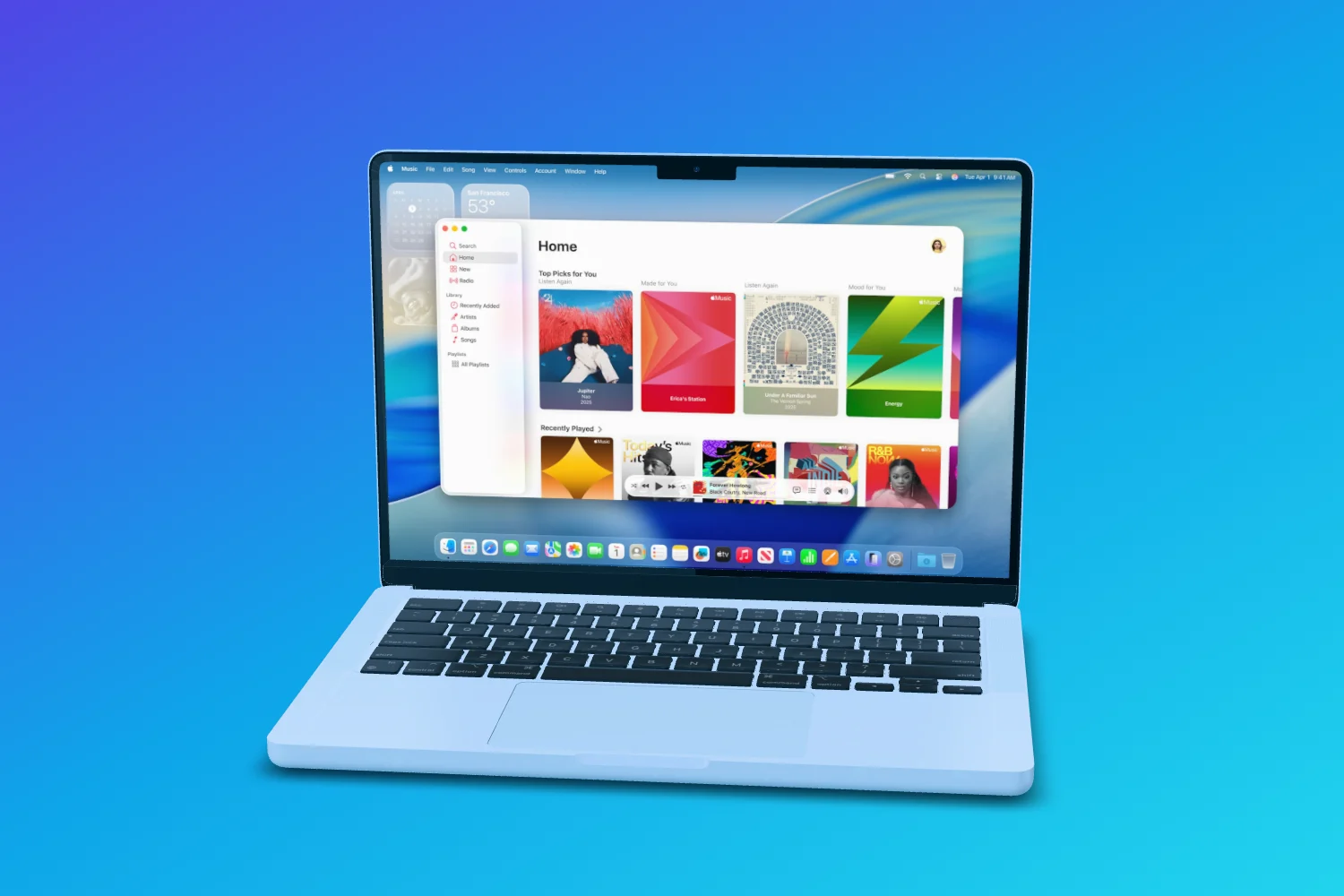
A website screenshot, made to look native.

Your AI puts the screenshot on the display at full width, starting at the top, and adds the Mac around it: the menu bar, a Safari window and the Dock, light or dark.

  • MacBook Pro, Studio Display or a browser window
  • From a link or from your disk
  • Checked for cropped screenshots and weak contrast
A website in a Safari window on a MacBook, on a blue gradient
Claude Code MacBook with menu bar and Safari
Web and app

Your site and your app, in one shot.

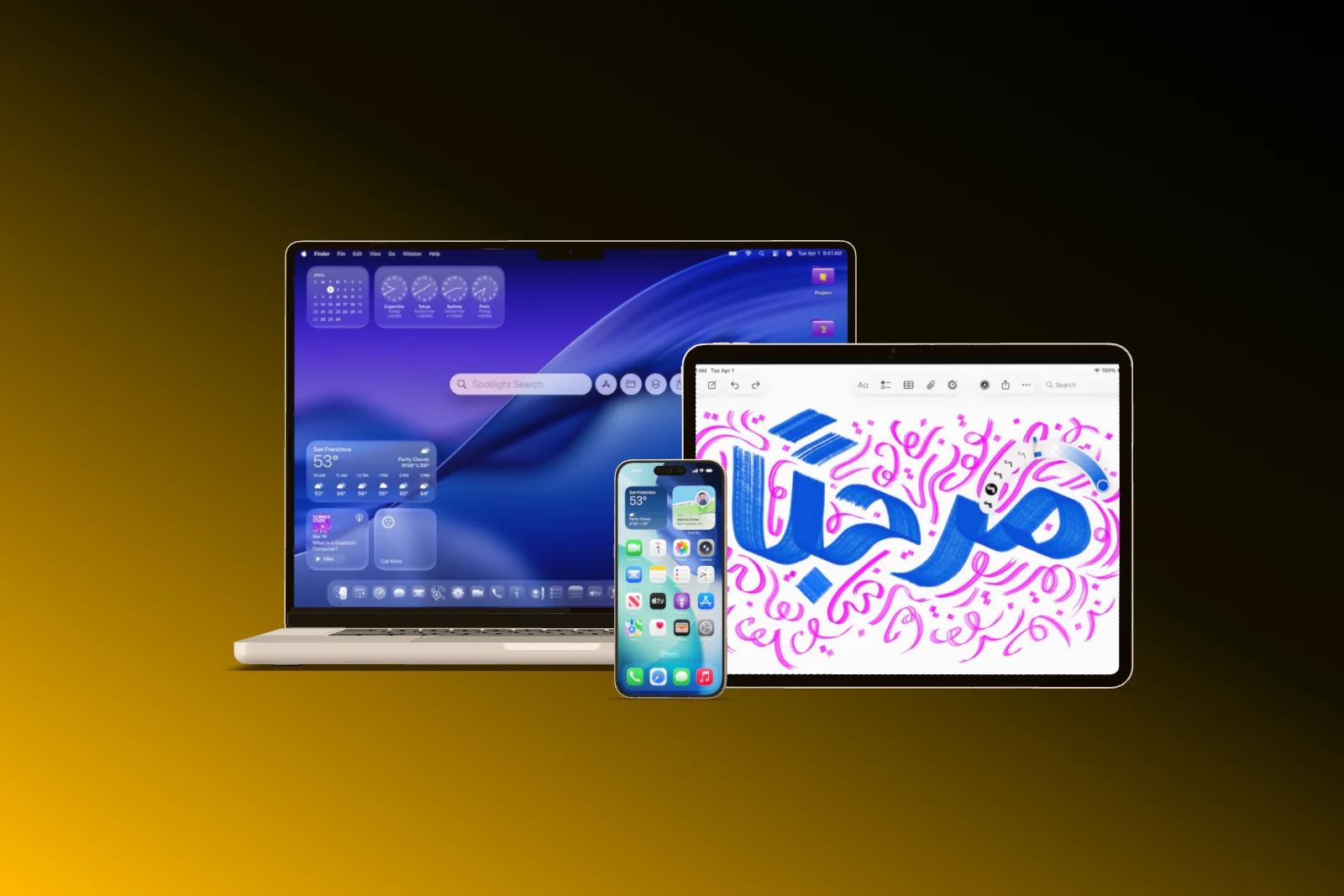
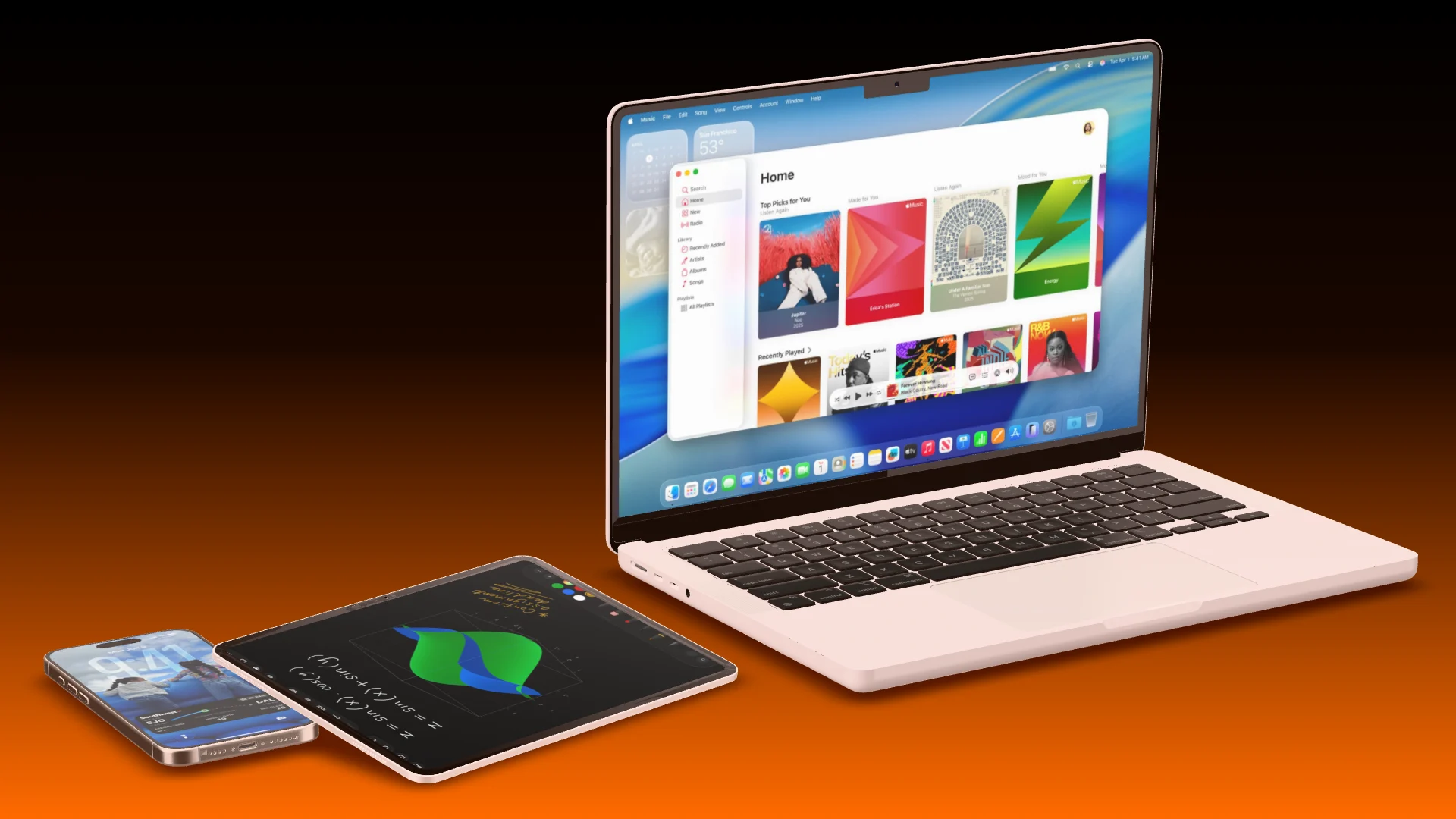
Ask for the website on a MacBook with the app on an iPhone in front, or the whole family on MacBook, iPad and iPhone. Your AI places them so nothing touches and every screen faces the camera.

  • Templates like Desk Duo and Ecosystem
  • Devices that do not intersect
  • Every screen facing the viewer
A MacBook, an iPad Pro and an iPhone side by side on a black to amber gradient
Ecosystem MacBook · iPad · iPhone
Launch video

A launch film for a web product.

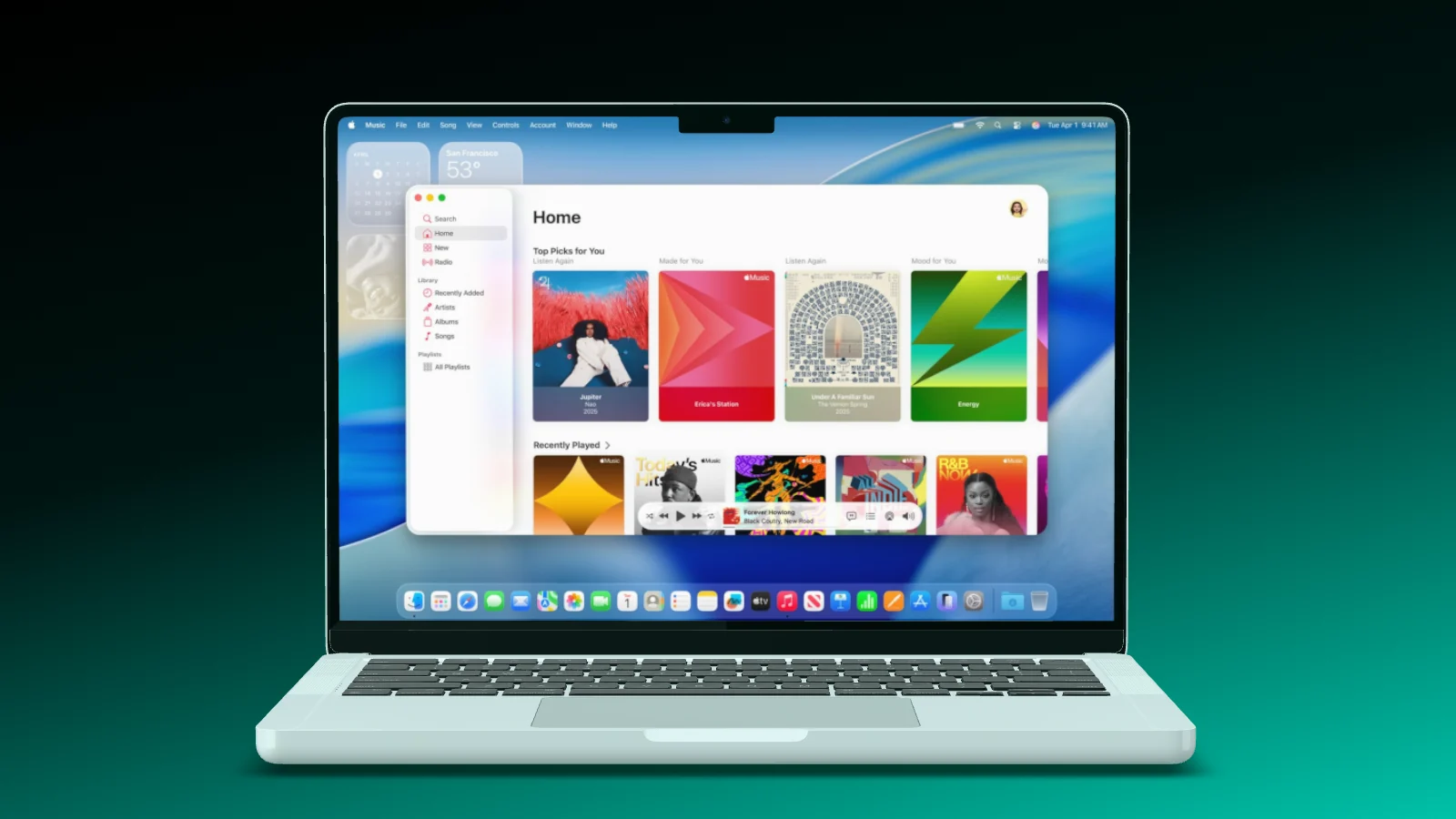
For the web, the MacBook opens its lid on the drop and every feature loads its page on the display. Your AI cuts it to your song, in a light or a dark look.

  • 16:9 for your website, 9:16 for Reels
  • Pages that load like in a real browser
  • The end card with your web address
A MacBook Pro opens its lid, the camera moves in, and the lid closes again
Launch video MacBook · light look

Works with the AI you already use.

Showoff is an MCP server. Any AI that speaks MCP can run it, and all it needs is the address.

Plus Kiro, LM Studio and any other program with MCP.

How to set it up

Your AI works right in your projects. Watch every step, and take over whenever you like.

Your website mockup by AI In three steps

  1. Server address https://showoff.dev/mcp
    01

    Connect Showoff

    Add the server address to your AI and sign in once in the browser.

  2. You Put this landing page on a MacBook with Safari and the menu bar.
    02

    Hand over your page

    Give your AI a screenshot of your site, as a file or a link, and say how it should look.

  3. Export image PNG · 1920 × 1080
    03

    Export

    Your AI exports the final image, or you open the project in your editor.

Questions about AI website mockups

Open the documentation

No. You hand over the screenshot, as a file on your disk or a link to the image, and your AI puts it on the device.

The MacBook Pro models, the Studio Display and browser windows that float as devices of their own.

Yes. It builds a launch video for your web product, or a film with motion that you export in the editor.

MCP is part of Pro. On Free your AI can work for 3 days, counted from its first request.

In the editor

Put your site on a Mac yourself.

Drag the screenshot onto a MacBook and switch on menu bar, Safari and Dock.

Let your AI show off your site.