Mockup editor Like a 3D tool, without the learning curve.

Move, rotate, animate, frame: four modes keep apart what would otherwise get tangled. Devices snap into place, every change is saved right away, and your team works in the same scene at the same time.

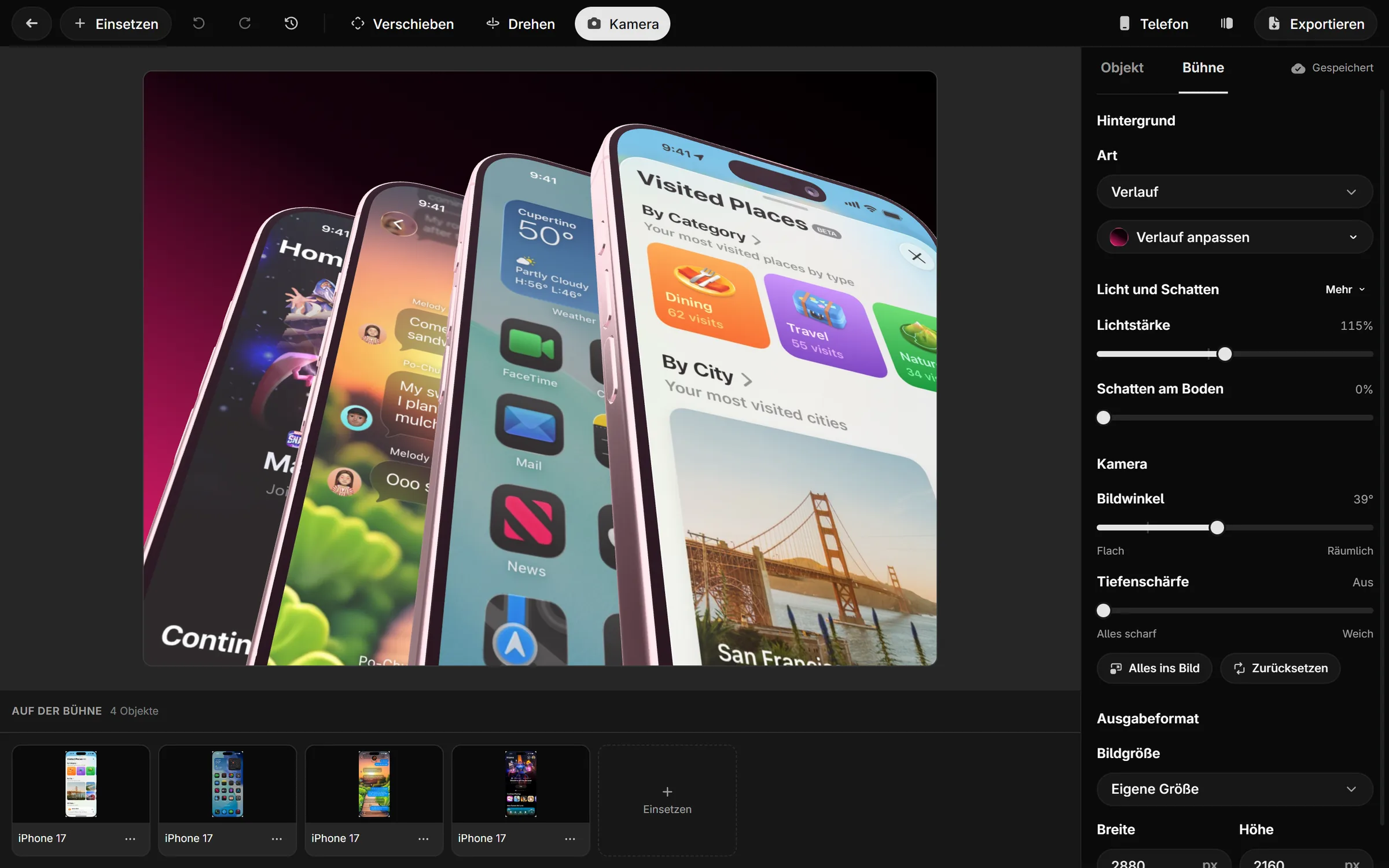
The Showoff editor with four fanned-out iPhones, the timeline below and the stage settings on the right
Four modes

Place first, then animate, then frame.

Move and Rotate place devices, Animation builds motion on the timeline, and Camera sets the shot. The camera only moves in camera mode, so dragging a device never turns the view by accident.

  • Devices snap to the center, the floor and each other
  • Drop on the floor and face the camera with one key
  • Swap a device without rebuilding the scene
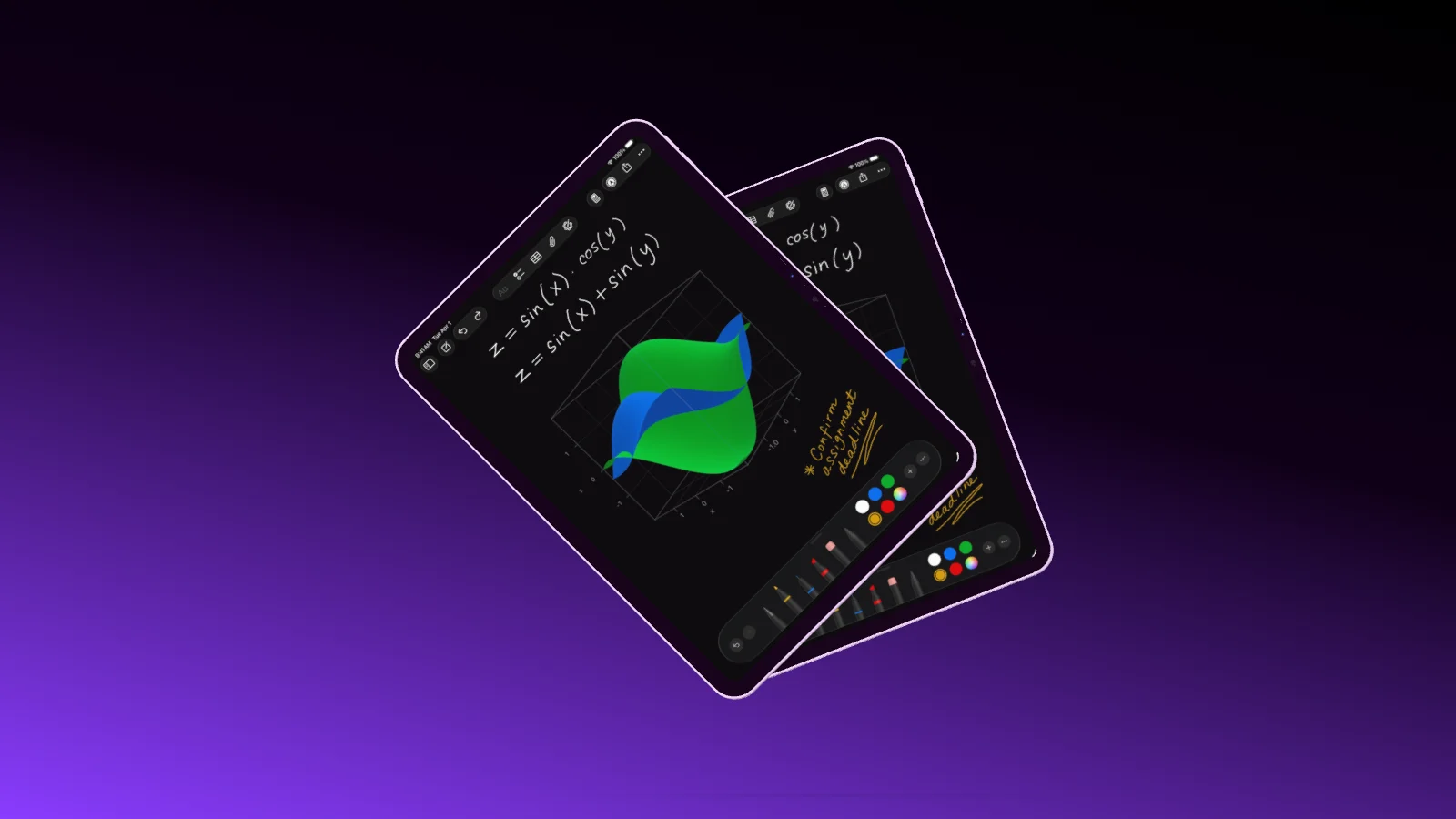
Two iPad Pro 11" fanned out and tilted toward the camera
Snapping Center, floor and other objects
Together

One scene, the whole team.

Every change goes out to everyone who has the project open. You see who is there, where their pointer is and what is changing, and when someone presses play, it plays for everyone.

  • Live pointers in each person’s color
  • Undo only takes back your own steps
  • Share a project with selected people only
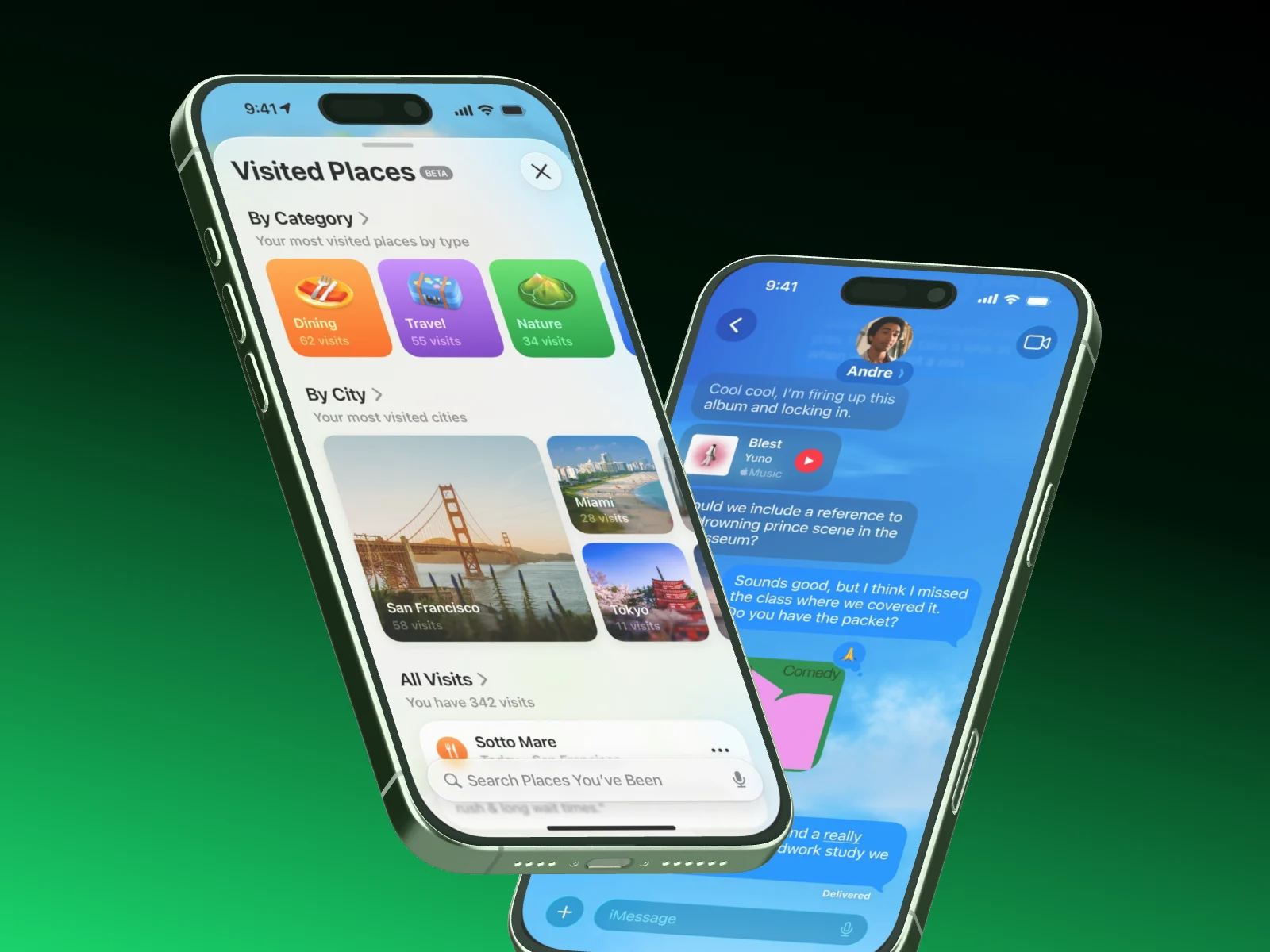
Two iPhones tilted on a black to green gradient, showing visited places and a chat
Here now You · Design · Marketing
History

Nothing to save. Nothing lost.

Every change goes to the server immediately. Undo remembers your last 50 steps, and the history keeps every session as a version with a thumbnail, whether you, your team or an AI worked on it.

  • Restore any version, the newer ones stay
  • Show only one device while you work on it
  • Keyboard shortcuts for every mode
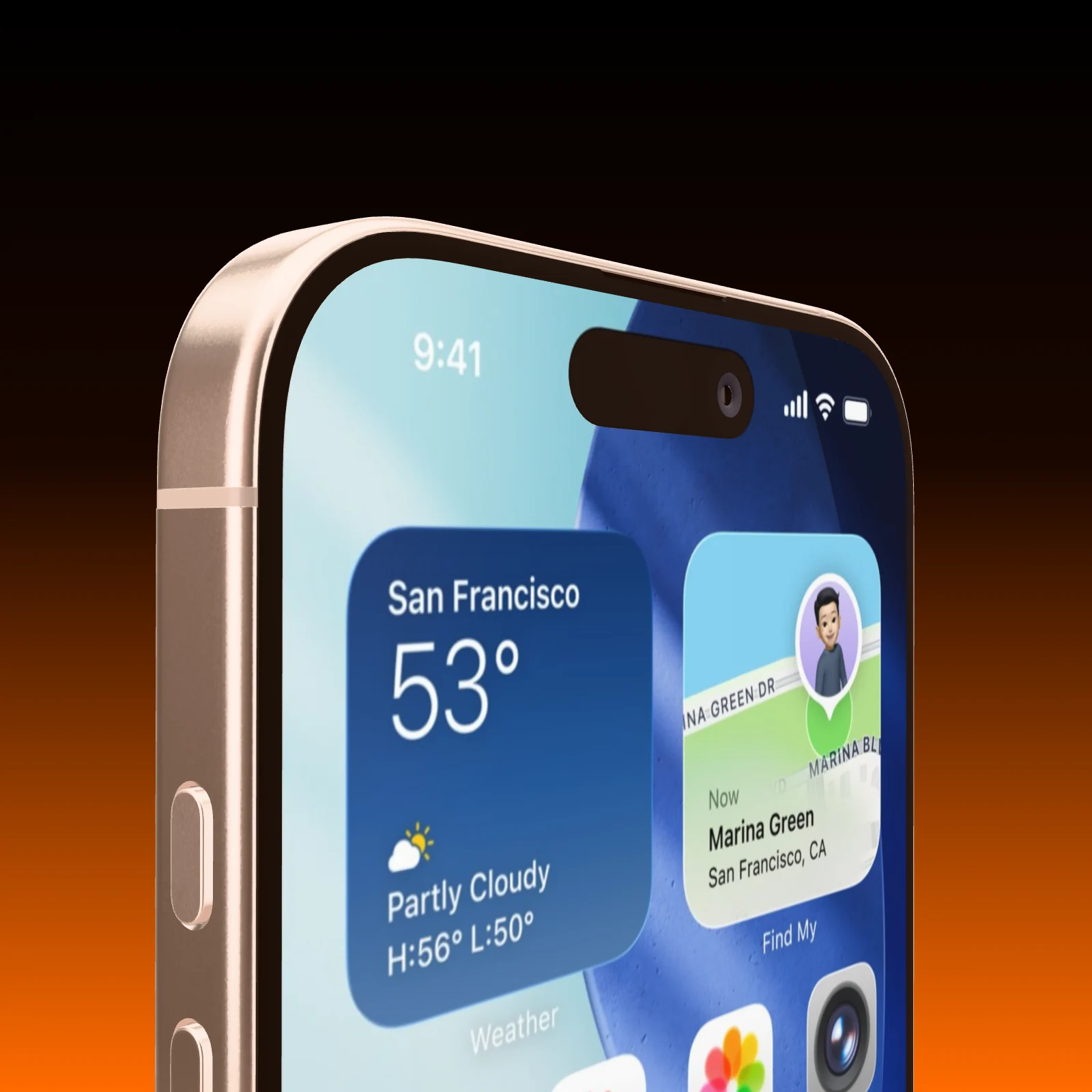
An iPhone seen close up from below on a black to orange gradient, weather and location widgets on its screen
History Restore this version

What sets Showoff apart More than a frame around your screenshot

  • Your phone, live in the scene

    Soon

    Pair your phone with a code. Its screen streams straight onto the device in the mockup, and turning your phone turns the device on stage.

  • Websites on the MacBook

    A screenshot of your website keeps its full width and starts at the top, under a menu bar like on a real Mac. Or record a browser tab straight into the scene.

  • A camera move you draw

    Mark the areas the camera should visit, and Showoff flies through them like a camera operator. Don’t like the result? Roll again.

  • Motion blur like a real camera

    Pick how long the shutter stays open: short, normal or long. Showoff calculates every part of the exposure instead of smearing it on afterwards.

  • A clean status bar

    9:41, full signal, full battery. It replaces the real status bar on your screenshot, including the red recording pill on Android.

  • Everyone in one scene

    Work on the same scene at the same time. You see who is there, where their cursor is and what is changing, and playback runs for everyone.

And plenty more The details that save you time

  • Magnet lines

    Devices snap to each other’s centers, and the camera centers itself.

  • Copy motion

    Build an entrance once and paste it onto the other devices.

  • Swap a device

    Replace an iPhone with a Pixel without rebuilding the scene.

  • MacBook lid

    Set the opening angle, or let the lid open in the film.

  • Music with a cut

    Put music under the clip and choose which part plays.

  • Keyboard shortcuts

    Move, turn, set down and play without reaching for the mouse.

Your first mockup In a few minutes

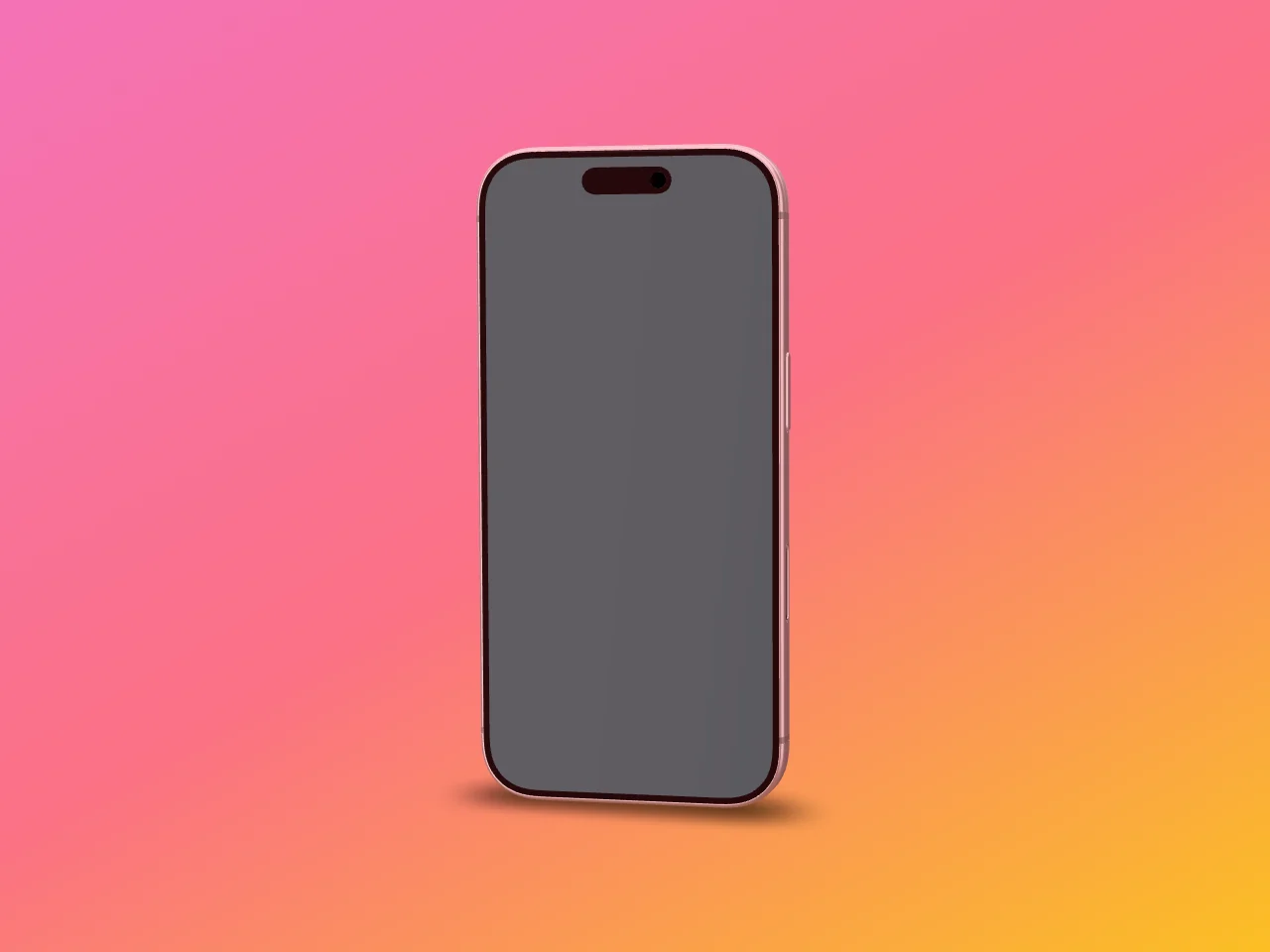
  1. An iPhone with an empty display on a pink to orange gradient
    01

    Create a project

    A still for images, a film for videos, or a template that has everything in place.

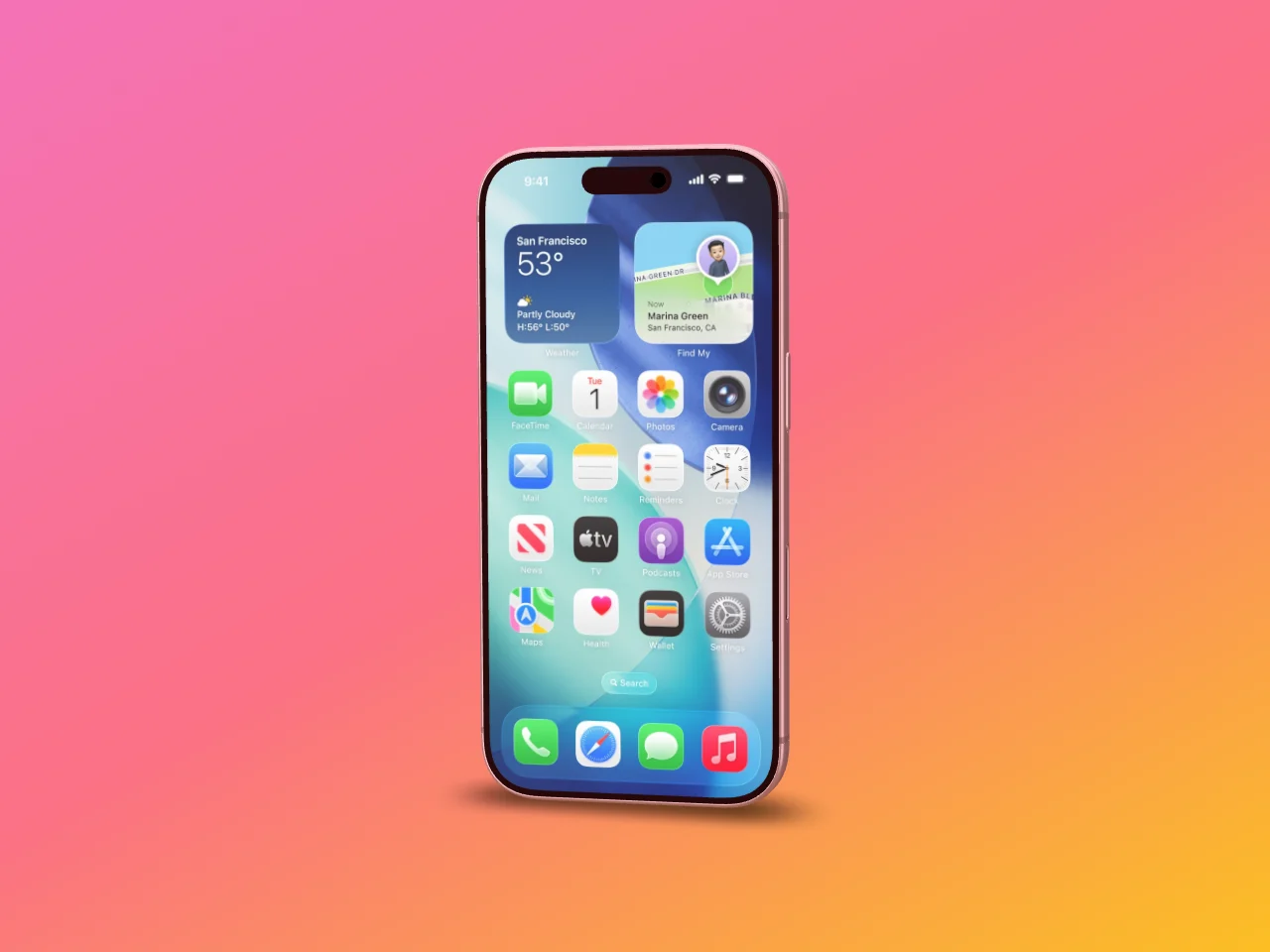
  2. The same iPhone with the screenshot on its display
    02

    Add your screens

    Drop screenshots, recordings and music onto the editor. They land on the device or in the media library.

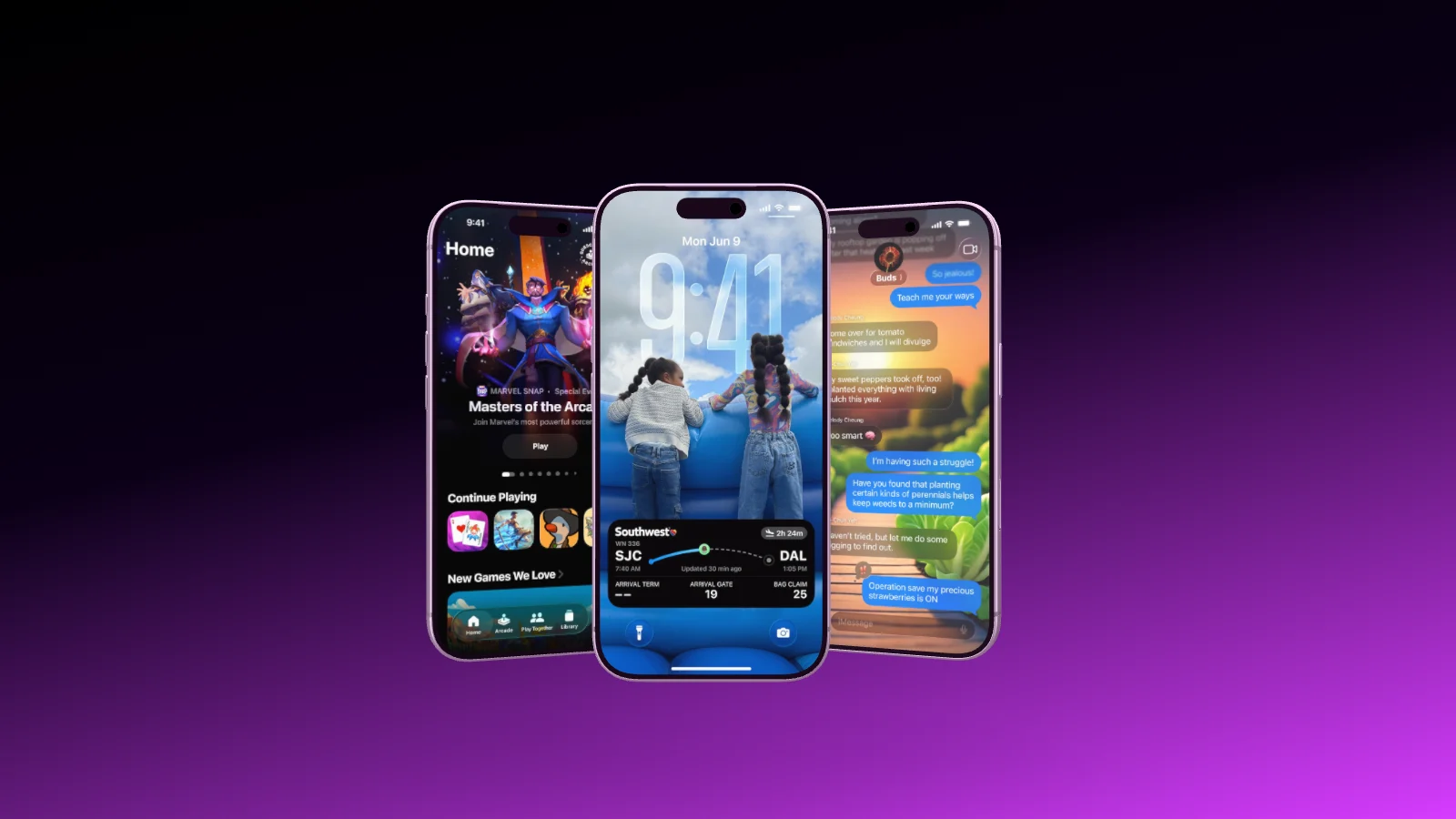
  3. Three iPhones staggered in depth on a black to violet gradient
    03

    Set the shot and export

    Background, light, camera, then export. Your browser renders the file.

Questions about the editor

Open the documentation

Yes. A current Chrome, Edge, Firefox or Safari with hardware acceleration is all it needs. Nothing to install.

No. Drag your screenshot onto a device and turn it until you like it, or start from a template.

Yes. Everyone who has the project open sees every change right away. Three people are included on every plan.

No. Every change goes to the server immediately, and the history keeps earlier versions.

Yes. Showoff is an MCP server, and you watch Claude, ChatGPT or Cursor work in the scene live.

With your AI

Your AI works in the same editor.

Connect Showoff as an MCP server, and Claude, ChatGPT or Cursor build and change scenes while you watch, every change checked before it is saved.

Open the editor.