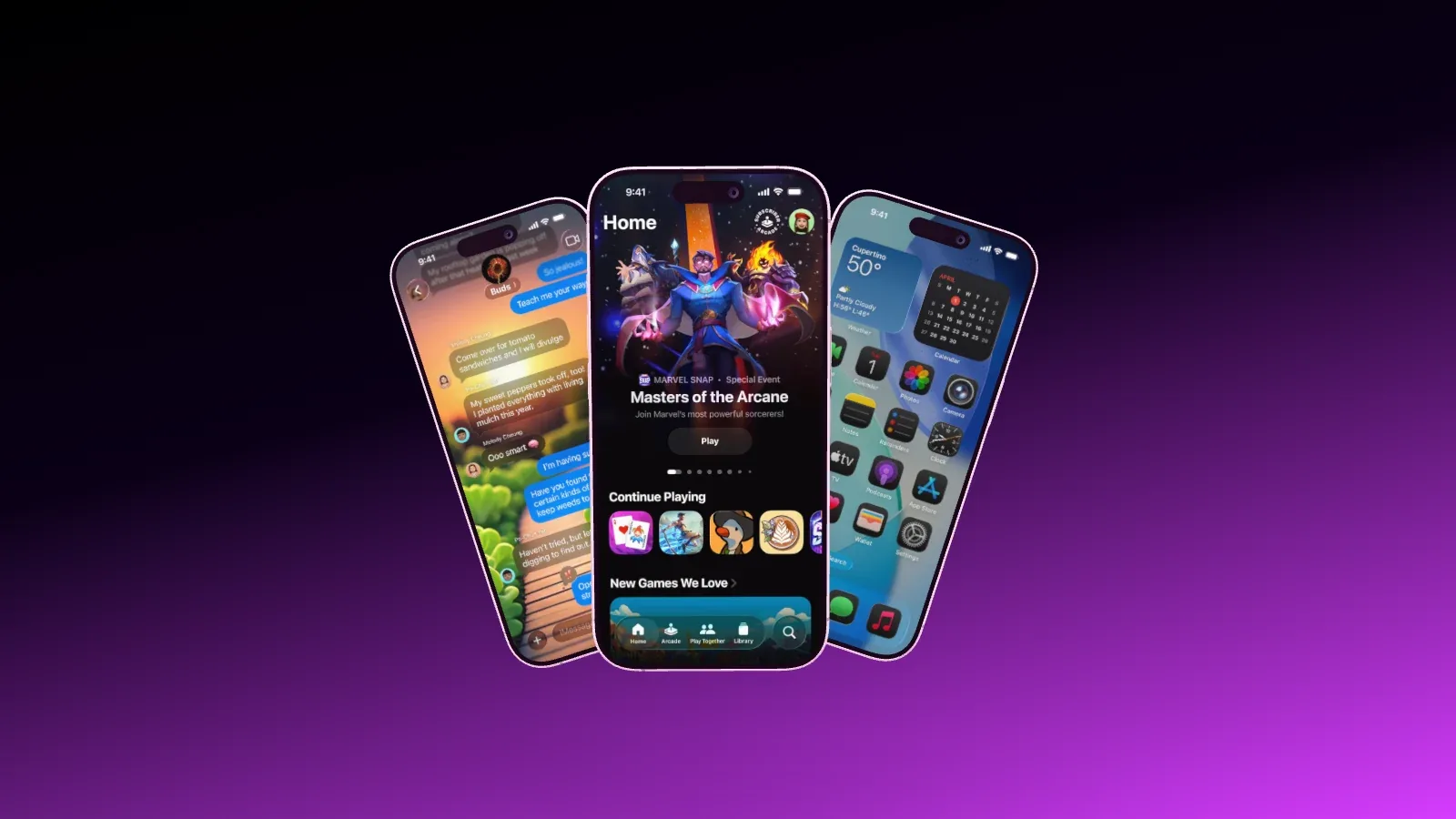
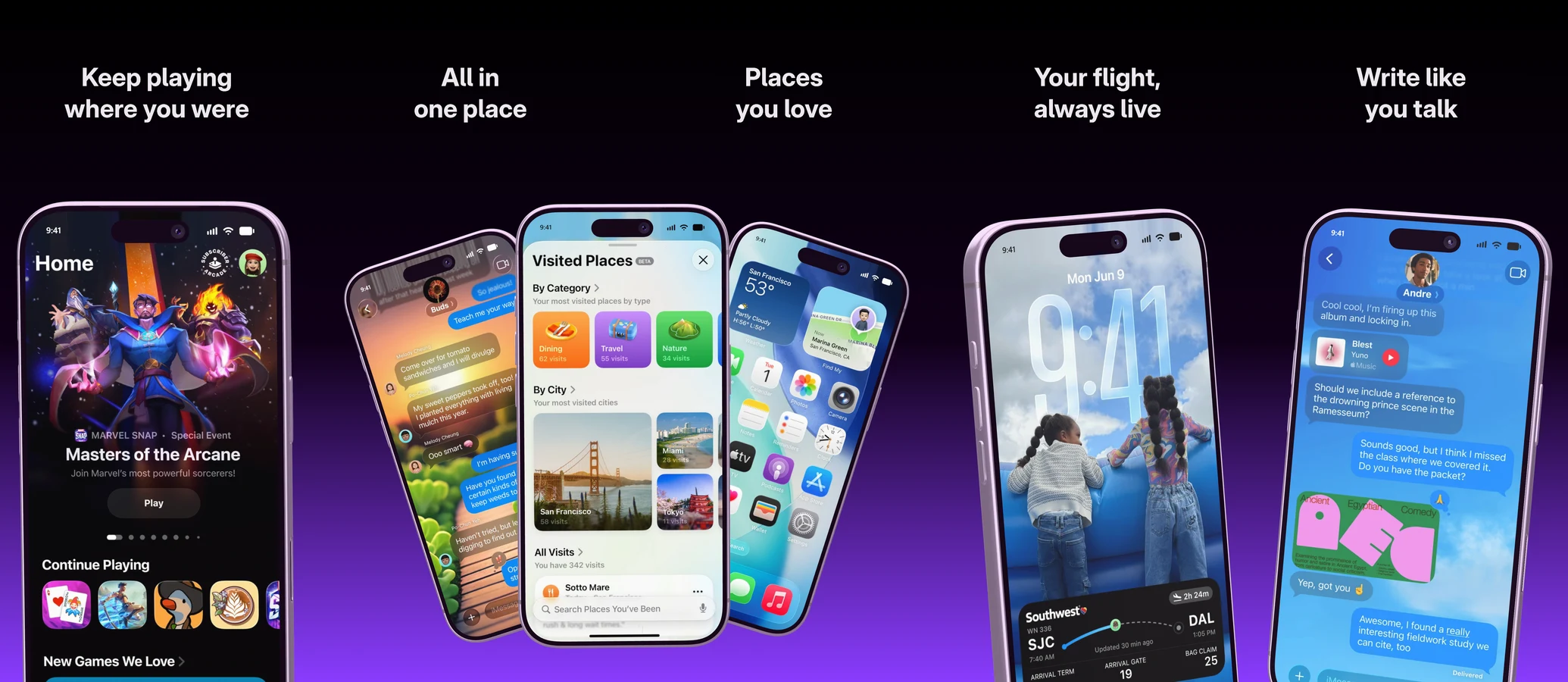
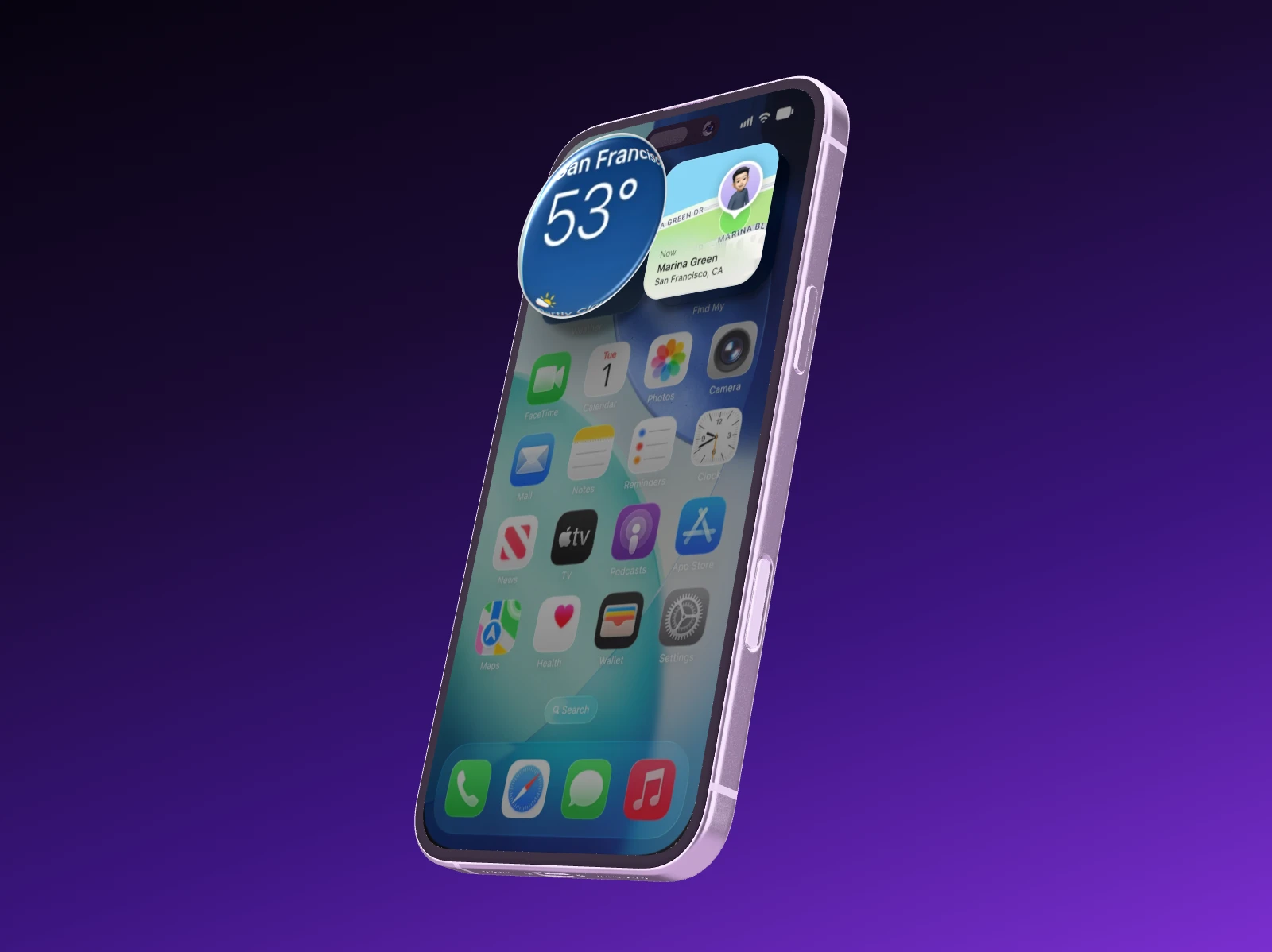
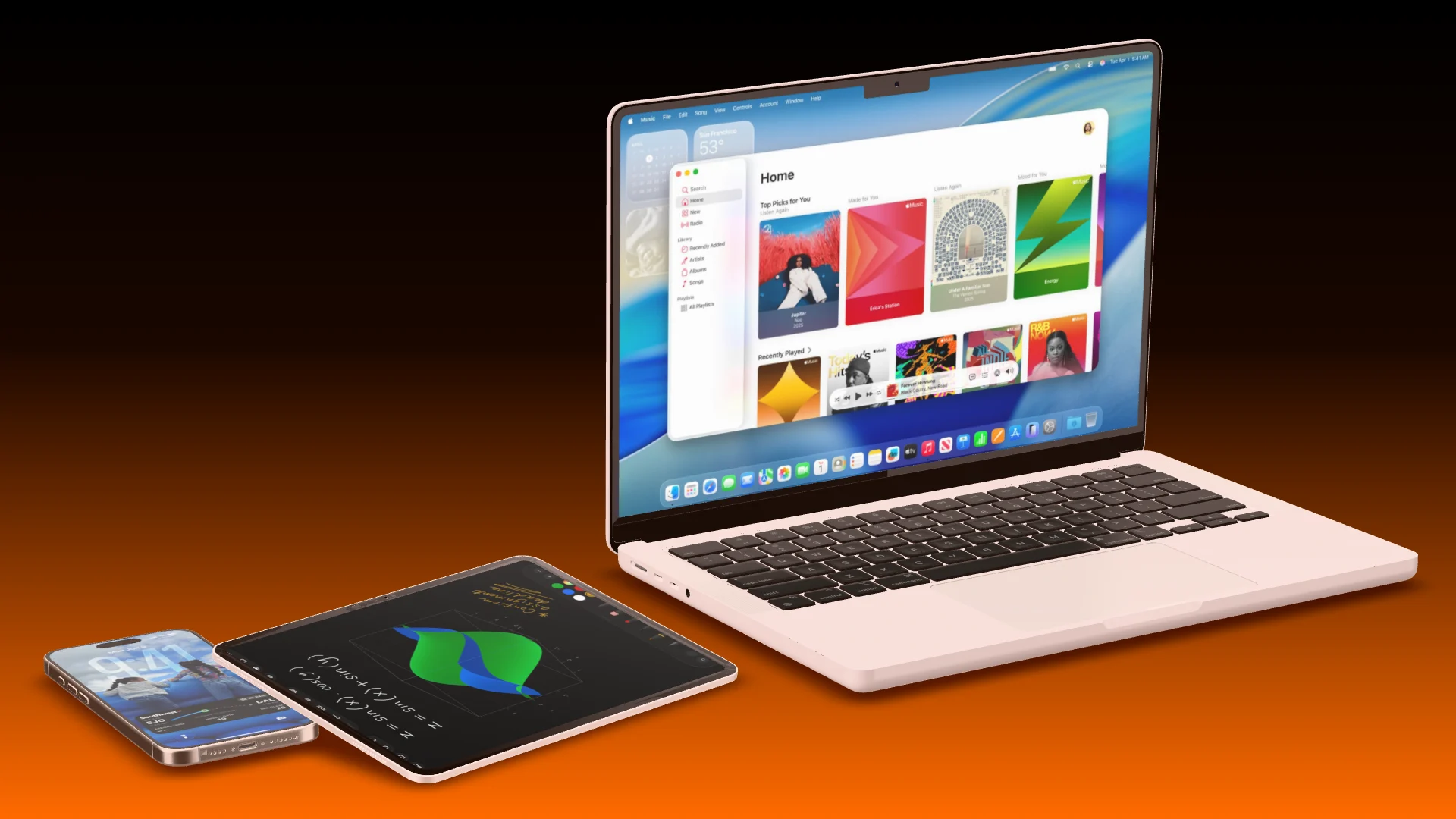
Add https://showoff.dev/mcp to Claude, ChatGPT, Cursor, Codex, Gemini CLI or GitHub Copilot. Your AI can then browse templates, create projects, put screenshots on real devices, export images and build launch videos, all inside your organization.
In Claude, add a custom connector. In ChatGPT, turn on developer mode and add the address. Claude Code takes one command. Cursor and VS Code install with a button in Showoff’s settings, and any client that reads an mcpServers configuration with OAuth works too.
Sign in once in the browser, no key
API keys for scripts, CI and clients without a browser
Every connected app listed in the settings
Claude Codeclaude mcp add --scope user \
--transport http showoff \
https://showoff.dev/mcp
The tools
Everything the editor can do, as tools.
Your AI lists devices, compositions and templates, creates and edits projects, uploads screenshots, renders a quick preview, runs the review, suggests palettes, exports the final image and builds launch videos. It can also list versions and restore an earlier one.
Every change passes an art-direction review before it is saved. A connection works in one organization and can do nothing you could not do there yourself. Disconnecting an app takes effect immediately, and every AI session becomes a version you can bring back.
Rejected changes come back with the fix
Exports that cost something need your OK
Leaving an organization ends the AI’s access there
Review passedNo issues found
Works with the AI you already use.
Showoff is an MCP server. Any AI that speaks MCP can run it, and all it needs is the address.
Your AI works in Showoff the way you do. It creates projects, puts screenshots on devices, sets camera and background, highlights details and builds whole App Store sets. Before anything is saved, Showoff checks the picture like an art director.
App Store images, website mockups and launch videos, all through the same connection
Watch live what your AI is working on, and bring back any earlier version
The Model Context Protocol is the standard AI programs use to work with tools. Connect Showoff, and your AI can work in it the way you do.
No. You sign in once in the browser. API keys exist for scripts, CI and clients without browser sign-in.
Claude, Claude Code, ChatGPT, Codex, Cursor, Gemini CLI, GitHub Copilot in VS Code, and any client that reads an mcpServers configuration and supports OAuth.
One organization, with the same rights you have there. The MCP section of the settings lists every connected app, and you can disconnect it at any time.
MCP is part of Pro, €18 a month or €12 when paid yearly. On Free your AI can work for 3 days, counted from its first request.
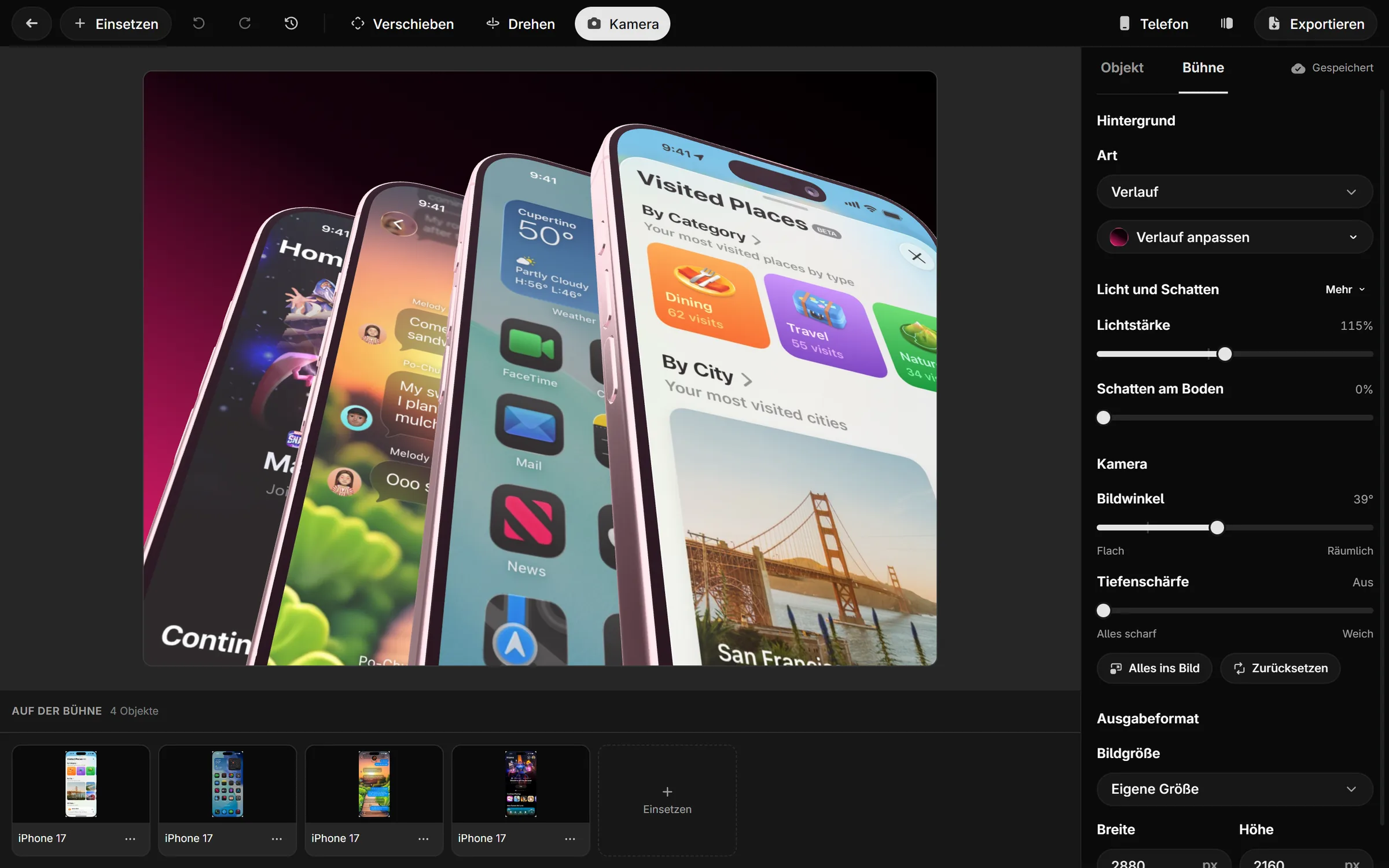
In the editor
See where your AI works.
The editor your AI works in: devices, camera, motion and the timeline, with you in the same scene.